← Corbin

INSTALLATION INSTRUCTIONS
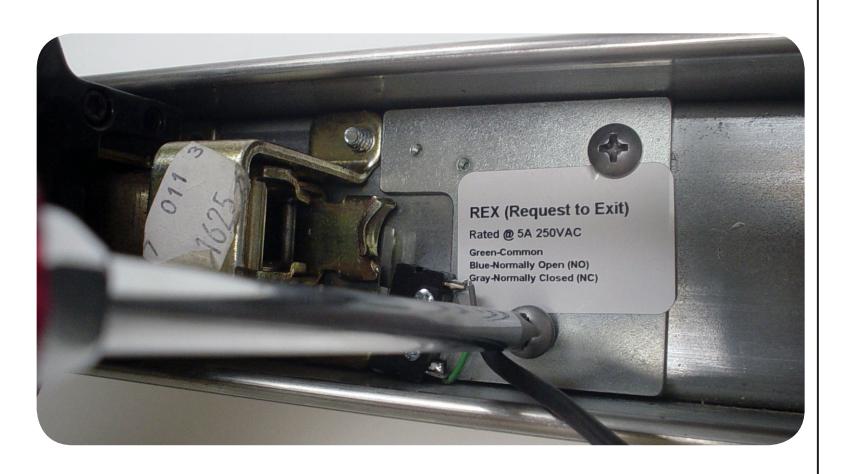
The CYREXKIT-ED is a field installable request to exit switch for mechanical Corbin ED4000/5000 & Yale 7000 exit devices.

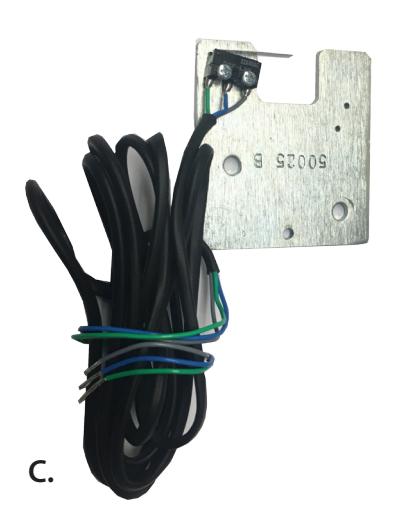
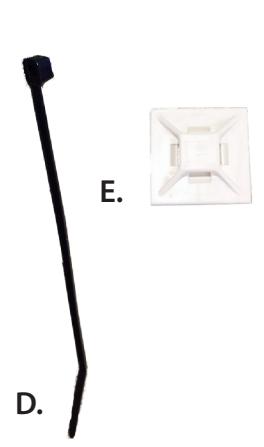
Ki t In c l u d e s
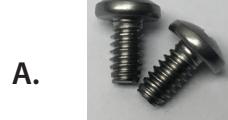
- A. 2 Phillips screws
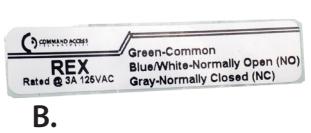
- B. REX sticker
- C. REX switch
- D. Cable tie
- E. Cable tie mount
To o l s Re q u i r e d
• Phillips screw driver
S p e c i f i c at i o n s
• Rating: 5A @120VAC
• Configuration: Green - Common (C)
Blue - Normally Open (NO)
Gray - Normally Closed (NC)
T ro u b l e s h o o t i n g & Di a g n o s t i c s
If switch does not trigger correctly. Check activating lever arm on switch & re-adjust to make sure it is making good contact with motor block when it moves forward.
1

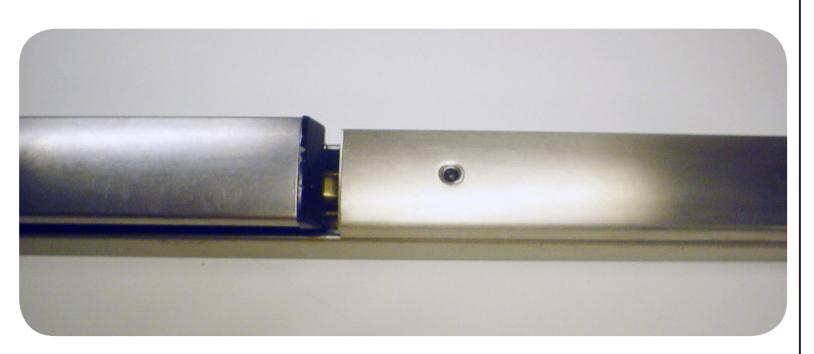
• Remove end cap, filler cover, and remove Dogging if present.
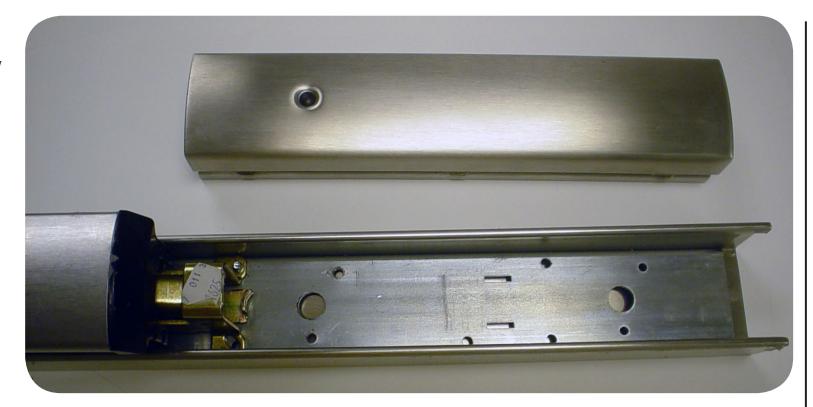
• Slide in Rex Kit from end of the device and place at the end for pad mechanism.
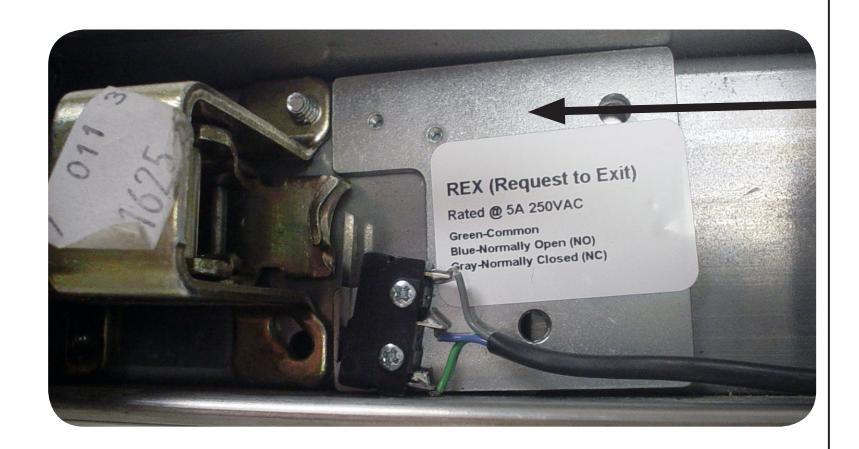
- Install two screws that are provided into dogging holes and tighten.
- Push pad down to test for proper operation.
- Replace cover and end cap.