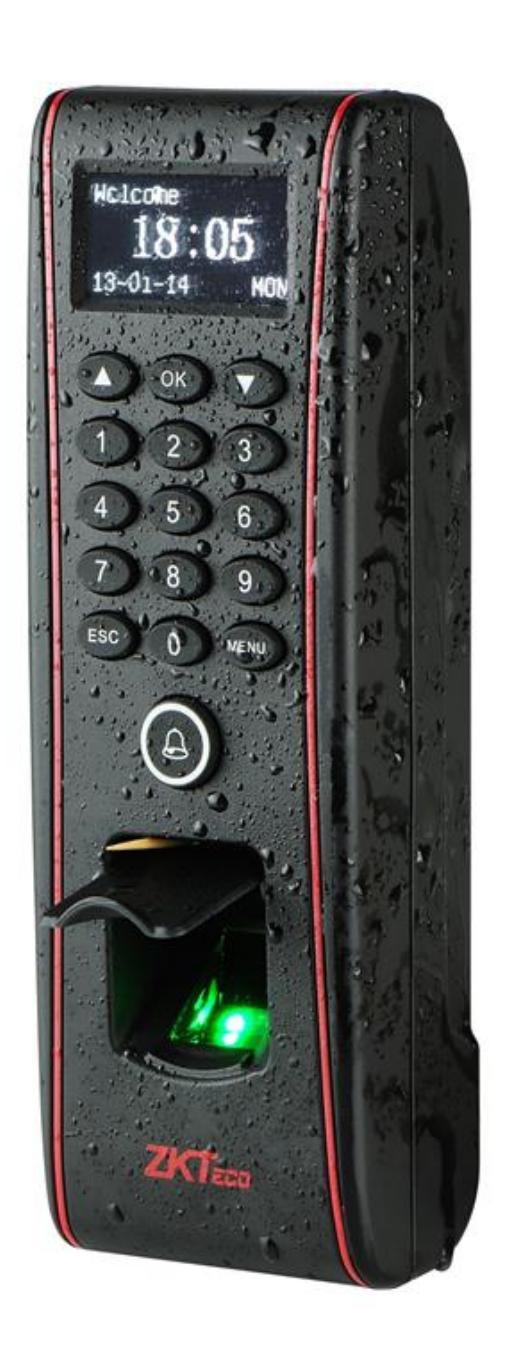
ZKTeco USA TF1700 Installation Guide
Open the original PDF document
View PDF

| Safety Precautions | 03 |
|---|---|
|
How
to place the finger |
04 |
| Product Contents | 07 |
|
Product
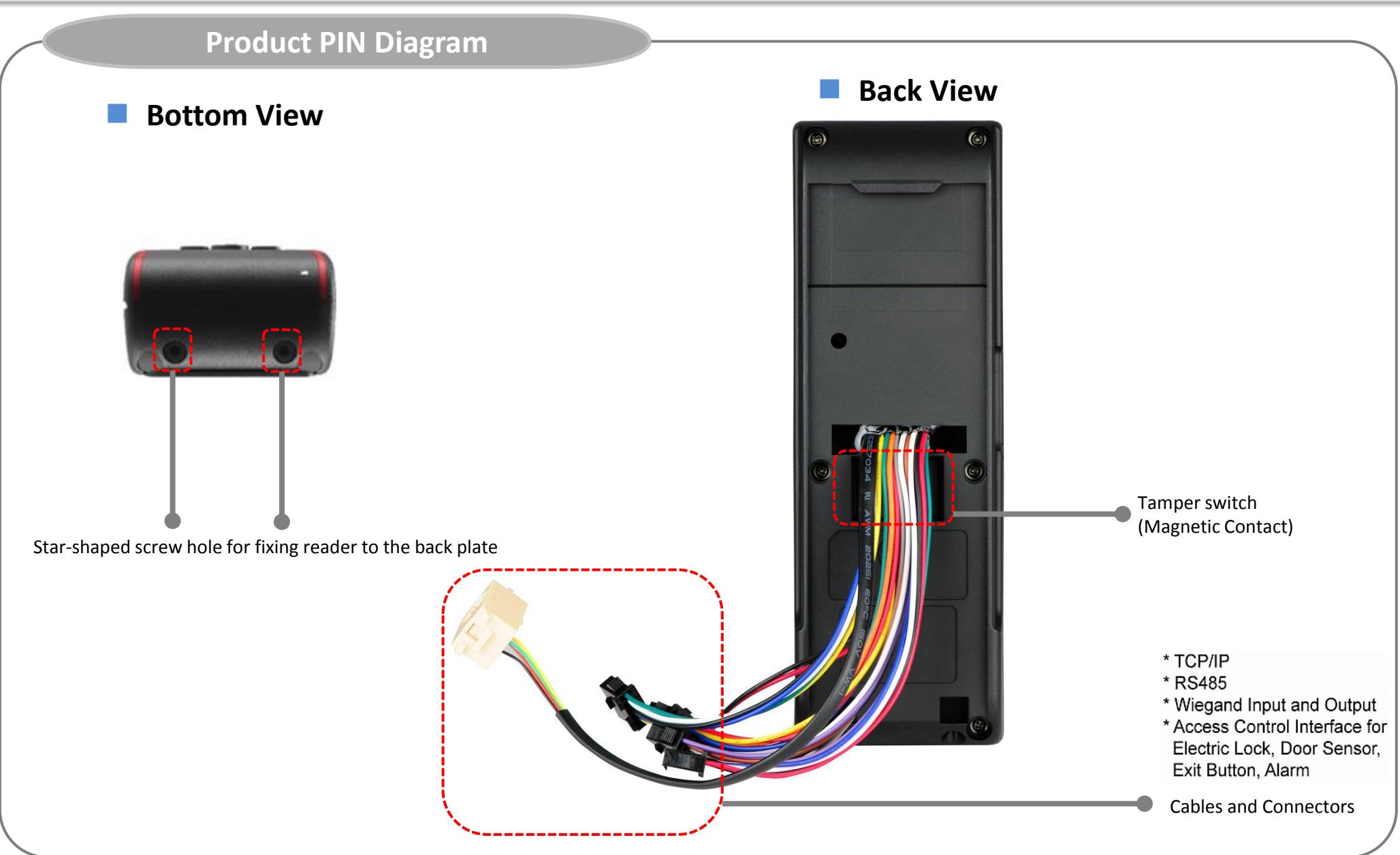
PIN Diagram |
09 |
|
Product
Dimensions |
11 |
| Cables and Connectors | 12 |
|
Installation
of Back Plate |
13 |
| Power Connection | 14 |
|
Ethernet
Connection |
15 |
|
PC
RS485 Connection |
17 |
|
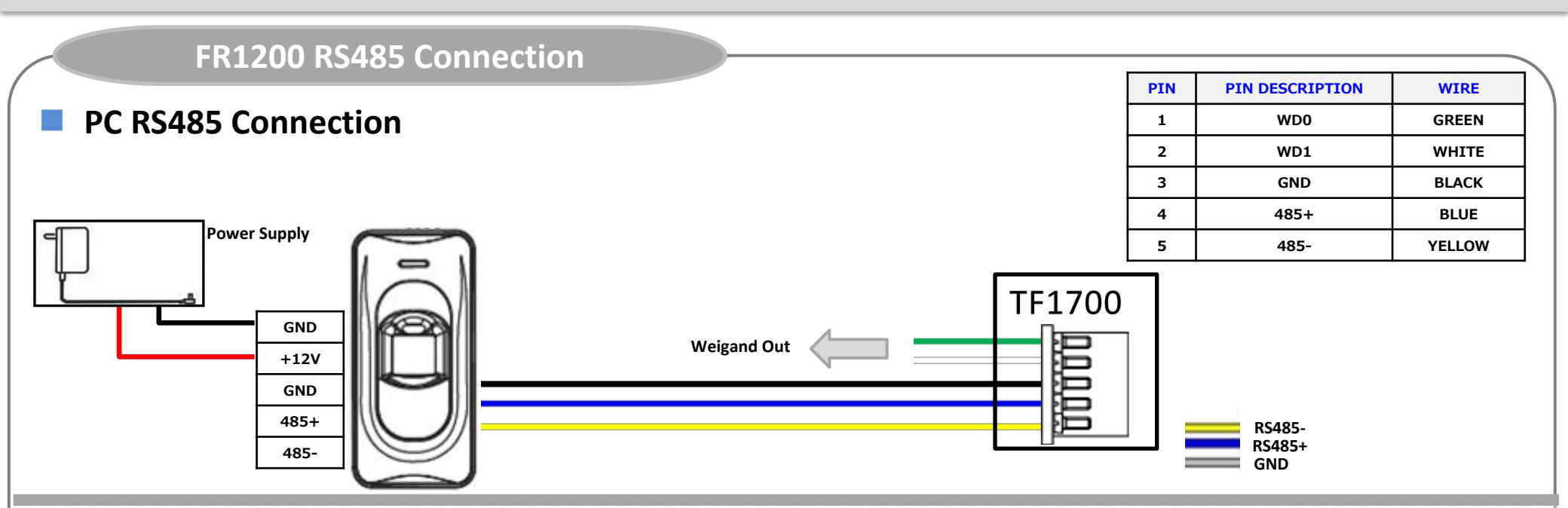
FR1200
RS485 Connection |
18 |
|
Relay
Connection |
19 |
| Digital Input Connection | 21 |
|
Weigand
Input Connection |
24 |
|
Weigand
Output Connection |
25 |
|
Installation
Reference |
26 |
| Specifications | 29 |
|
Electrical
Specifications |
31 |
Safety Precautions
The following precautions are to keep user's safe and prevent any damage. Please read carefully before installation.
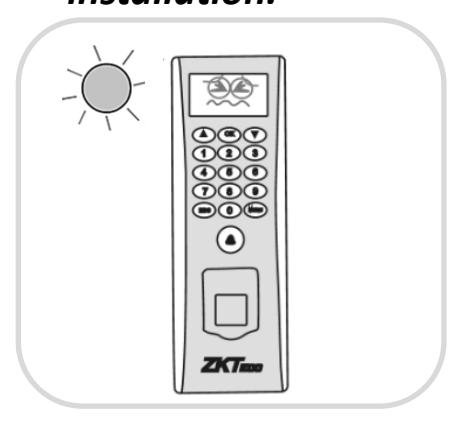
• Do not install the device in an area subject to direct sunlight, humidity or dust
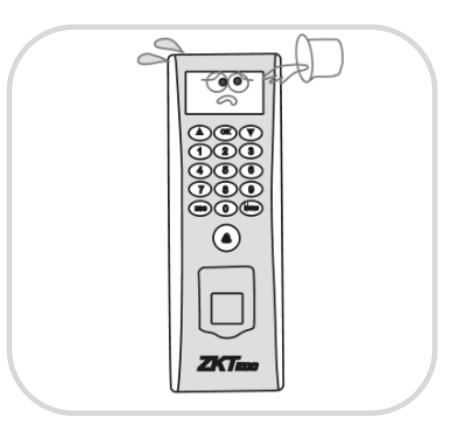
• Be careful not to let liquid like water, drinks or chemicals leak inside the device.
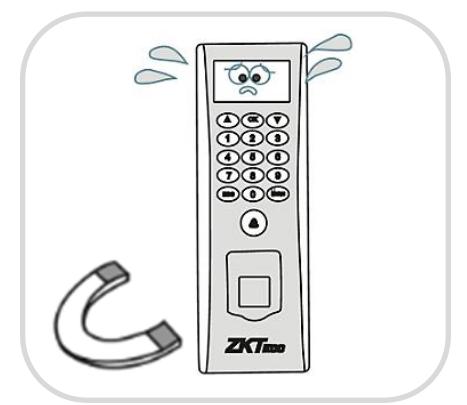
• Do not place a magnet near the product. Magnetic field from magnets, CRT, TV, monitor or speaker may damage the device.
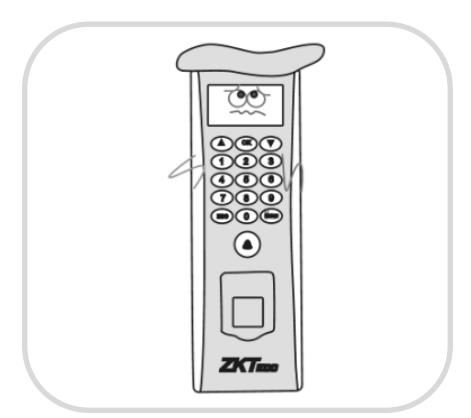
• Clean the device often to remove dust on it
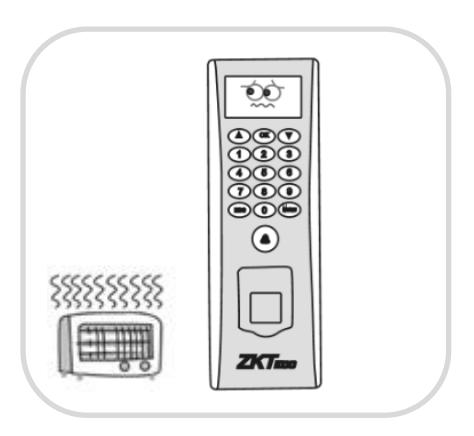
• Do not place the device next to heating equipment.
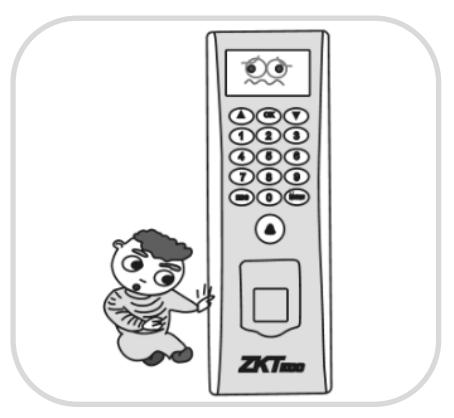
• Do not let children touch the device without supervision.
Safety Precautions
The following precautions are to keep user's safe and prevent any damage. Please read carefully before installation.
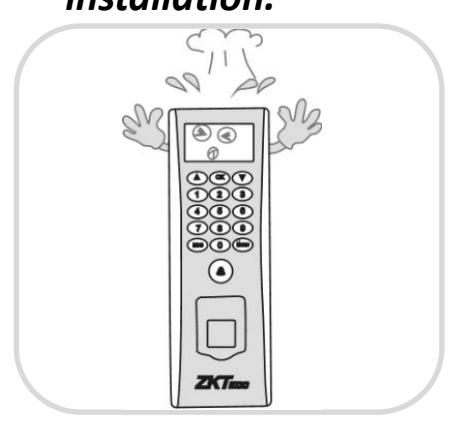
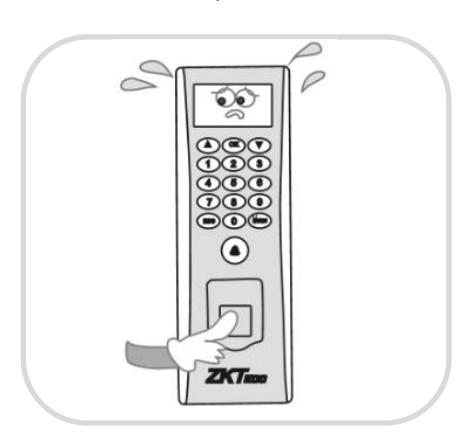
• Do not damage the device
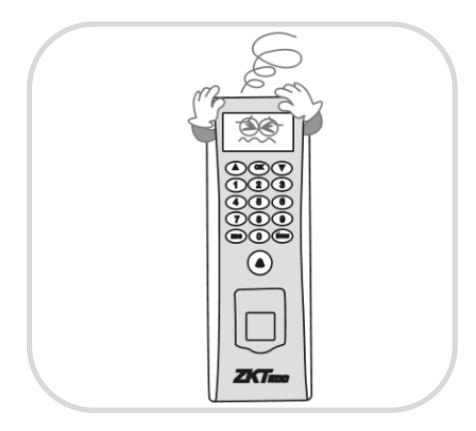
• Do not drop the device. • Do not disassemble, repair or alter the device.
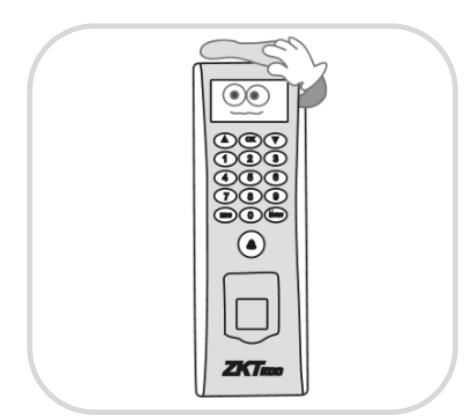
• In cleaning, do not splash water on the device but wipe it out with smooth cloth or towel.
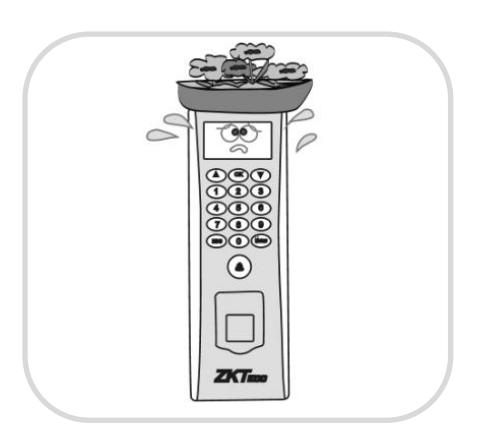
• Do not use the device for any other purpose than specified.
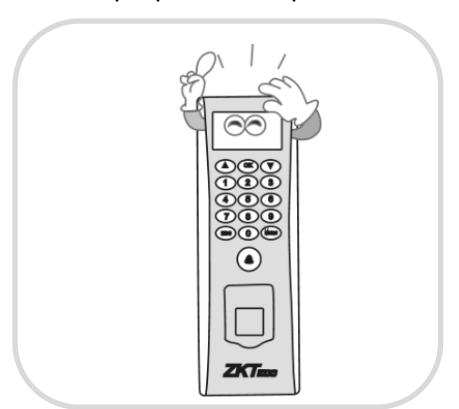
• Contact your nearest dealer in case of a trouble or problem.
How to Place a Finger
ZkTeco's fingerprint readers will give optimal results for fingerprint matching if the following recommendations and suggestions are followed.
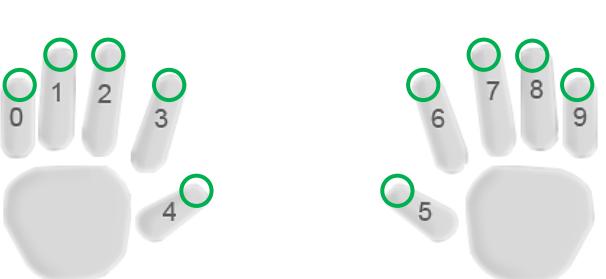
Select a finger to enroll
- It is recommended to use an index finger or a middle finger.
- Thumb, ring or little finger are relatively difficult to place in the correct position
How to place a finger on a sensor
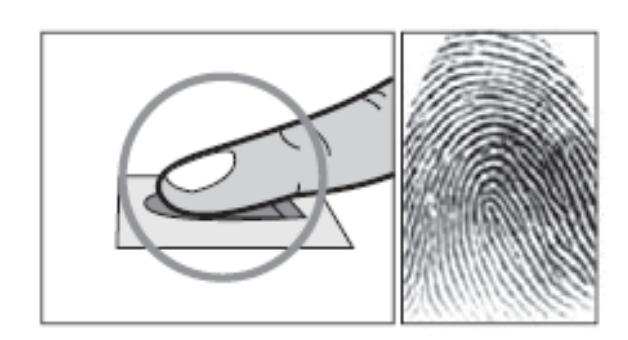
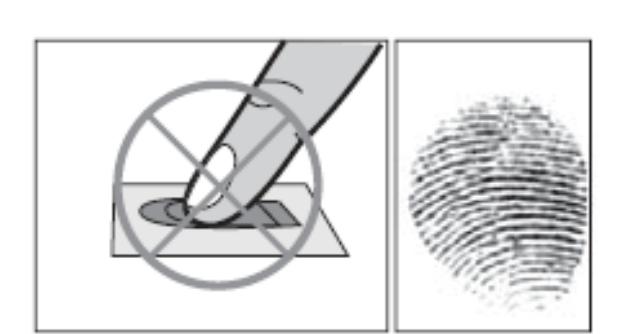
- Place a finger such that it completely covers the sensor area with maximum contact.
-
Place core of the fingerprint at the center of the sensor. The core of a fingerprint is a center where the spiral of ridges is dense.
- Usually core of fingerprint is the opposite side of the lower part of a nail.
- Place a finger such that the bottom end of a nail is located at the center of a sensor.
- If a finger is placed as shown in the right, only a small area of a finger is captured. So it is recommended to place a finger as shown on the left.
How to Place a Finger
Tips for different fingerprint conditions
-
ZKTeco's fingerprint products are designed to verify fingerprints with highest security irrespective of the conditions of the skin of the finger. However, in case a fingerprint is not read on the sensor, please refer to the followings tips.
- If a finger is stained with sweat or water, scan after wiping moisture off.
- If a finger is covered with dust or impurities, scan after wiping them off.
- If a finger is way too dry, please blow some warm air from your mouth on the finger tip.
Tips for fingerprint enrollment
- In fingerprint recognition, enrollment process is very important. When enrolling a fingerprint, please try to place the finger correctly with utmost care.
-
In case of low acceptance ratio, the following actions are recommended.
- Delete the enrolled fingerprint and re-enroll the finger.
- Enroll the same fingerprint again.
- Try another finger if a finger is not easy to enroll due to scar or cuts.
- In case of an enrolled fingerprint cannot be used due to injury or if the hand is full, it is recommended to enroll more than two fingers per user.
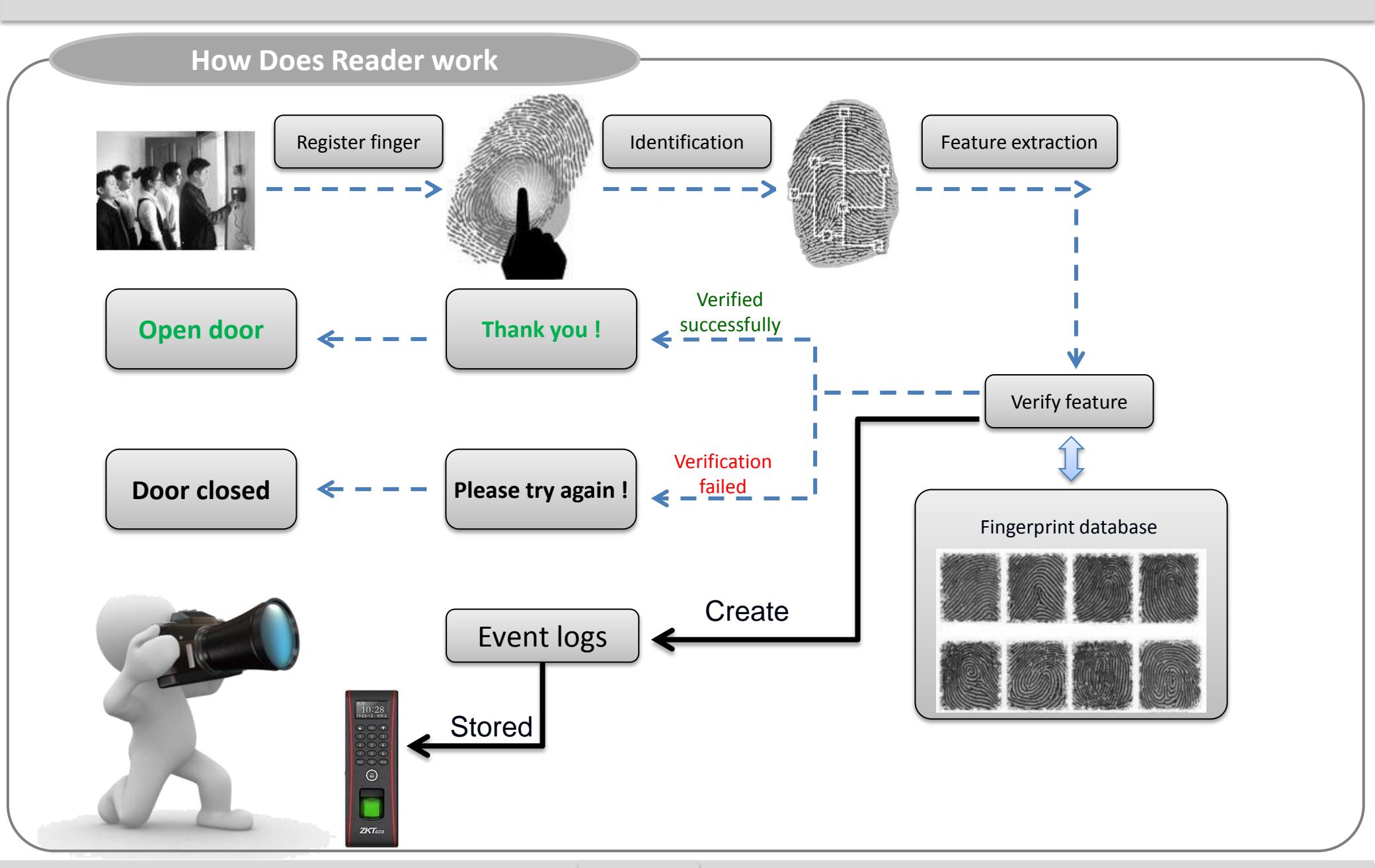
Product Contents
Basic Contents
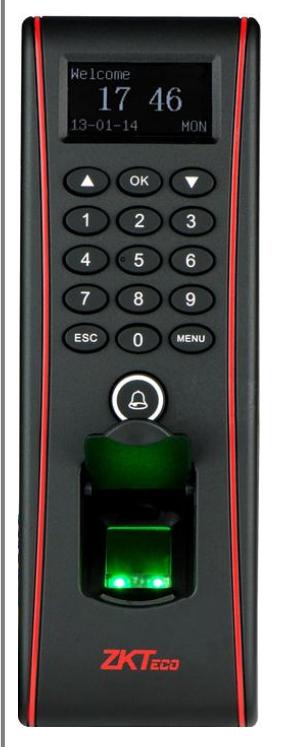
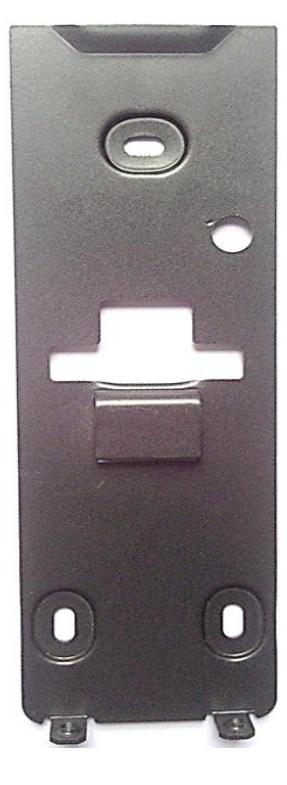
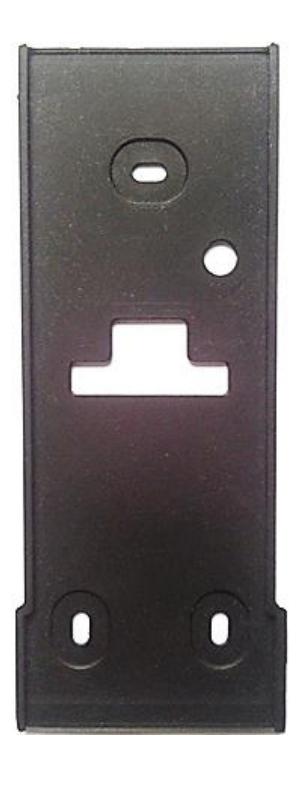
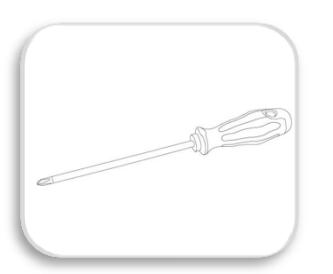

Screw Driver – 1 pc. Wall Mounting Screws – 3 pcs. Wall Plugs– 3 pcs
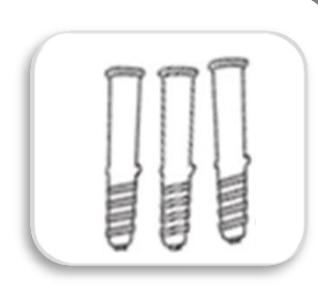

Star-shape Screw for Mounting Plate -2 pcs
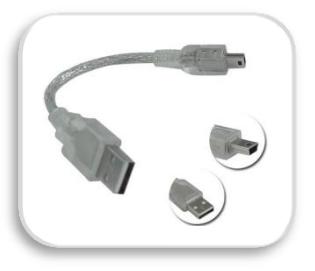
Mini-USB Cable -1 pc

Software CD
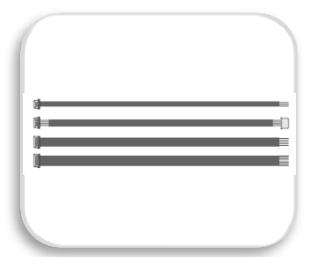
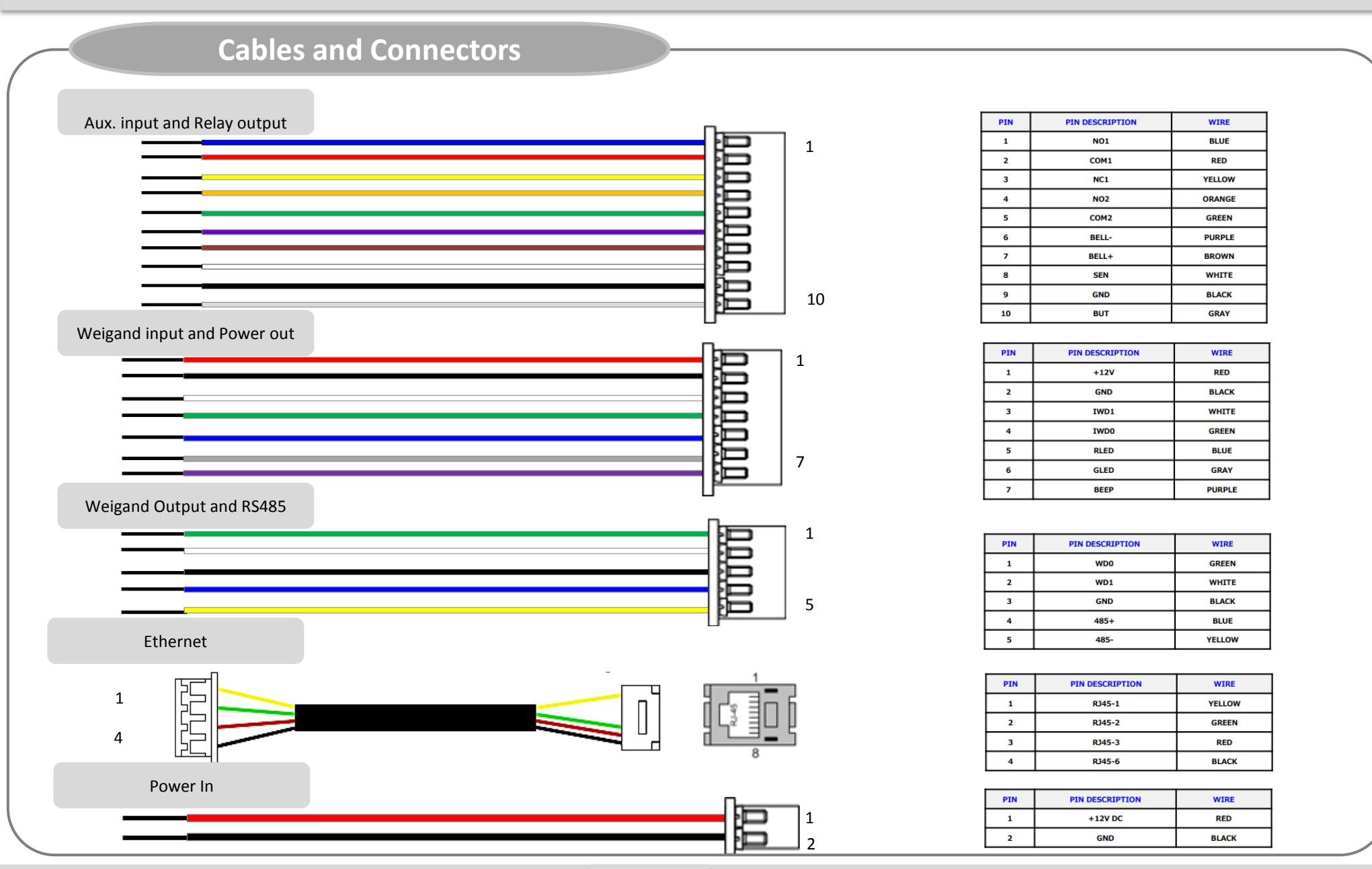
2 pin, 5 pin, 7 pin, 10 pin cables – each 1 pc
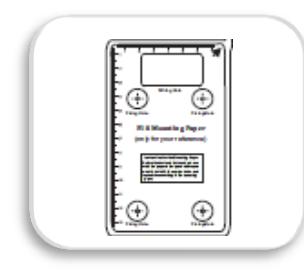
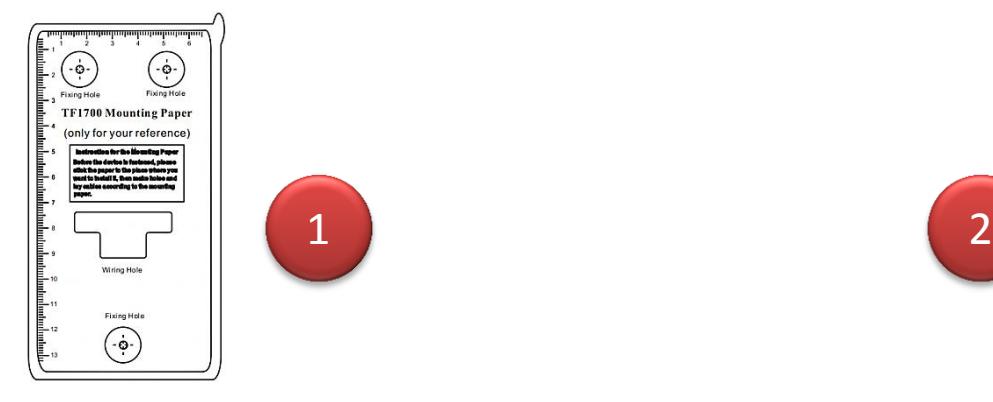
Mounting Paper

TF1700 Installation Guide
Product Contents
Optional accessories
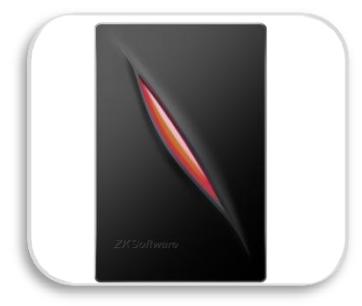
Weigand Card Reader
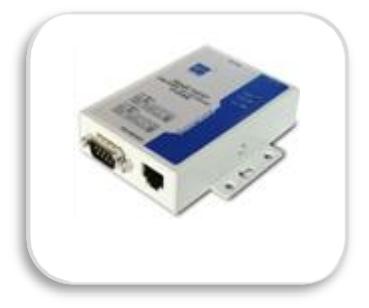
RS485 Convertor
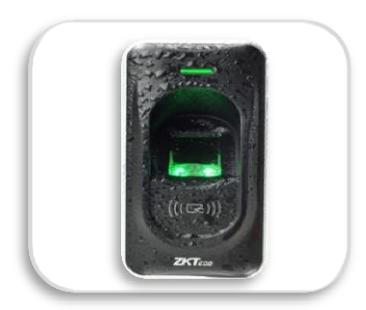
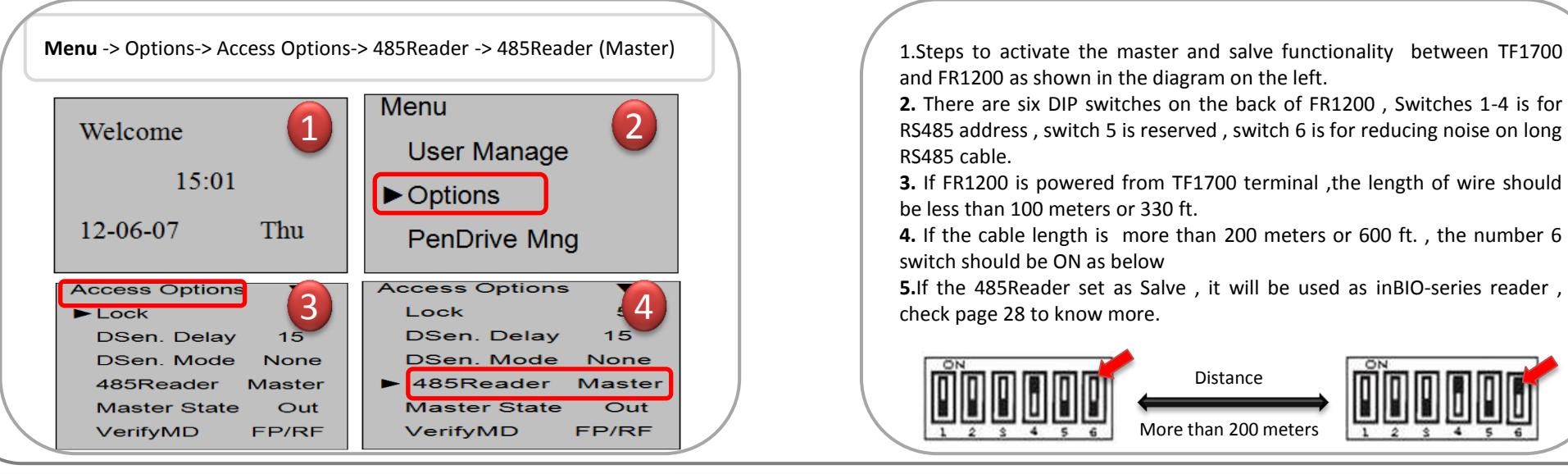
FR1200 Slave Fingerprint Reader
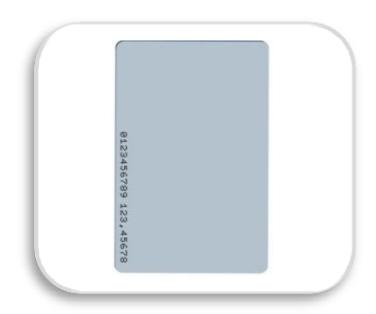
Prox Card
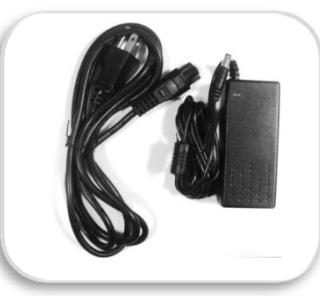
12VDC, 3A Power Adaptor
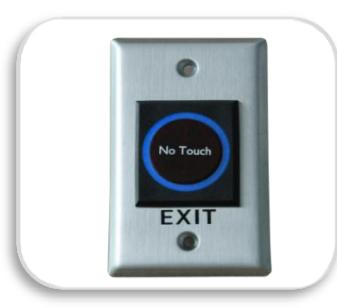
K1-1 Exit Button
Product PIN Diagram
Front View
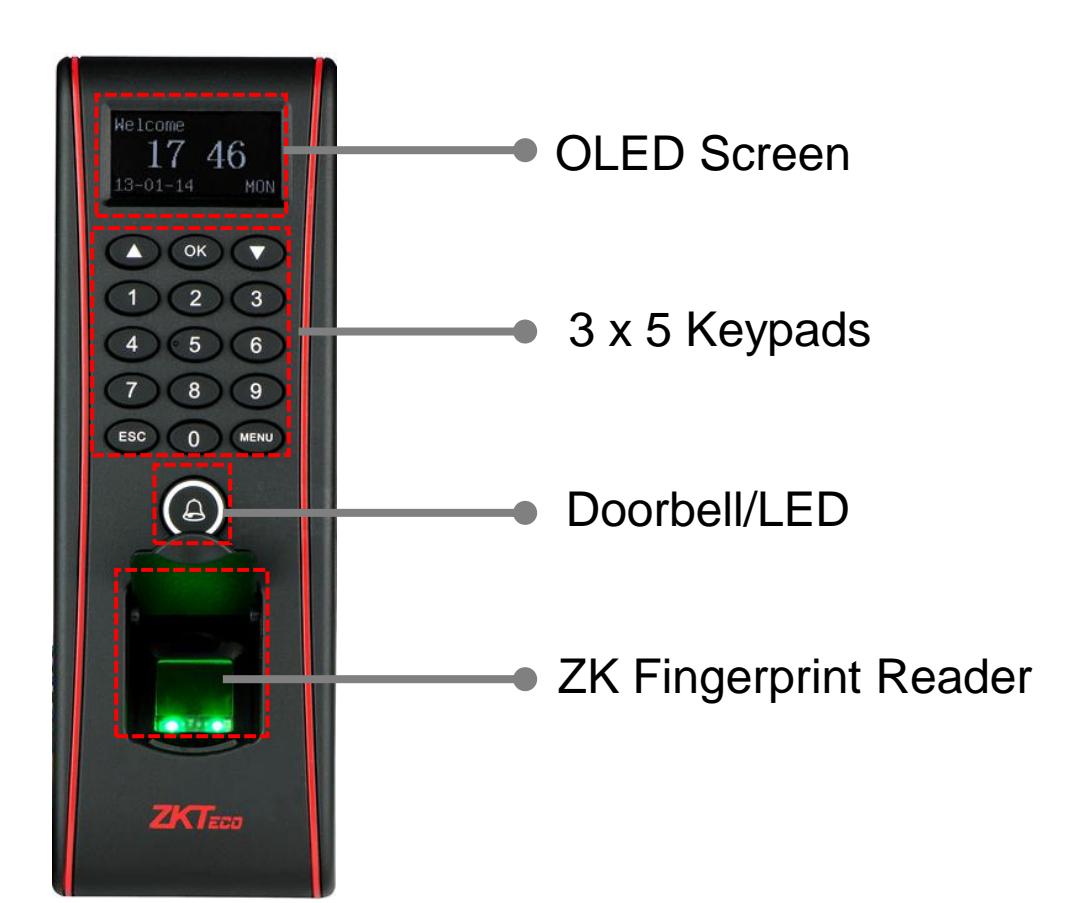
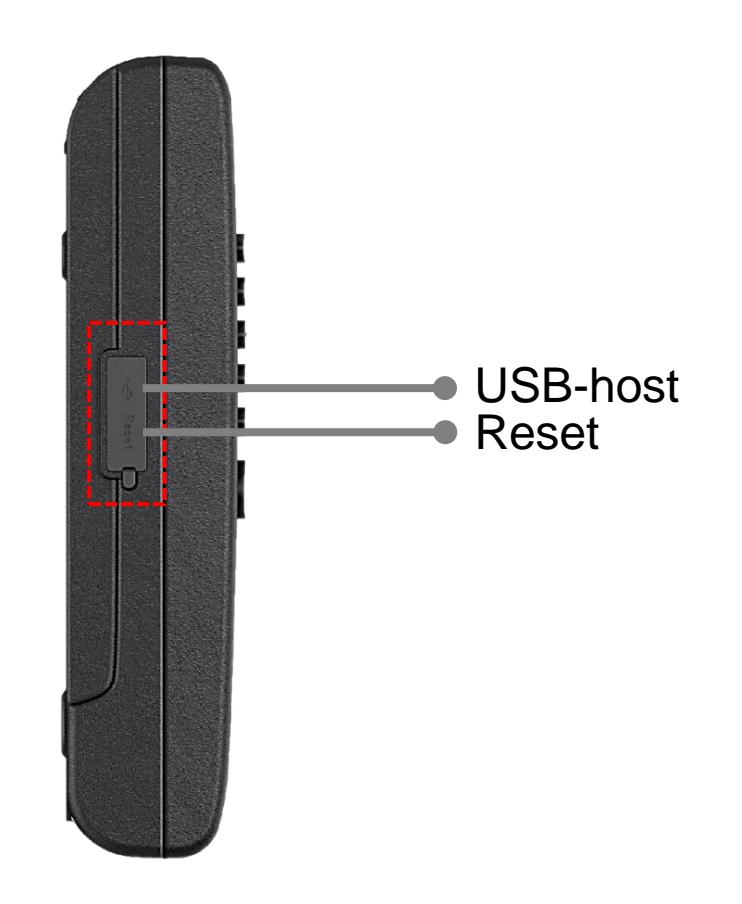
Side View

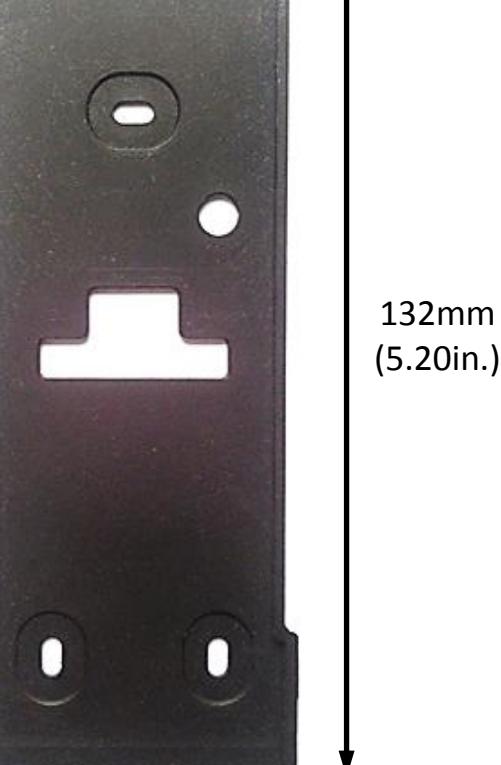
Product Dimension
62.5mm (2.46in.)
185mm (7.28in.)
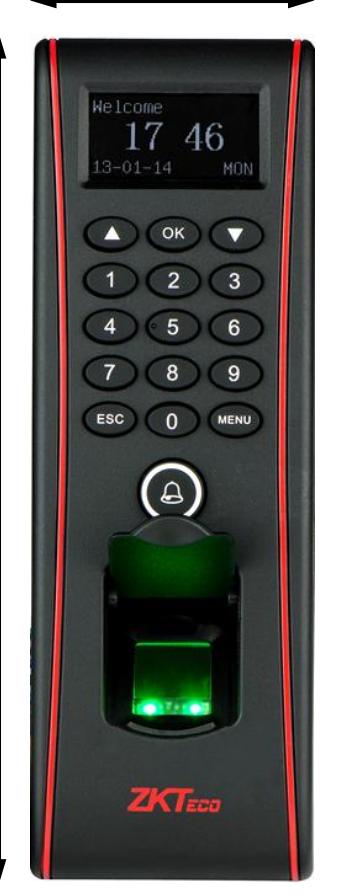
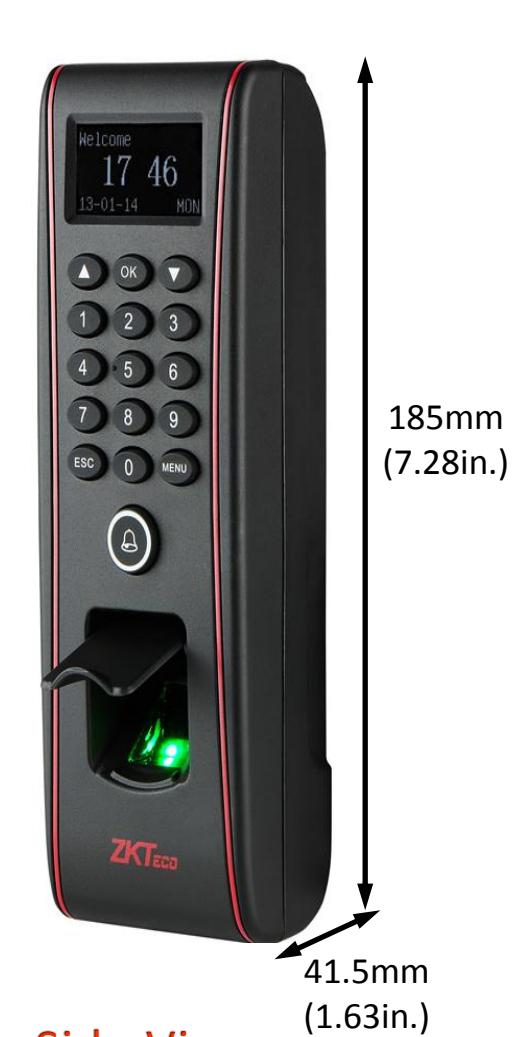
65mm (2.56in.)
Mounting the reader on the Wall
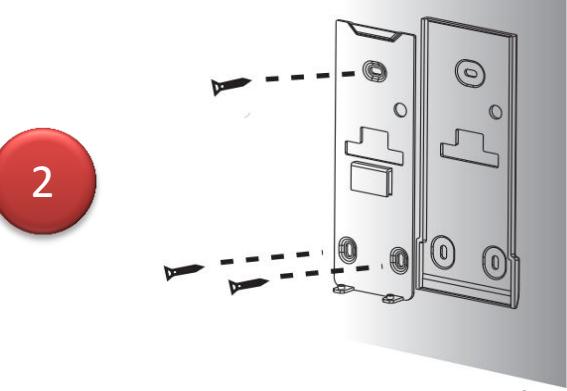
Stick the mounting template on the wall and make holes as per the markings.
Mount TF1700 terminal on the Back plate
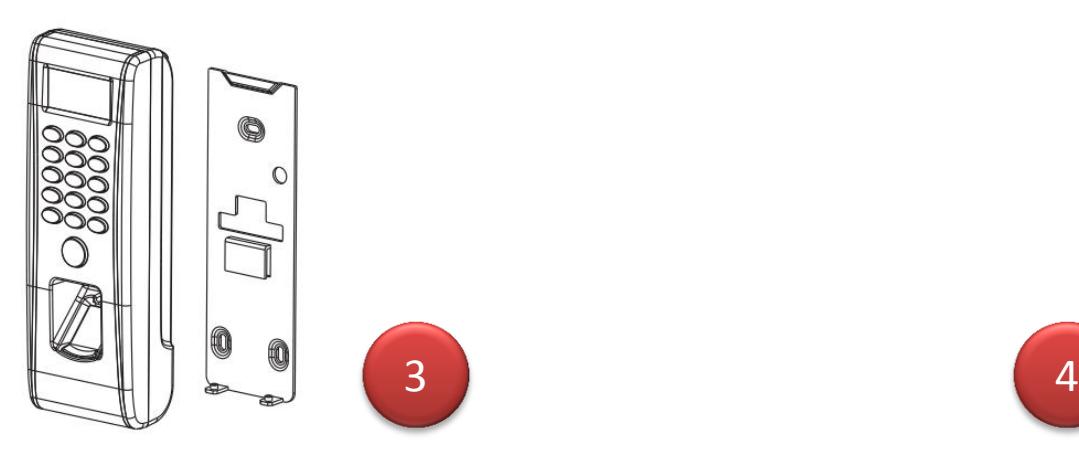
Mount the rubber gasket and the back plate on the wall with the help of the supplied screws.
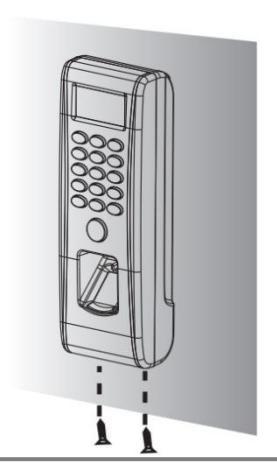
Secure the TF1700 by fixing two screws at the bottom.
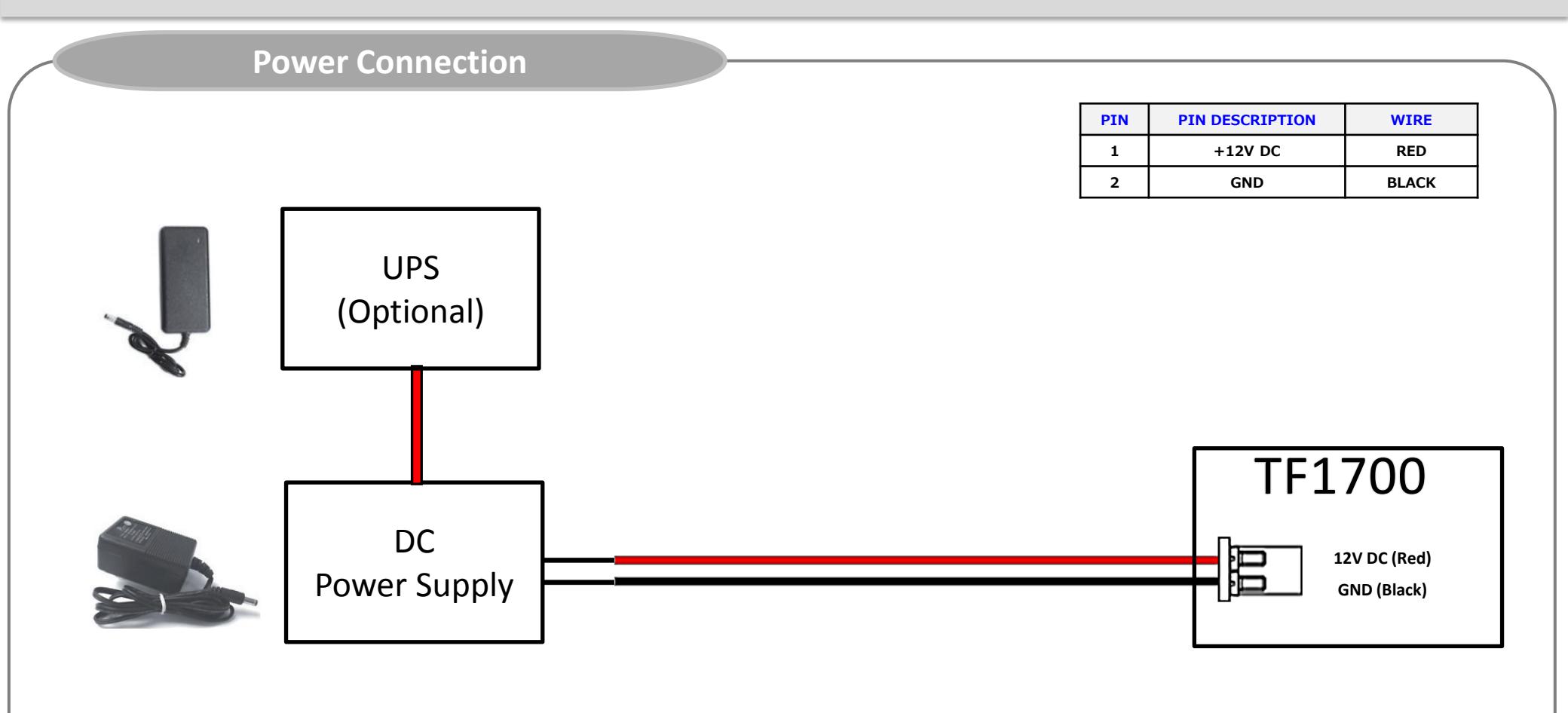
- Recommended power supply
- Regulated 12VDC, 1A
- Comply with standard IEC/EN 60950-1.
- To power other devices from the power supply of TF1700, use a power supply with higher current rating.
Ethernet Connection
Ethernet Connection
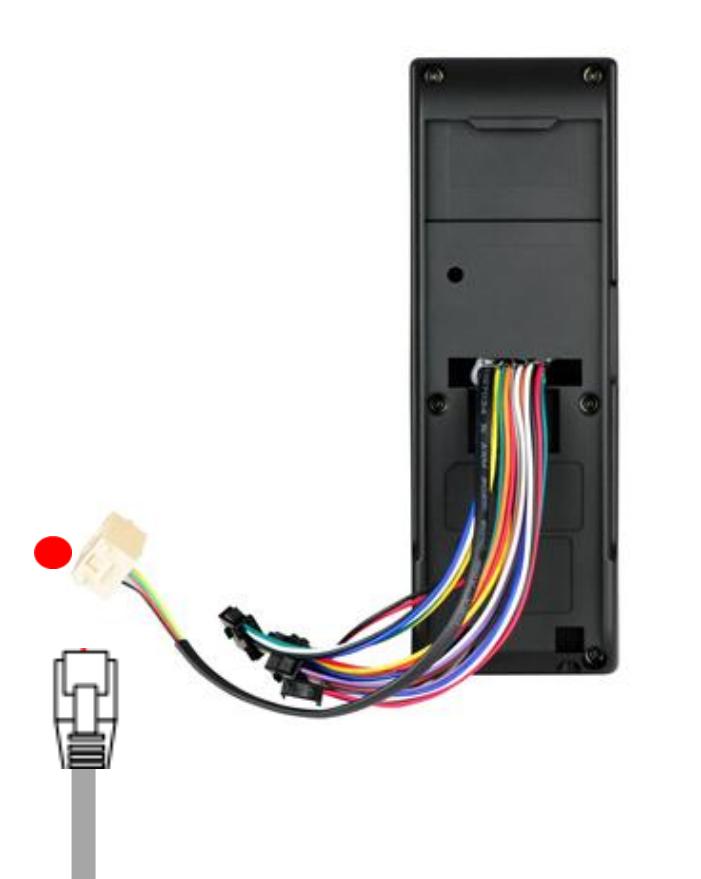
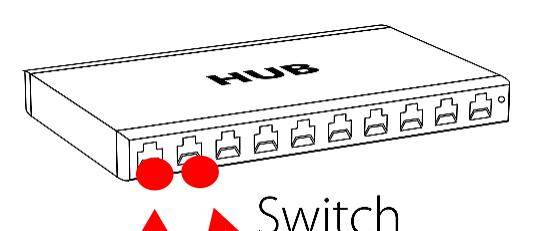
| PIN | PIN DESCRIPTION | WIRE |
| 1 | RJ45-1 | YELLOW |
| 2 | RJ45-2 | GREEN |
| 3 | RJ45-3 | RED |
| 4 | RJ45-6 | BLACK |
TCP/IP TCP/IP
Ethernet Connection
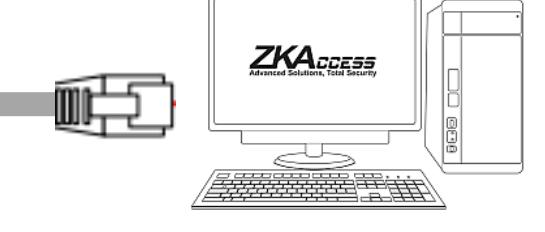
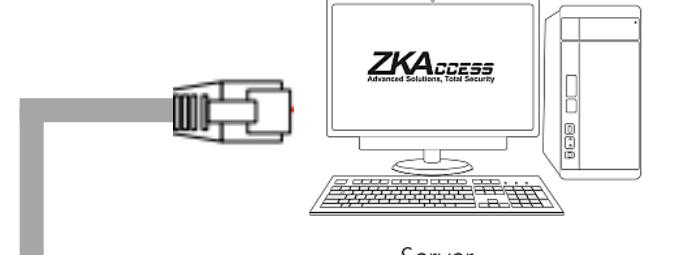
Direct connection with PC
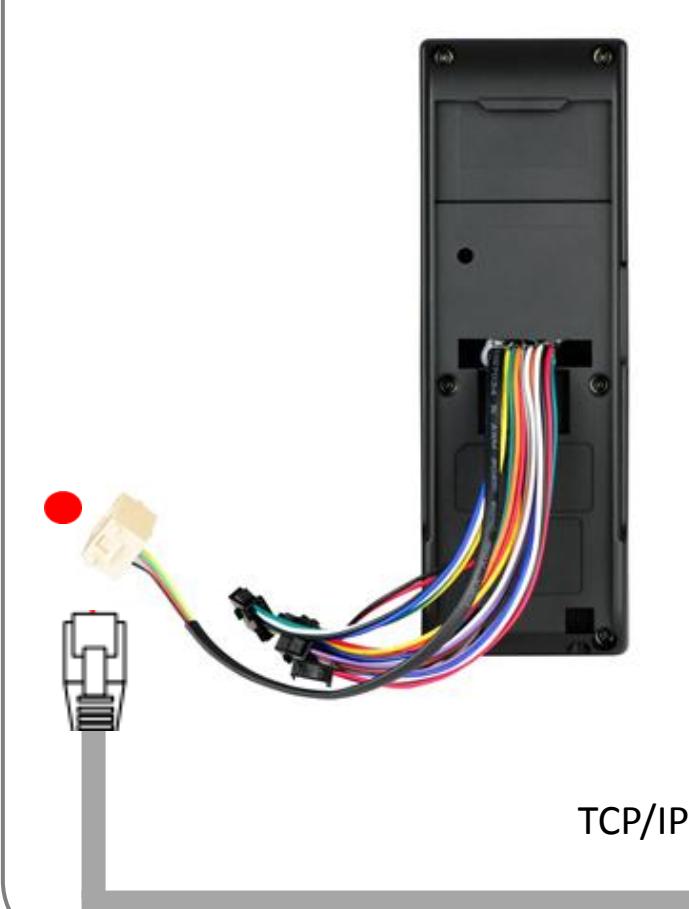
To connect TF1700 with a PC directly, connect both devices with a straight CAT-5 cable. As the TF1700 supports auto MDI/MDIX feature, it is not necessary to use a crossover cable.
| PIN | PIN DESCRIPTION | WIRE |
| 1 | RJ45-1 | YELLOW |
| 2 | RJ45-2 | GREEN |
| 3 | RJ45-3 | RED |
| 4 | RJ45-6 | BLACK |
PC RS485 Connection
PC RS485 Connection
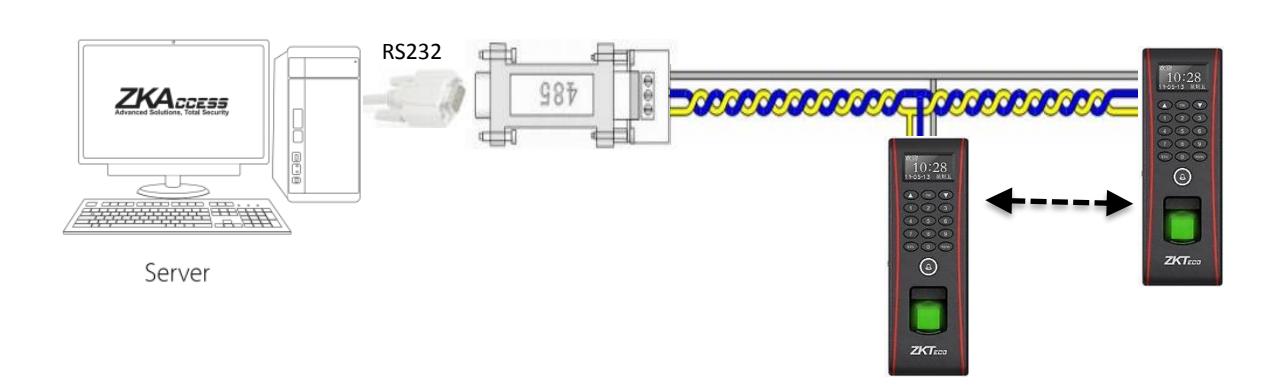
| PIN | PIN DESCRIPTION | WIRE |
|---|---|---|
| 1 | WD0 | GREEN |
| 2 | WD1 | WHITE |
| 3 | GND | BLACK |
| 4 | 485+ | BLUE |
| 5 | 485- | YELLOW |

- 1. RS485 communication wires should be a shielded or twisted pair cable. RS485 communication wires should be connected in a bus cascade instead of a star form, to achieve a better shielding effect by reducing signal reflection during communications.
- 2. Adjust the communication speed as needed , The signal quality vary depending on wiring conditions, and it maybe necessary to lower the baudrates.
- 3. The GND Signal may be omitted if and only if the GND potential difference is less than ±5V
Important Notes Do's and Dont's for RS485 connection
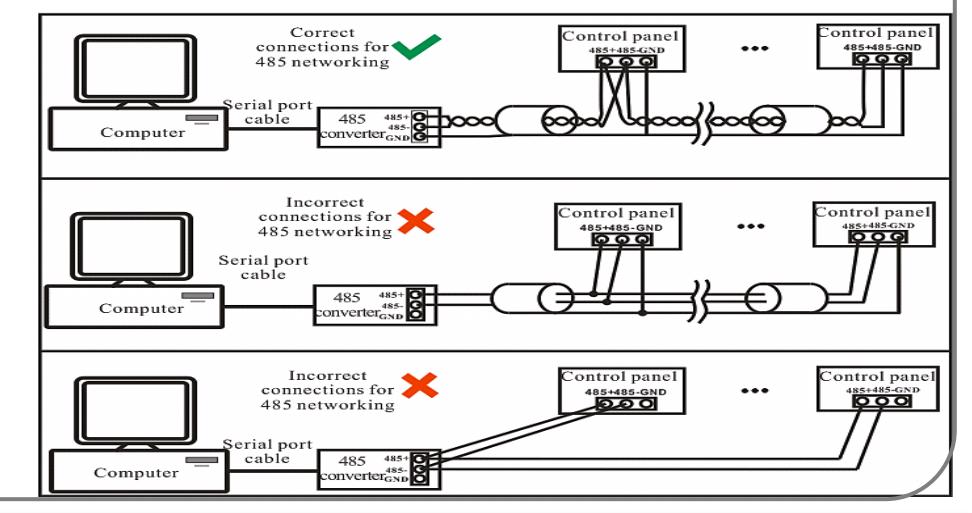
Lock Relay Connection
For Normally Open Lock
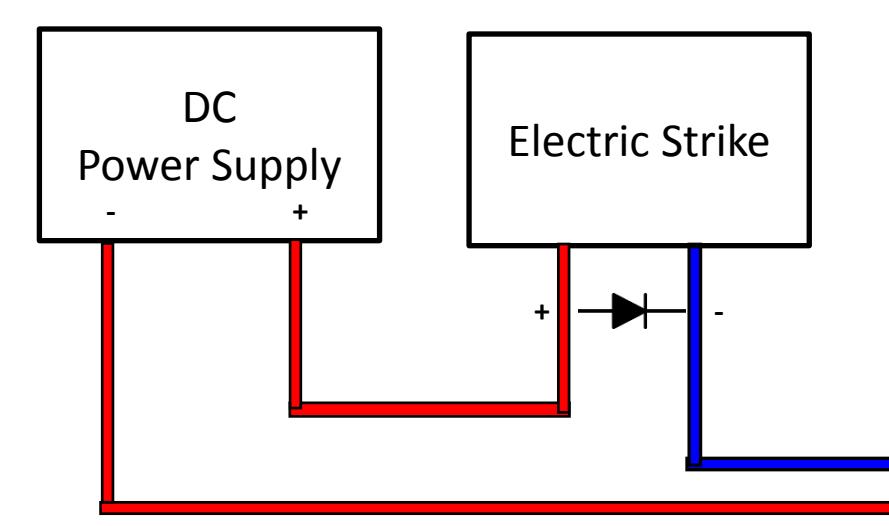
| PIN | PIN DESCRIPTION | WIRE | ||
| 1 | NO1 | BLUE | ||
| 2 | COM1 | RED | ||
| 3 | NC1 | YELLOW | ||
| 4 |
NO2
ORANGE |
|||
| 5 | COM2 | GREEN | ||
| 6 | BELL- | PURPLE | ||
| 7 | BELL+ | BROWN | ||
| 8 |
SEN
WHITE |
|||
| 9 | GND | BLACK | ||
| 10 | BUT | GARY | ||
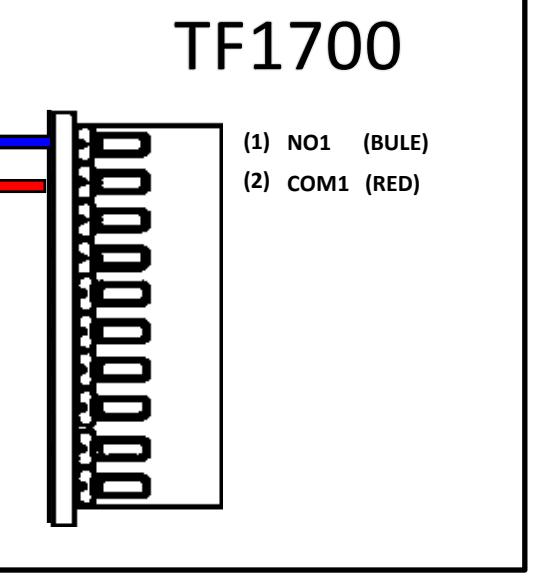
Lock Relay Connection
For Normally Closed Lock
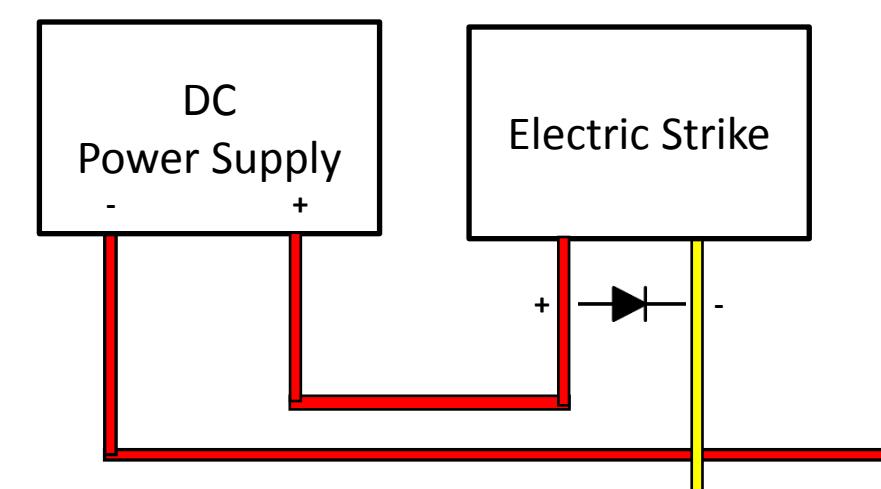
| PIN | PIN DESCRIPTION | WIRE | ||
| 1 | NO1 | BLUE | ||
| 2 | COM1 | RED | ||
| 3 | NC1 | YELLOW | ||
| 4 |
NO2
ORANGE |
|||
| 5 | COM2 | GREEN | ||
| 6 | BELL- | PURPLE | ||
| 7 | BELL+ | BROWN | ||
| 8 |
SEN
WHITE |
|||
| 9 | GND | BLACK | ||
| 10 | BUT | GARY | ||
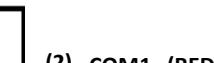
- (2) COM1 (RED)
- NC1 (YELLOW) (3)
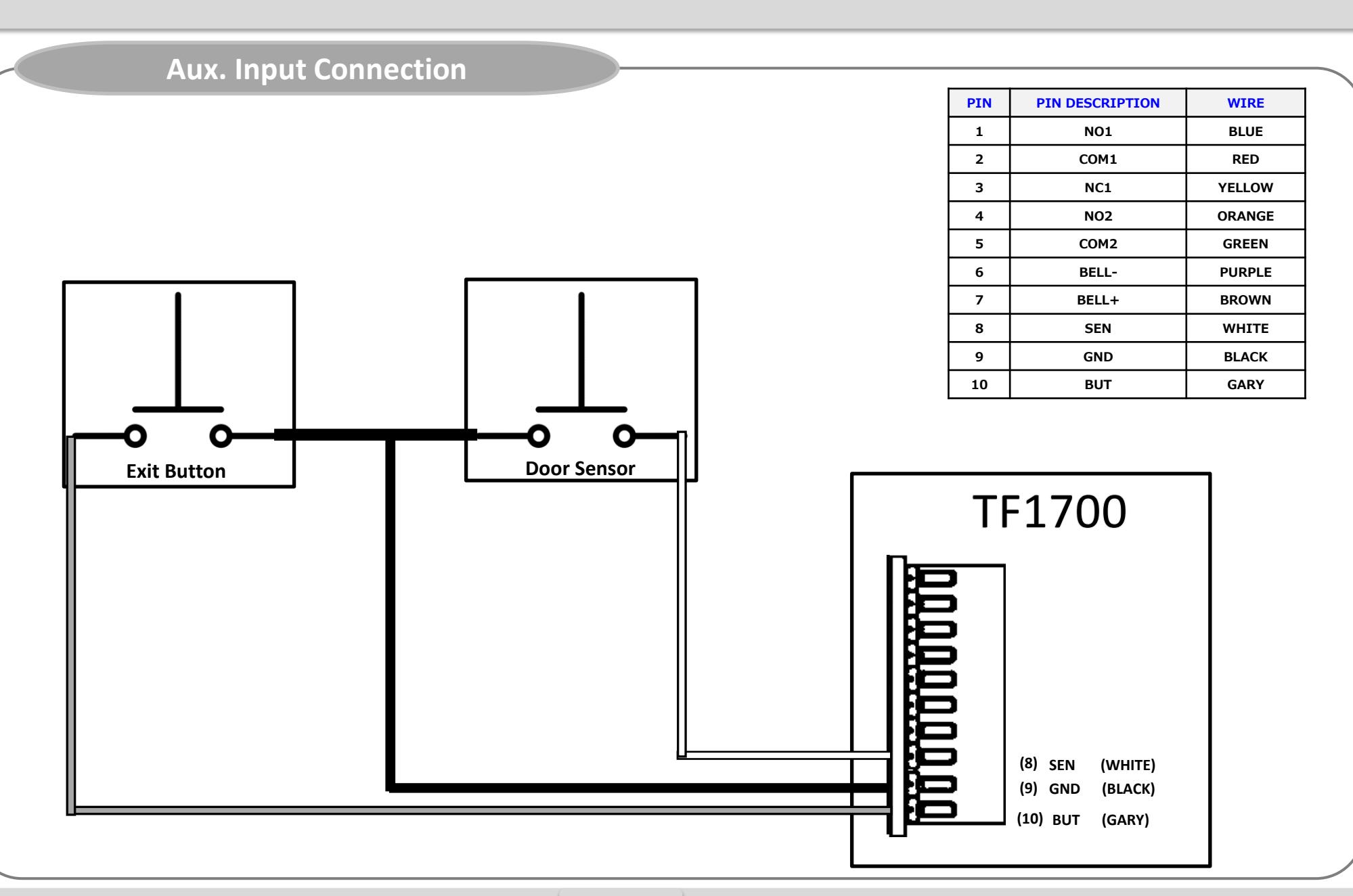
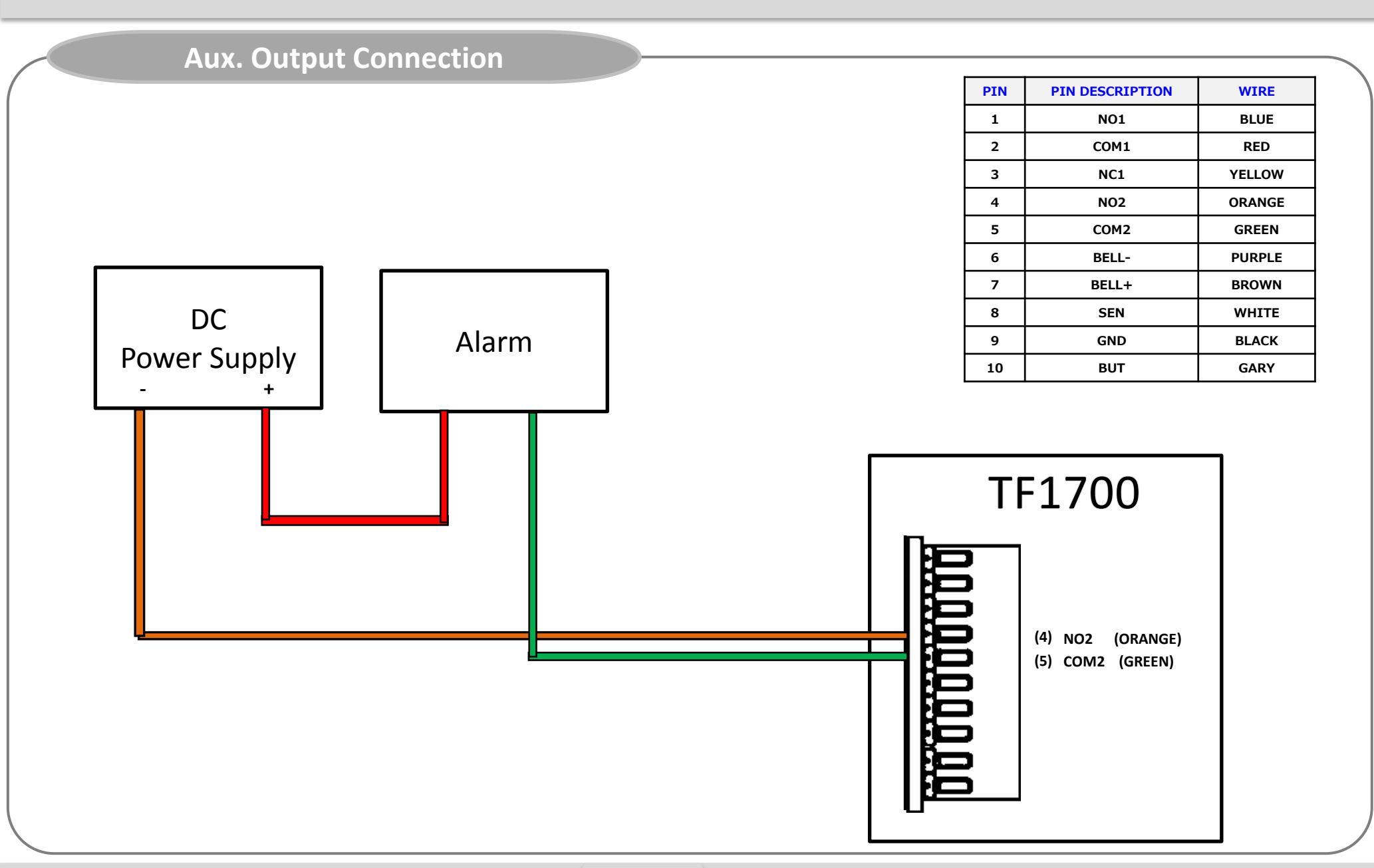
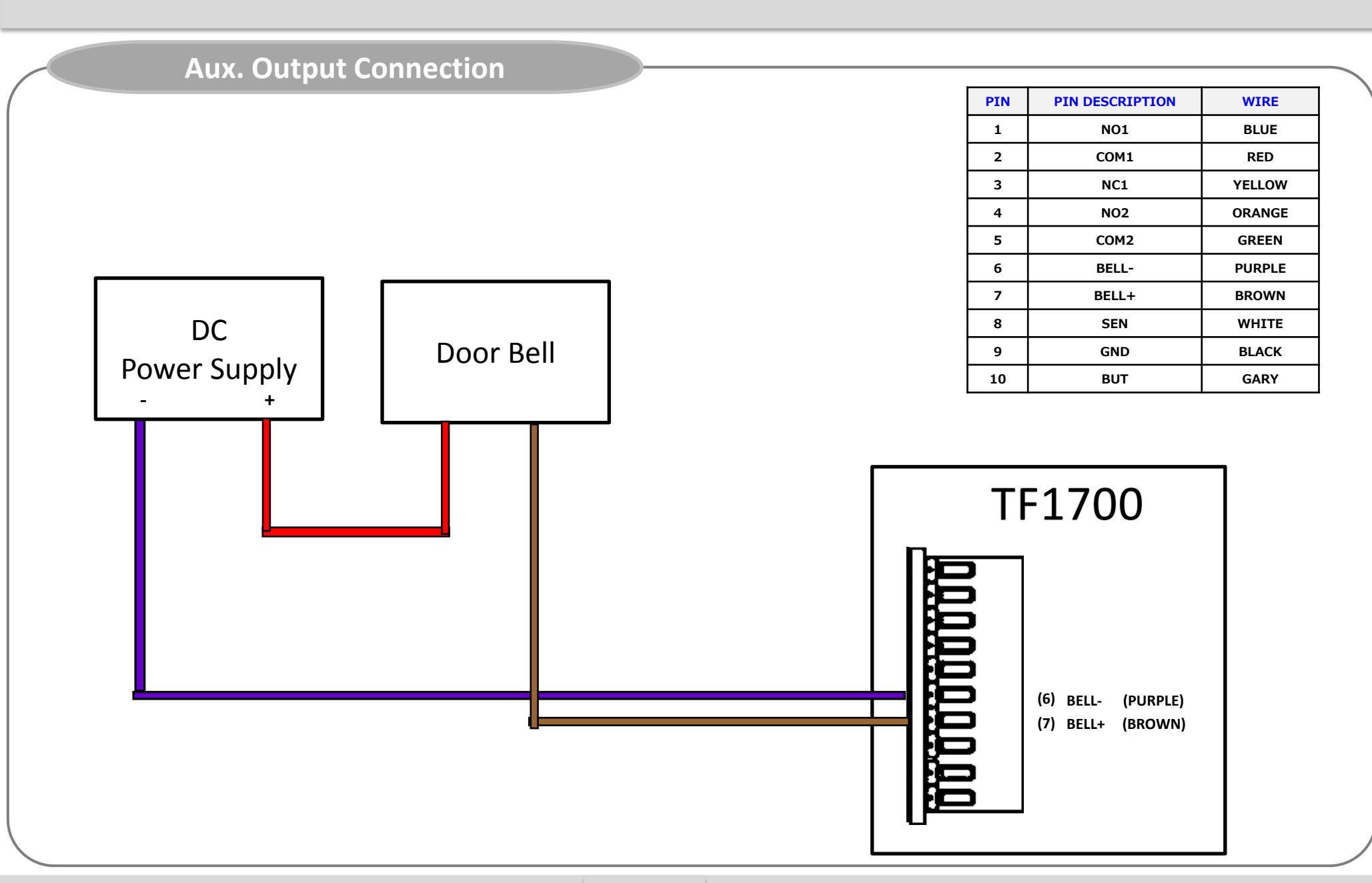
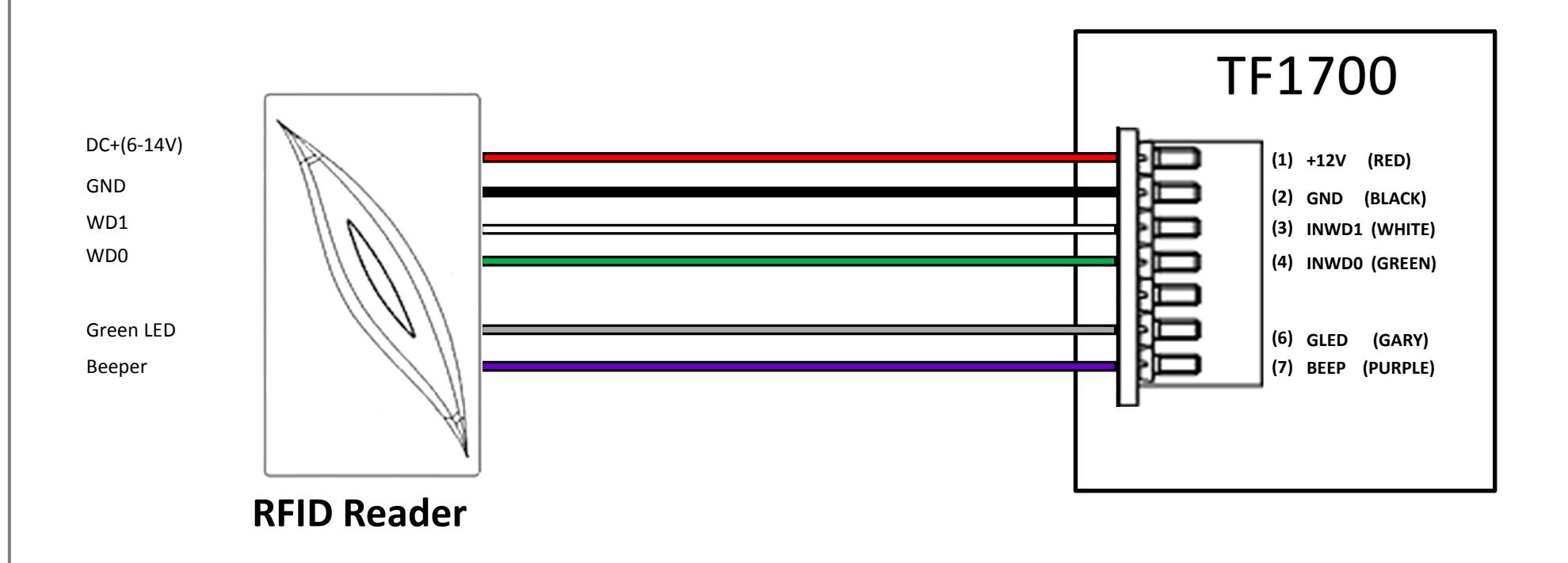
Weigand Input Connection
| PIN | PIN DESCRIPTION | WIRE |
|---|---|---|
| 1 | +12V | RED |
| 2 | GND | BLACK |
| 3 | INWD1 | WHITE |
| 4 |
INWD0
GREEN |
|
| 5 | RLED | BLUE |
| 6 |
GLED
GARY |
|
| 7 | BEEP | PURPLE |
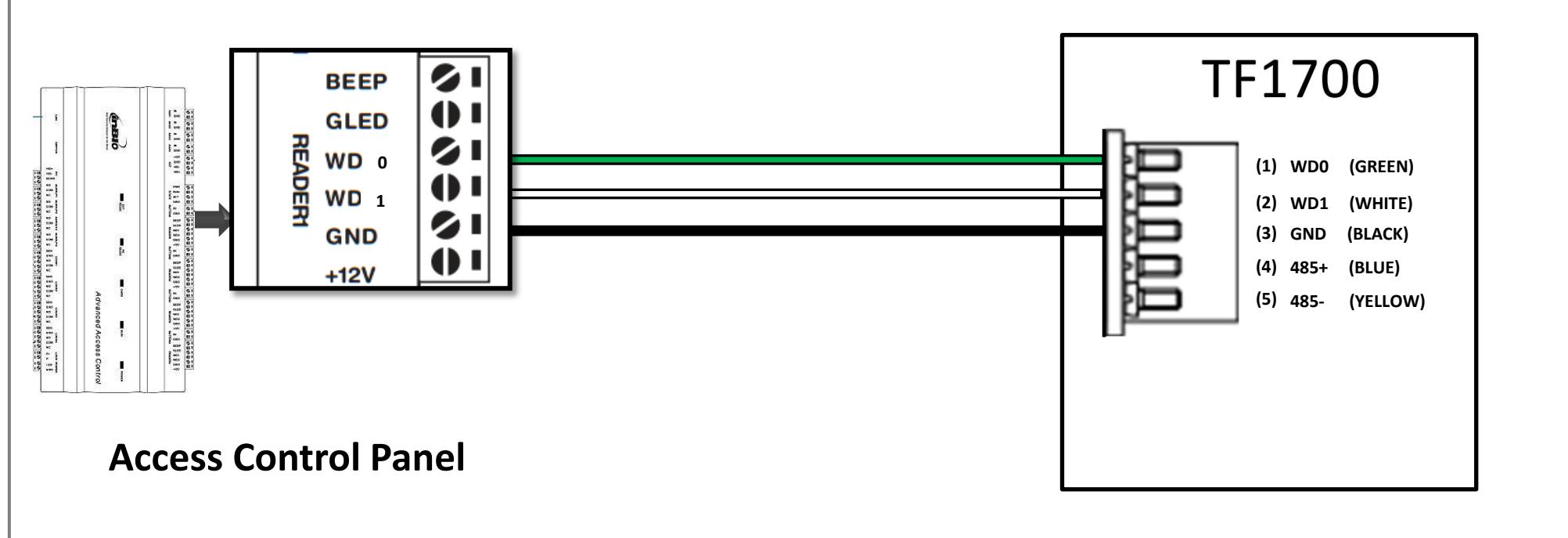
Weigand Output Connection
| PIN | PIN DESCRIPTION | WIRE |
|---|---|---|
| 1 | WD0 | GREEN |
| 2 | WD1 | WHITE |
| 3 | GND | BLACK |
| 4 |
485+
BLUE |
|
| 5 | 485- | YELLOW |
Installation Reference
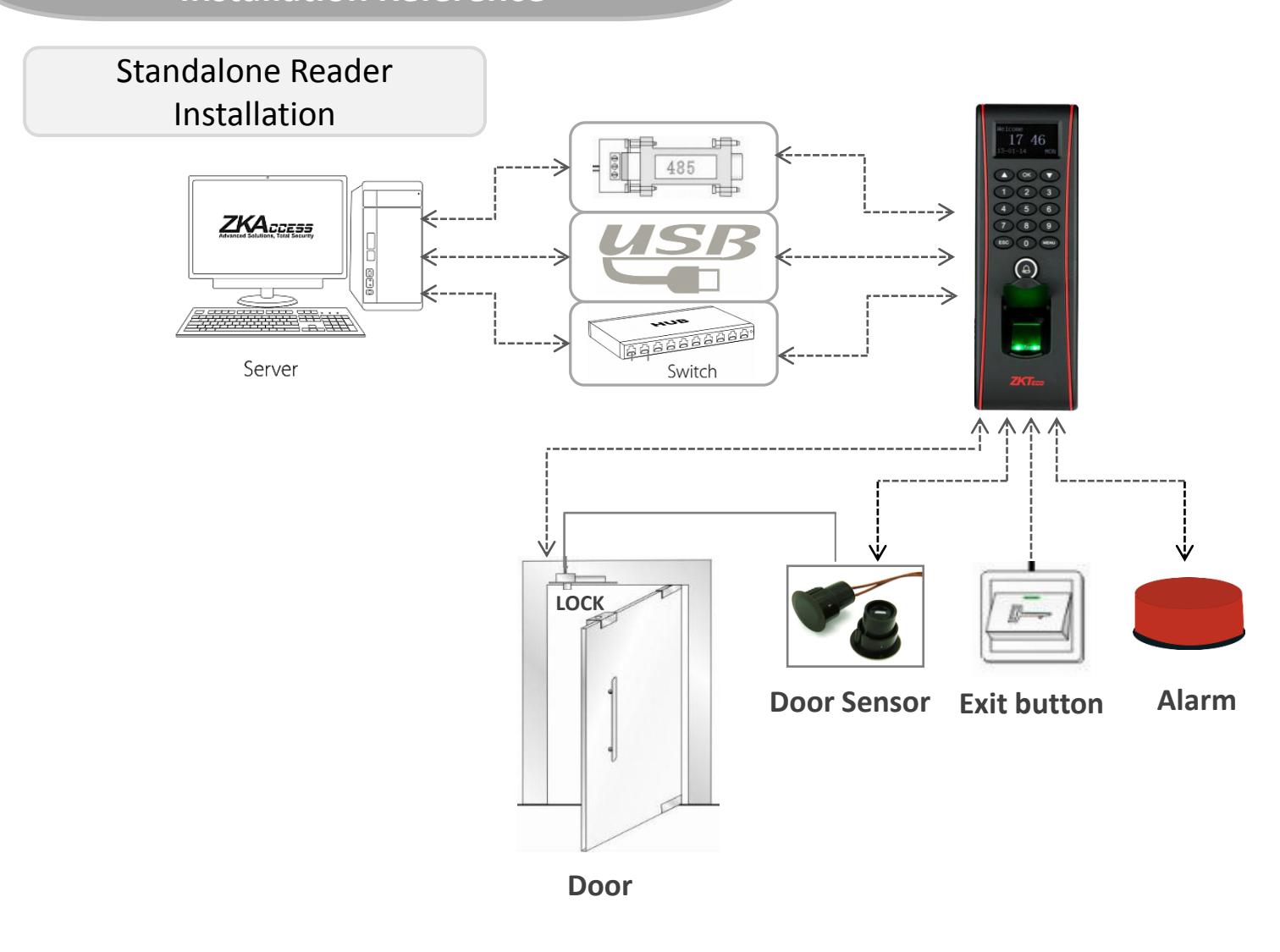
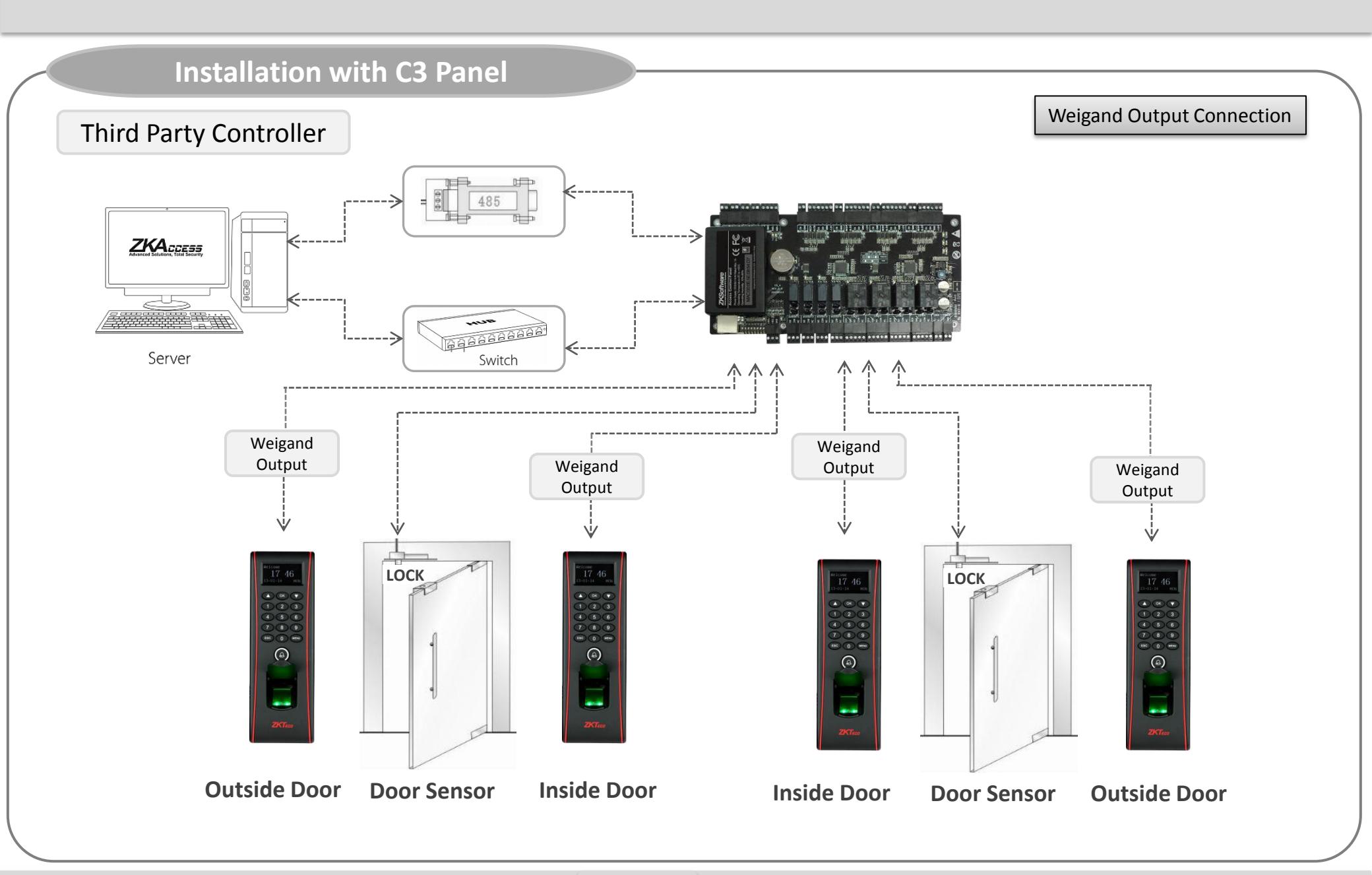
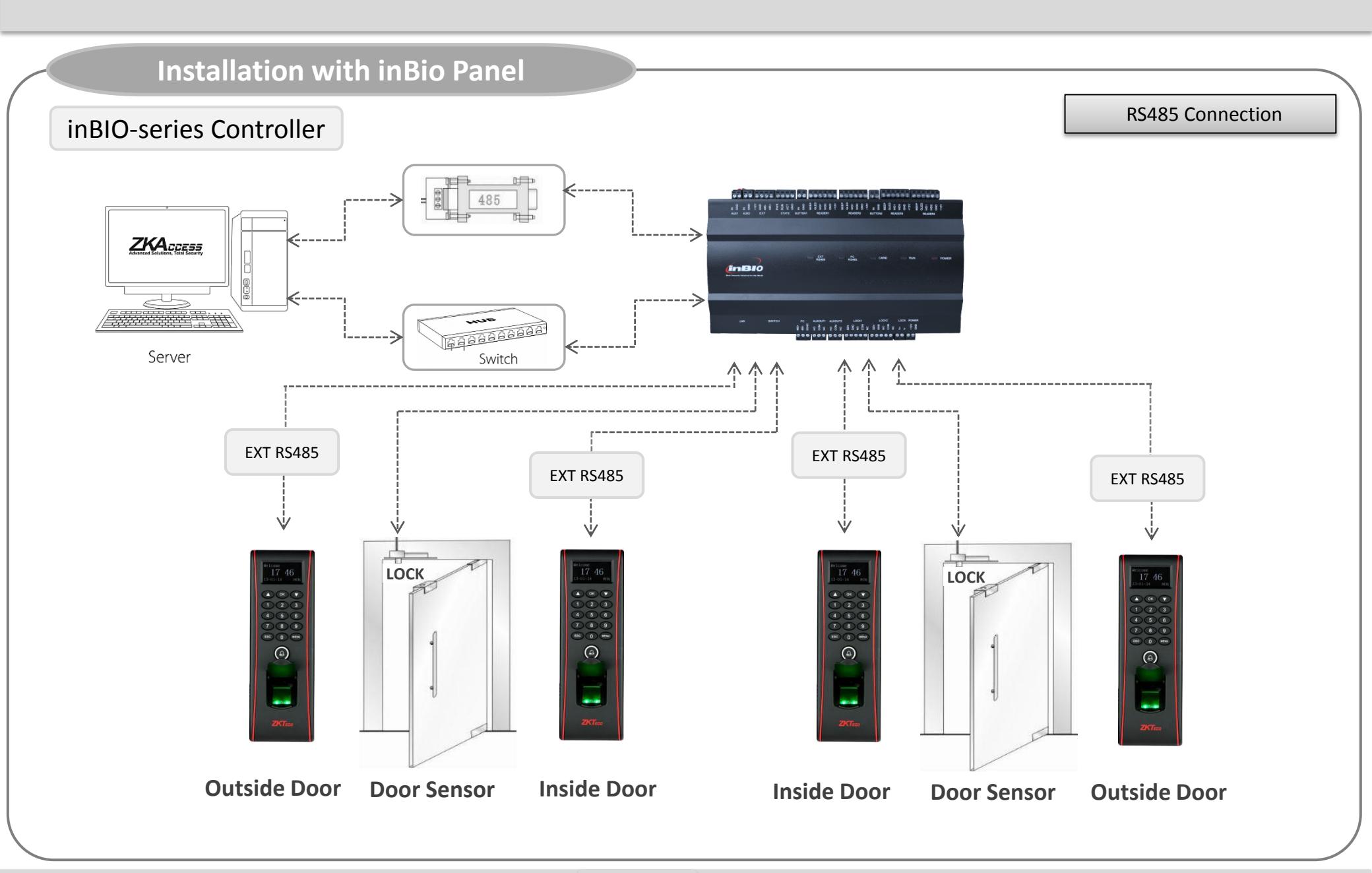
Specification
| Item | Specification | |
|---|---|---|
| Fingerprint capacity | 3,000 | |
| Transaction capacity | 100,000 | |
| Hardware Platform | ZEM720 | |
| CPU | ZK 6001, 400Mhz | |
| Memory | 128MB Flash, 32MB SDRAM | |
| Fingerprint Sensor | ZK optical sensor | |
| Display |
128*64 OLED
screen |
|
| LED Indicator | Red, Green | |
| Communication | Ethernet(10/100M), RS485, USB-HOST, | |
|
Weigand
signal |
Wiegand
Input and Wiegand Output |
|
| Identification speed | ≤1 sec | |
| FAR | ≤0.0001% | |
| FRR | ≤1% | |
| Operating Temperature | -10°C~50°C(14°F~50°F) | |
| Operating Humidity | 20%-80% | |
| Language |
English, Spanish, Portuguese, French, Thai
and many more |
|
| Power Supply | 12V DC, 3A | |
| Access control interfaces | Electric lock, alarm, exit button, wired door bell | |
| Dimension | 62.5*185*41.5mm (L*W*D) | |
Electrical Specification
| Min. | Typ. | Max. | Notes | |
|---|---|---|---|---|
| Working power supply | ||||
| Voltage(V) | 9.6 | 12 | 14.4 | Use regulated DC power adaptor only |
| Current(A) | 2 | |||
| Electronic lock relay output | ||||
| Switching voltage(V) | 36V | Use regulated DC power adaptor only | ||
|
Switching
Current(A) |
2 | |||
| Switch Aux. input | ||||
| VIH (V) | TBD | |||
| VIL (V) | TBD | |||
| Pull-up resistance (Ω) | 4.7k | The input ports are pulled up with 4.7k resistors | ||
| WEIGAND Input | ||||
| Voltage(V) | 10.8 | 12 | 13.5 | |
| Current(mA) | 500 | |||
| TTL/WEIGAND Output | ||||
|
VoH
(V) |
5 | |||
|
VoL
(V) |
0.8 | |||
| Pull-up resistance (Ω) | 4.7K |
The output ports are open drain type, pulled up with 4.7k
resistors internally |
||
|
ZK Electronic
lock |
||||
| Voltage(V) | 10.8 | 12 | 13.2 | |
| Current(mA) | 500 | |||
Troubleshooting
-
Fingerprint can not be read or it takes too long.
- Check whether a finger or fingerprint sensor is stained with sweat, water, or dust
- Retry after wiping off finger and fingerprint sensor with dry paper tissue or a mildly wet cloth.
- If a fingerprint is way too dry, blow on the finger and retry.
-
Fingerprint is verified but authorization keeps failing.
- Check whether the user is restricted by group or time zone.
- Check with administrator whether the enrolled fingerprint has been deleted from the device for some reason.
-
Authorized but door does not open.
- Check whether the lock duration is set to appropriate minutes which opens the lock.
- Check whether anti-passback mode is in use. In anti-passback mode, only the person who has entered through that door can exit.
-
Why device display "system broken" and the alarm is ringing.
- Check whether the device and back plate are securely connected to each other. If not, a tamper switch is activated which triggers the alarm and keeps it ringing.



Copyright 2013 ZKTeco Inc. All right reserved.
ZKTeco may, at any time and without notice , make changes or improvements to the product and services offered and/or cease production or commercializing them.
ZK USA Office:
201 Circle Drive North, Suite 116 Piscataway, NJ 08854, USA
Tel: +1 732-412-6007 Fax +1 732-412-6008 sales@zkaccess.com zkaccess.com
Functions and specifications of the product are subject to change without notice due to quality enhancement or function update. For any inquiry for the product, please contact ZKACCESS.