Trine Ansi-Itl Installation Tool Instructions
Open the original PDF document
View PDFFOR USE WITH THESE TRINE ELECTRIC STRIKES:
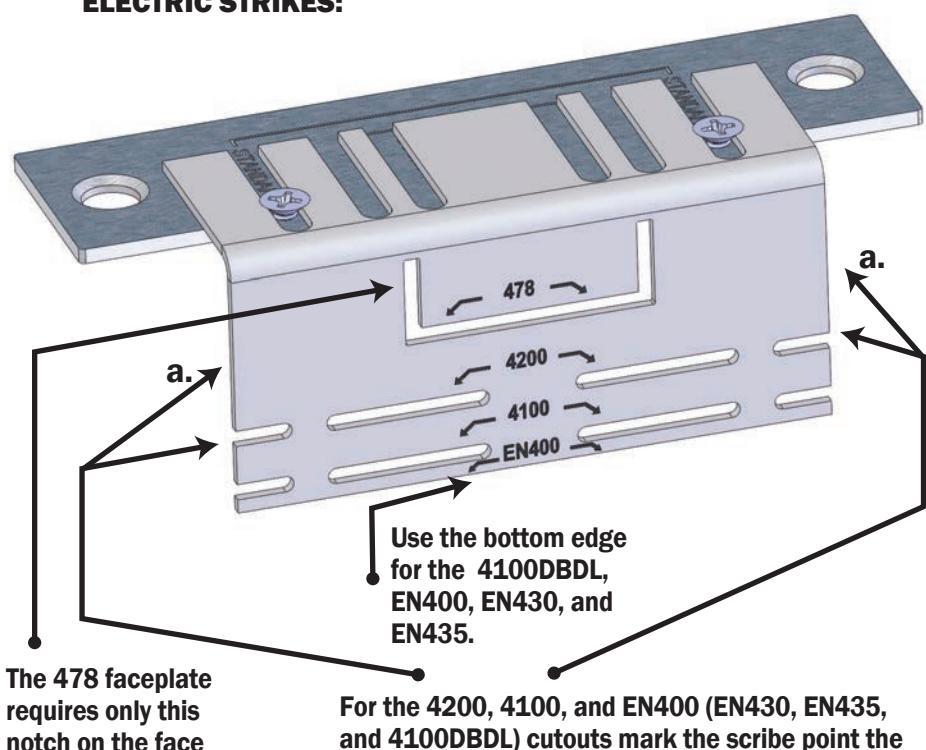
edges of the template (a.)
arrows on the installation tool point to and also the
PHONE: (203) 730-1756 V. 17.1110 FAX: (203) 730-1781 2 Parklawn Dr. Suite F
2 Parklawn Dr., Suite F Bethel, CT 06801
email: customerservice@trineonline.com website: www.trineonline.com
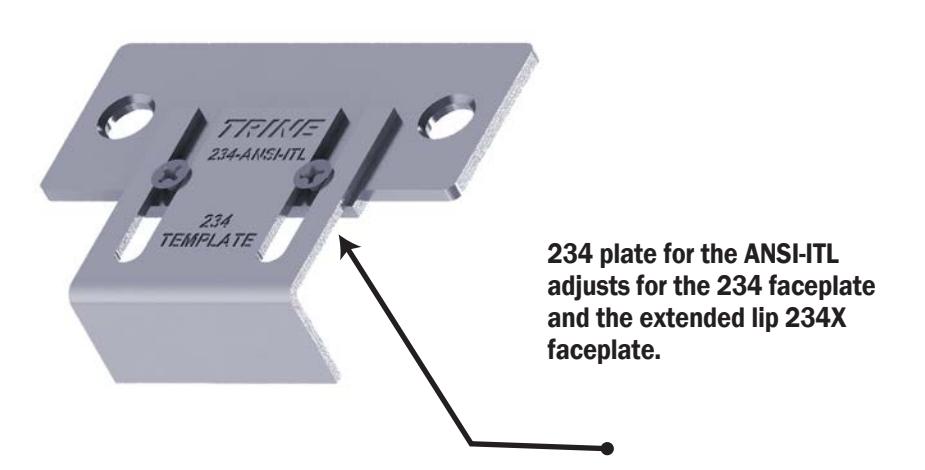
ANSI-ITL INSTALLATION TOOL

TRINE ANSI-ITL THE COMPREHENSIVE INSTALLATION TOOL FOR TRINE'S PREMIUM 4-7/8" & 2-3/4" TALL ANSI SOLUTIONS.
Congratulations on the purchase of this quality TRINE installation tool. This product has been designed to make installations easier, perform reliably, and provide years of trouble free service.
BEFORE PROCEEDING with your installation, please review the following list of features. If you have any questions after reading this document please call TRINE's TECHNICAL SUPPORT (203) 730-1756, or visit us online @ trineonline.com
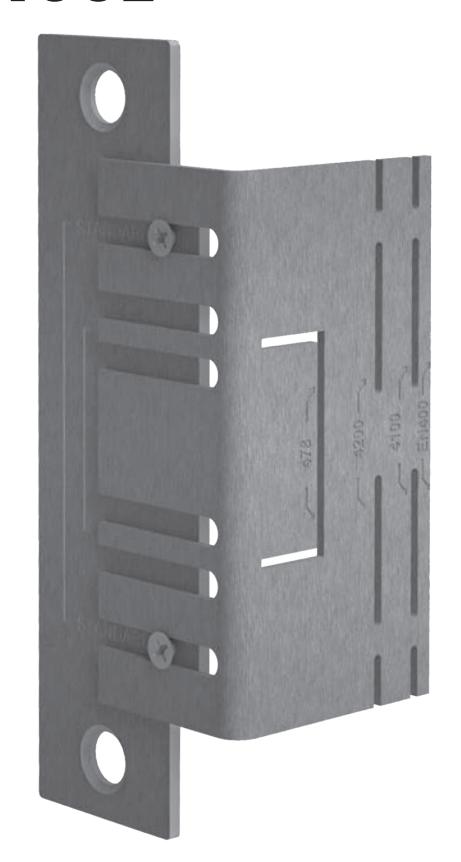
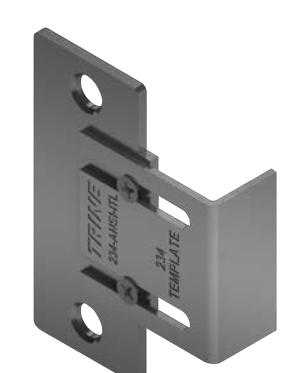
What's in the box:
- 4-7/8" base plate
- 2-3/4" base plate
- (2) Adjustable frame face templates
- Scribe Pen
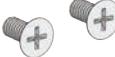
- (2) Template mounting screws
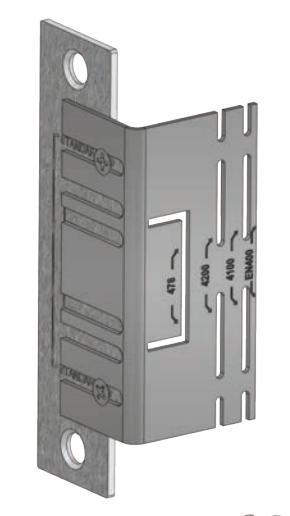
of the frame.
USING THE ANSI-478-ITL
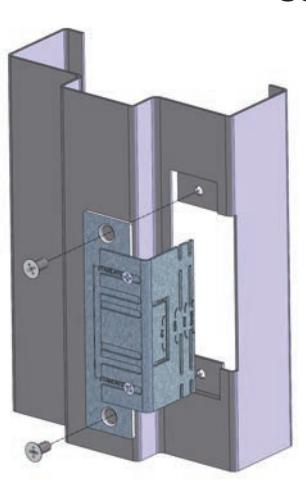
INSTALL THE 478-ANSI-ITL INTO THE THE FRAME USING THE SUPPLIED MOUNTING SCREWS.
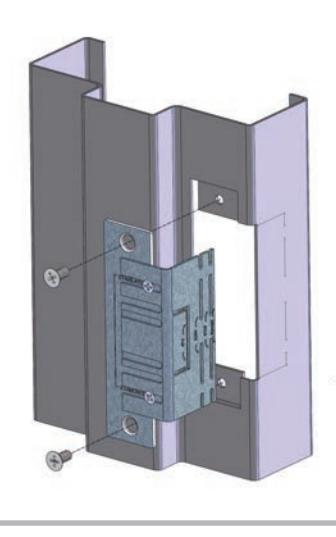
REMOVE THE TEMPLATE FROM THE FRAME, EXPOSING THE SCRIBED GUIDE LINES.

1
2
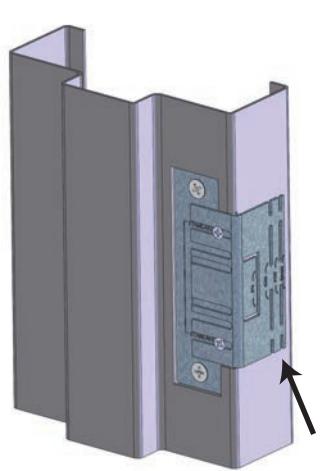
THE TEMPLATE LIP SHOULD SEAT ON THE FACE OF THE FRAME AS SHOWN.
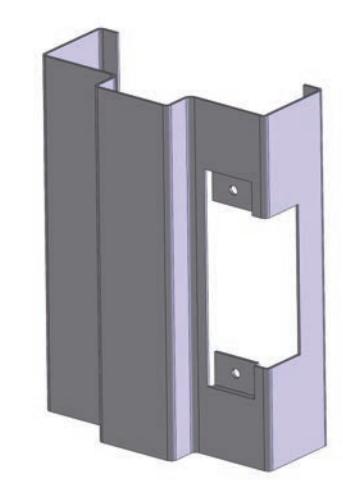
CUT THE FACE OF THE FRAME UP TO YOUR MARKED LINES.

USING THE SCRIBBER,
TRACE THE EDGE OF LIP TEMPLATE APPLYING ENOUGH PRESSURE TO LEAVE A MARK ON THE FRAME. 3
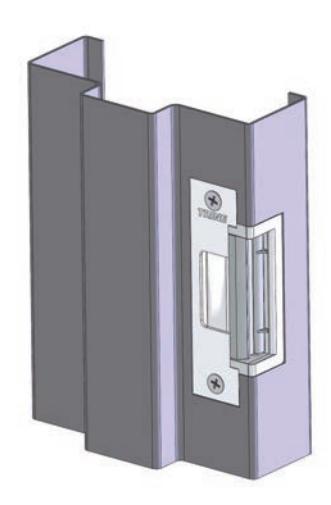
CHECK THE FIT OF THE ELECTRIC STRIKE. MAKE ADJUSTMENTS TO THE CUT IF NEEDED.

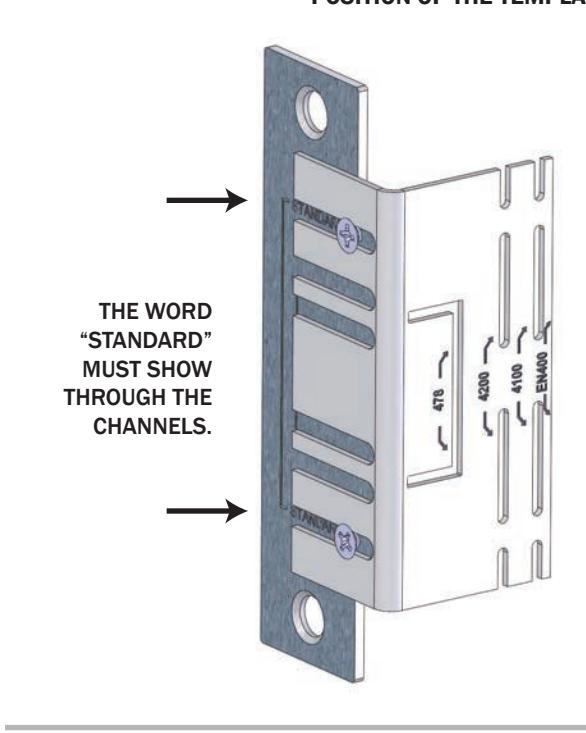
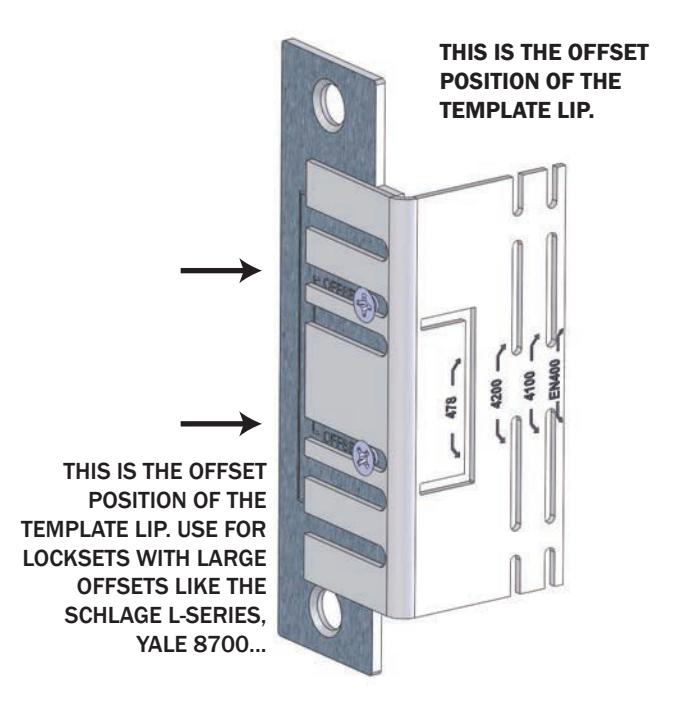
THIS IS THE STANDARD POSITION OF THE TEMPLATE LIP.