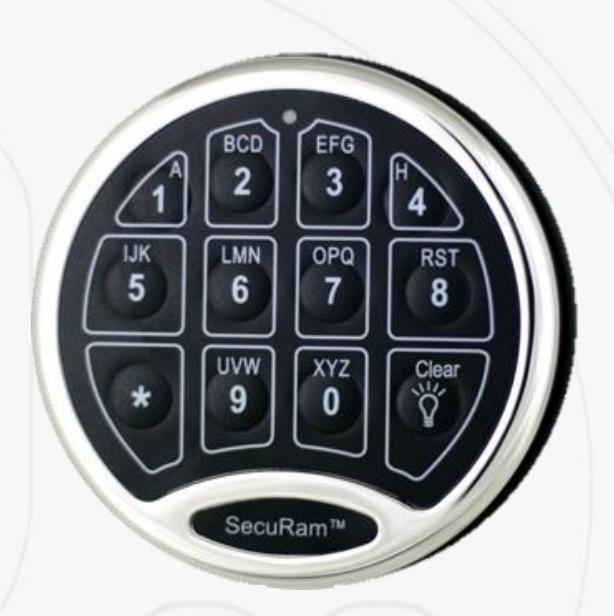
Securam Electronic Safe Lock Operations Guide SafeLogic Basic
Open the original PDF document
View PDF
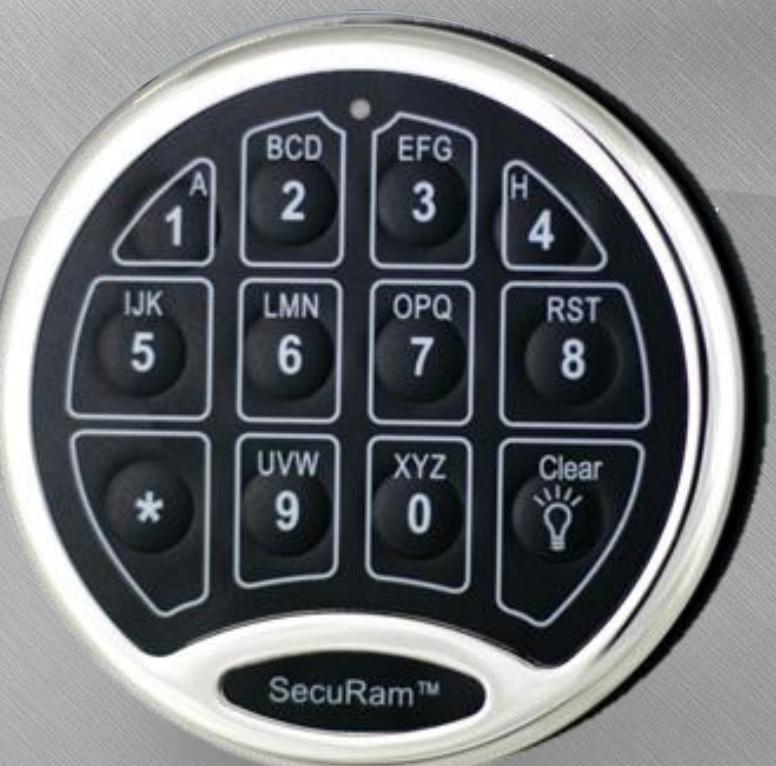
SafeLogic Basic

SafeLogic Basic
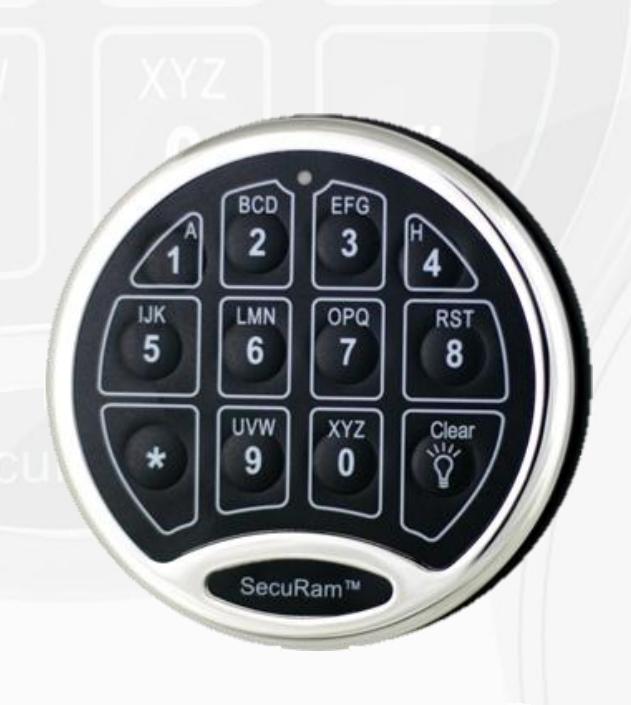
Features
- •2 Users; 1 Manager, 1 User
- •Penalty Time Lockout
- •(1) 9V Battery 10-20k cycles
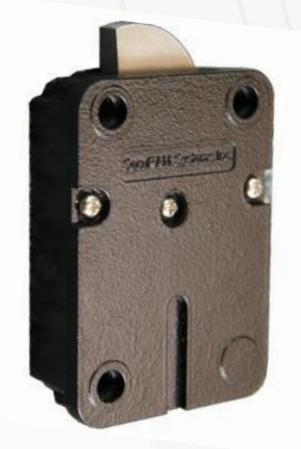
- •Can be used with any lock body
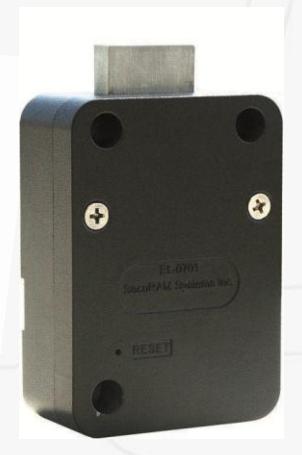
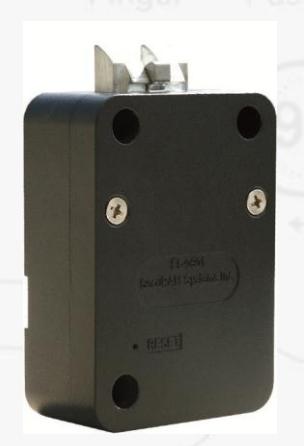
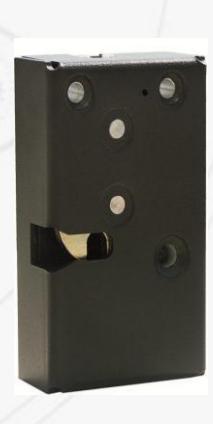

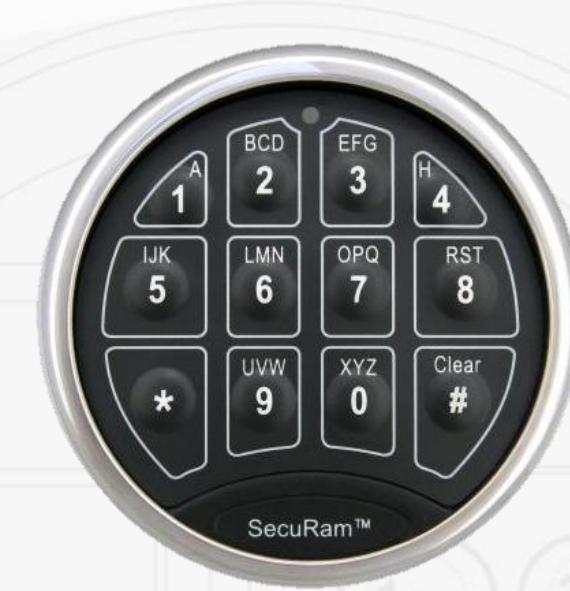
SafeLogic Basic – EntryPad Styles
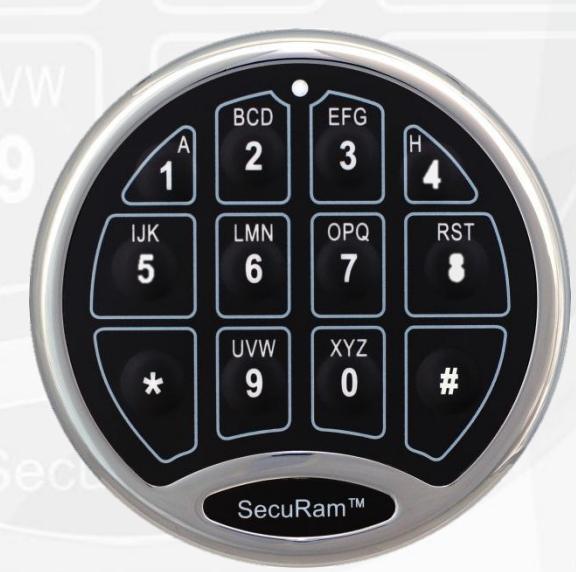
Stainless Steel
- Brass
- Chrome
- Nickel
- Black Chrome
Part # EC-0601A
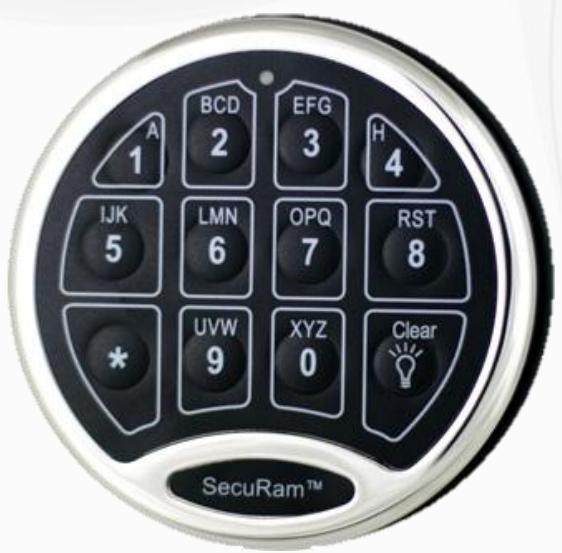
Plated Poly
- Chrome
- Brass
Part #EC-0601A-PN
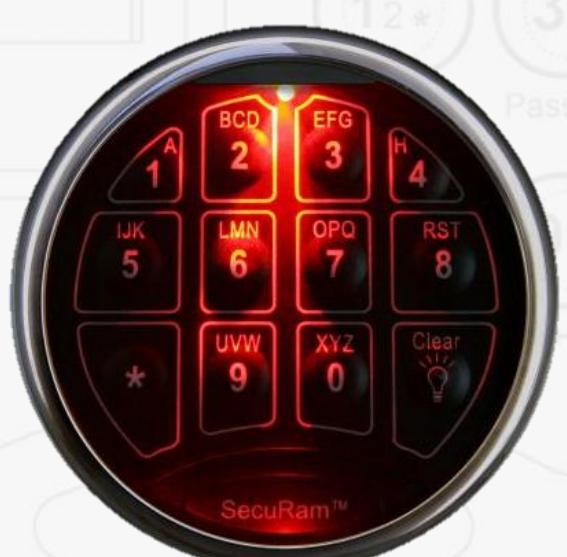
Stainless Steel
BackLit
- Brass
- Chrome
- Nickel
- Black Chrome
Part # EC-0601A-BL
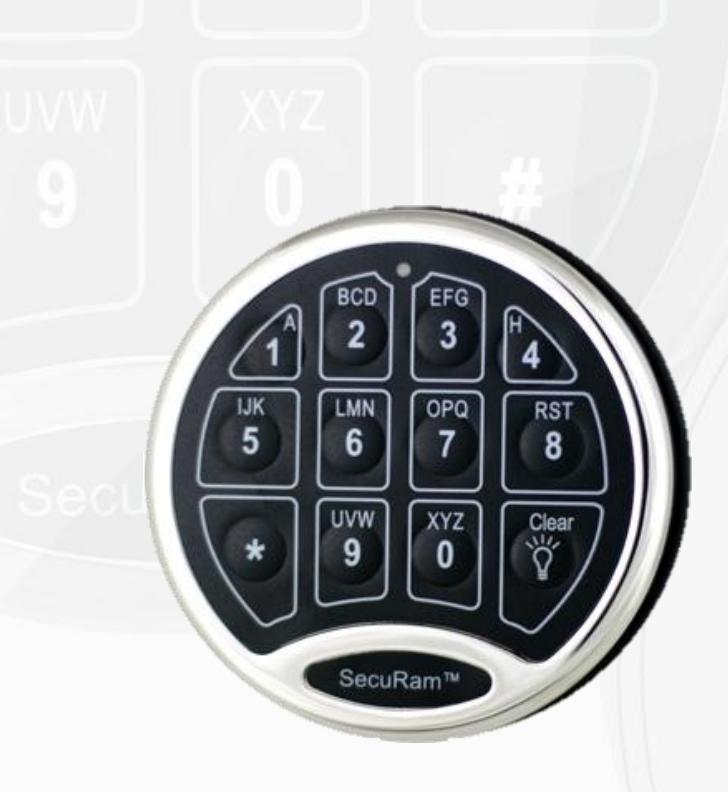
Plated Poly
TopLit
- Chrome
- Brass
Part # EC0601A-PL

SafeLogic Basic
- Master Code; User Code
-
Penalty LockOut
- 4 Incorrect Codes
- Mechanical Reset Feature
- Default Codes
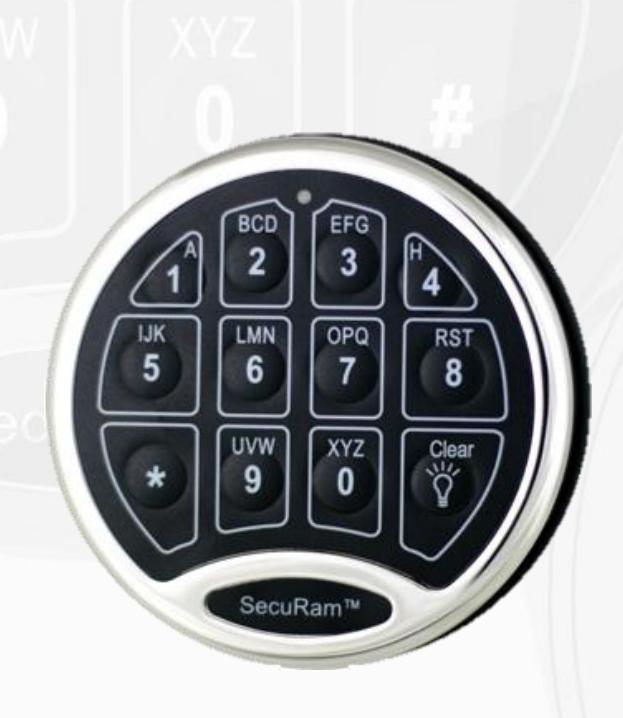
- Master Code: 1 1 1 1 1 1
- User Code: 1 2 3 4 5 6

Code Change Process
• Enter Program Mode 0 0 0 0 0 0 Beep
• Enter Existing Code 1 2 3 4 5 6 Beep
• Enter New Code 6 5 4 3 2 1 Beep
• Repeat 6 5 4 3 2 1 Beep
• New Code is Set
-
3 Beeps means Code was not set successfully
- Repeat code change process

Disable User Code
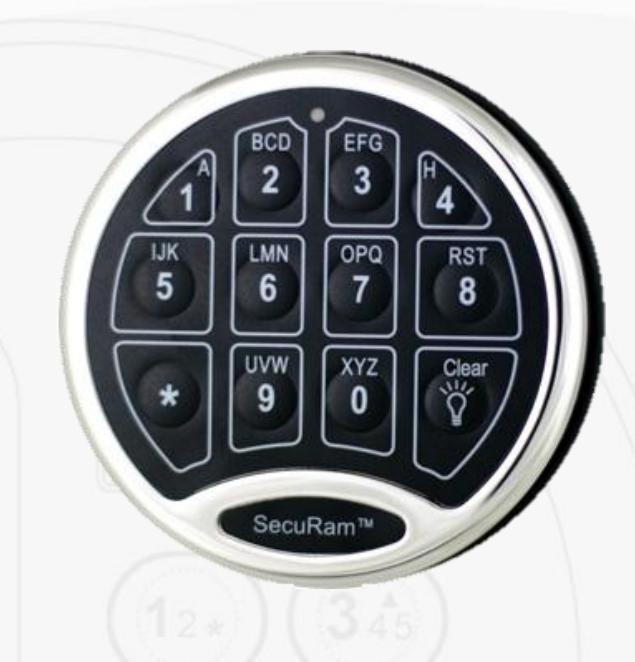
• Enter Master Code: 1 1 1 1 1 1-Hold 1Beep – 2Beeps • Press: "2" 1Beep
• User Code is now Disabled

Enable User Code
• Enter Master Code: 1 1 1 1 1 1-Hold 1Beep – 2Beeps
• Press: "1" 1Beep
• User Code is now Enabled

Delete User Code
• Enter Master Code: 1 1 1 1 1 1-Hold 1Beep – 2Beeps
• Press: "3" 1Beep
• User Code is now Deleted

Create User Code
• Enter Master Code: 1 1 1 1 1 1-Hold 1Beep – 2Beeps
• Press: "1" 1Beep
• Enter User Code 1 2 3 4 5 6 1Beep
• Repeat User Code 1 2 3 4 5 6 1Beep
• 3 Beeps indicates an error, Repeat process

Simple Mechanical Reset
The Simple Mechanical Reset procedure is used to reset a lock that has been previously paired with an different model EntryPad. This procedure can also be used to set the lock back to factory default settings.
This procedures erases the previous pairing and sets the lock back to its original state.
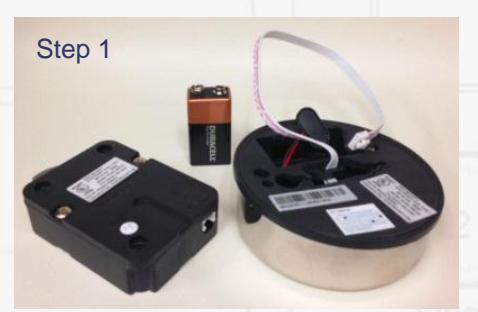
- Step 1: Ensure that the lock, and EntryPad are not connected and that the battery is not connected to the EntryPad.
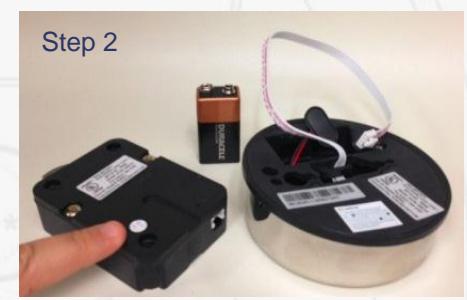
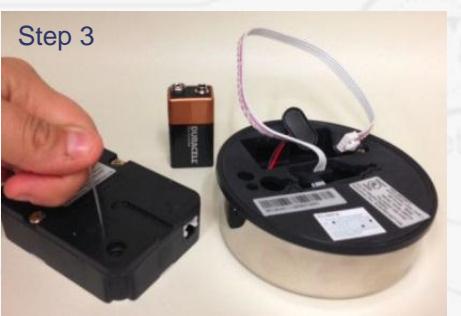
- Step 2: Find the reset hole on the back of the lock (under the QC sticker).
- Step 3: Using a poke tool, depress the reset button on the back of the lock 3 times. This discharges any latent energy within the locks capacitors.
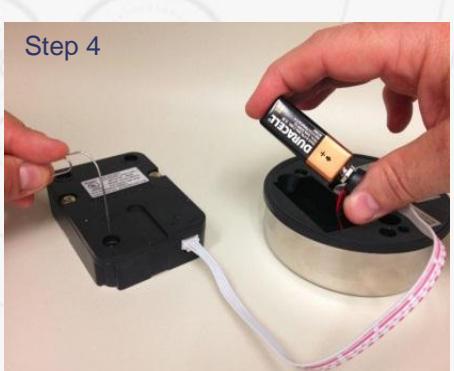
- Step 4: Now the part that requires 3 hands... Depress the reset button and hold it in its depressed position. While the reset button is depressed, connect the lock cable to the lock and then connect the battery to the entrypad.

Troubleshooting
-
1. Power
- Make sure 9V Battery is new
-
2. Side Bolt Pressure
- Relieve side bolt pressure
-
-
3. Lock Cable
- Inspect Lock cable
-
4. EntryPad
- Functioning
-
3. Lock Cable