Securam Electronic Safe Lock Battery Changing Instructions ScanLogic
Open the original PDF document
View PDFChanging the Battery - ScanLogic
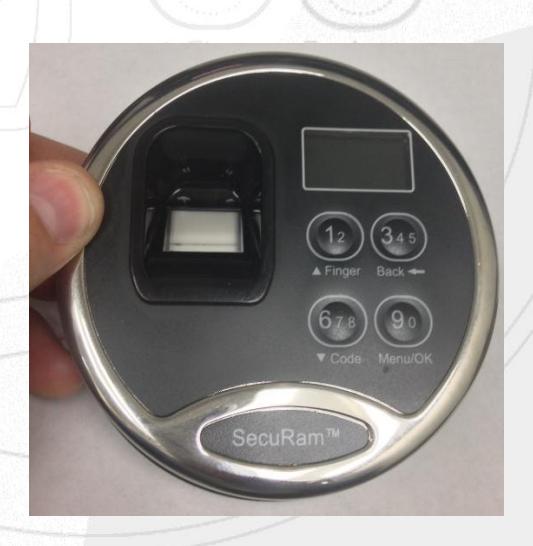
Step1: To remove the EntryPad from the safe door, push up from the bottom of the EntryPad. You will feel the SnapFit mounting holes release from the shoulder bolts
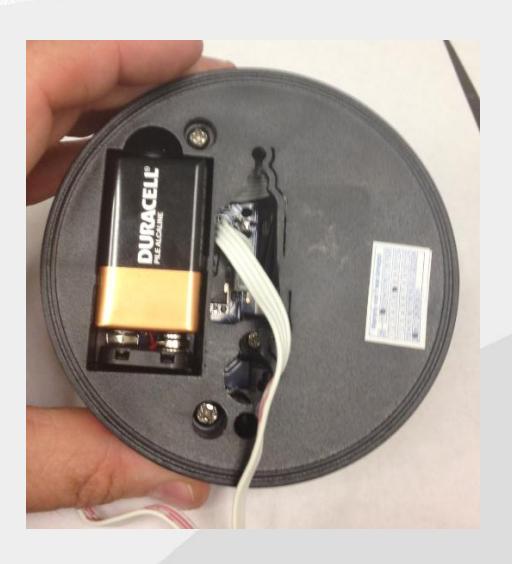
Step 2: The back of the EntryPad will reveal a 9 volt battery. Remove the battery from its compartment.
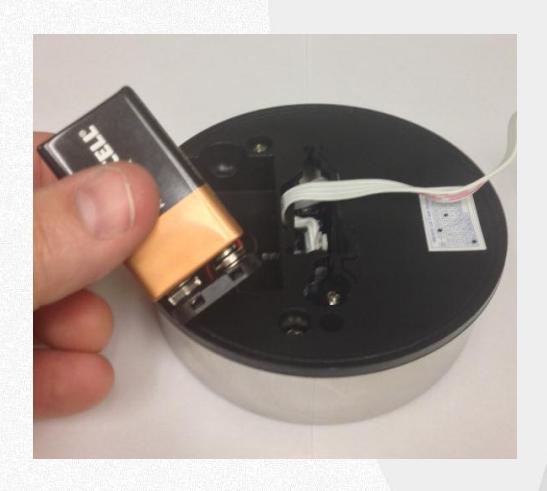
Step 3: Remove the terminal block from the battery.
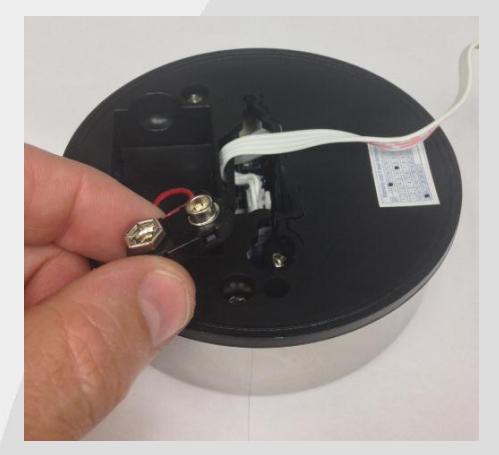
Note: Do not pull on the terminal wires.
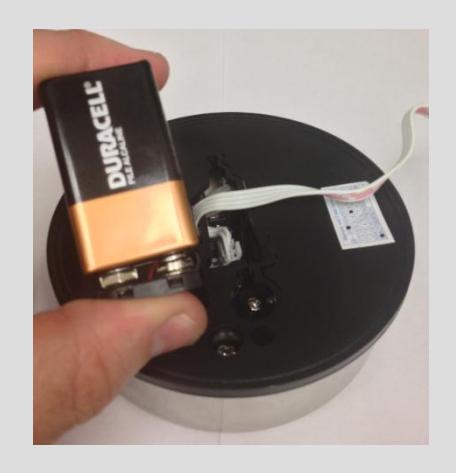
Step 4: Snap a new Duracell or Energizer battery on the terminal block. Place the battery back in its compartment with the terminal block toward the bottom of the EntryPad.