SCHLAGE L8200- SGTREXKIT-ML Installation Instruction
Open the original PDF document
View PDF


SGTREXKIT-ML

INSERT INSTRUCTIONS
The Command Access REX KIT is a field installable request-to-exit switch for the Sargent 8200 series Mortise Lock.
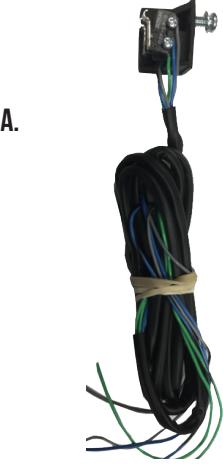
B. C.

Kit Includes
- A. 1- SGT REX Switch
- B. 2- Phillips Head Screws
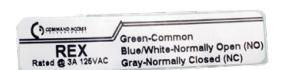
- C. 1- REX Sticker
SPECIFICATIONS
SPDT - Rated .5a @24V
LH/LHR
- green= Common (C)
- Blue = normally open (NO)
- grey = normally closed (NC)
RH/RHR
- green/WHT= Common (C)
- Blue/WHT = normally open (NO)
- grey/WHT = normally closed (NC)

INSTALLATION INSTRUCTIONS

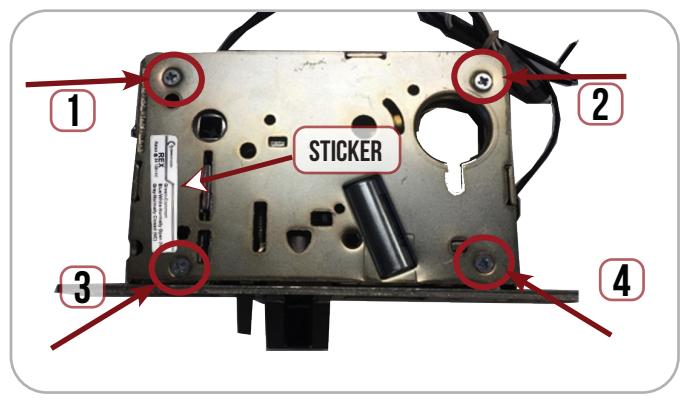
1 Remove Cover Plate (4 screws) from lock.
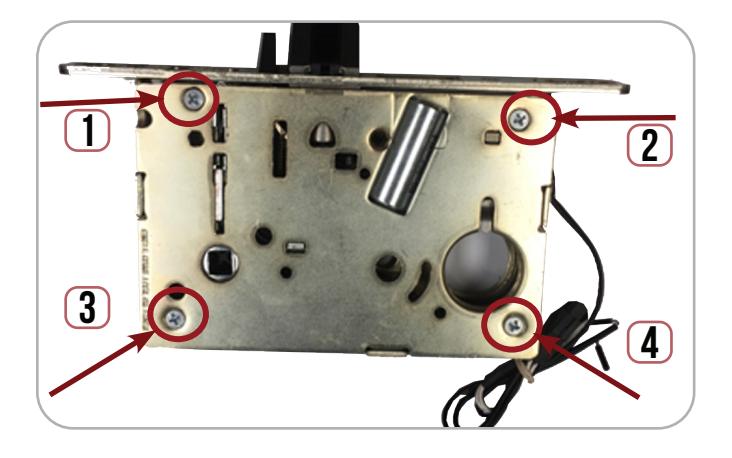
2. Place REX switch below the locking hub.
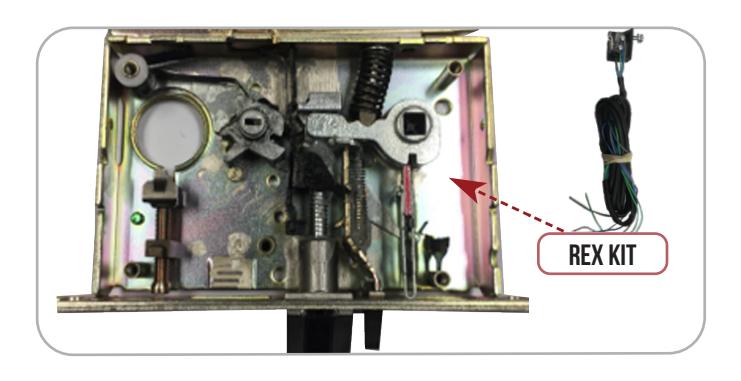
3. Feed REX Wires thru existing hole in the back of the lock body.
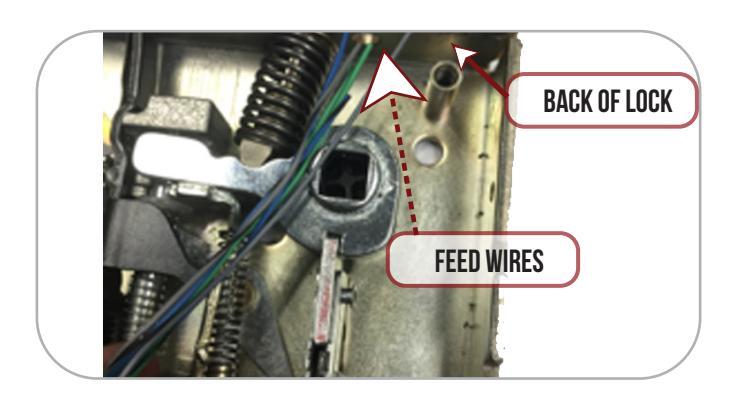
4. Place REX Bracket with both switch arms facing towards the locking hub.
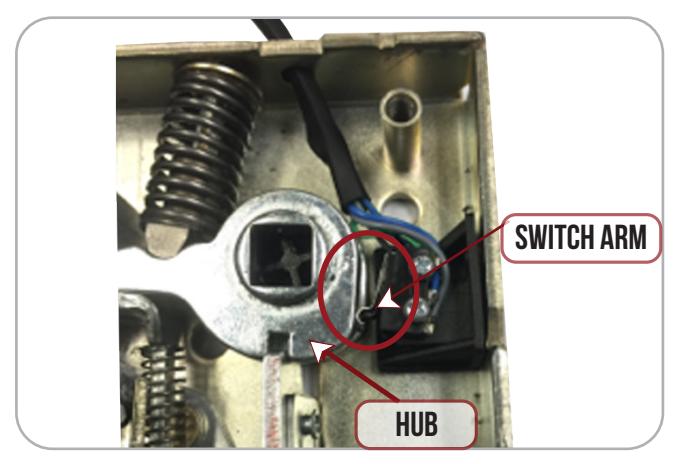
5. Line up REX Bracket with existing hole underneath locking hub & secure REX switch.
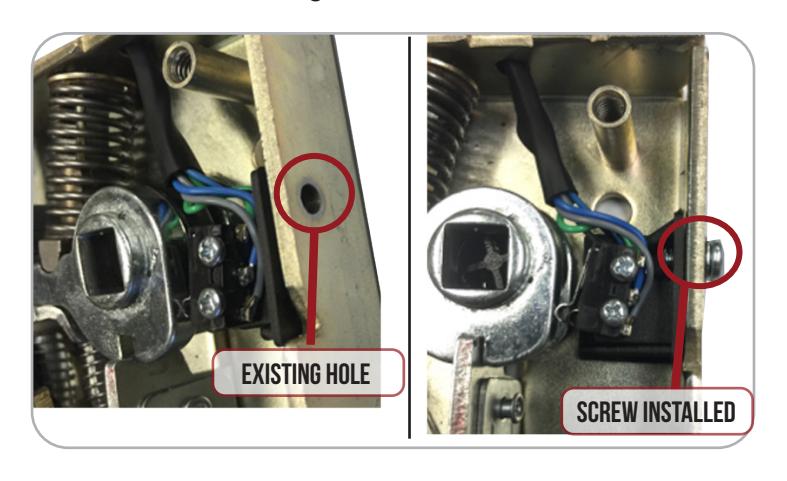
6. Re-install Cover Plate & add REX color code sticker. Test Switch