SARGNET 80 & CAL ROYAL 22 98-CRSREXKIT-ED Installation Instruction
Open the original PDF document
View PDF

CRSREXKIT-ED
INSERT INSTRUCTIONS
Field Installable Request-to-Exit switch for Sargent 8000, Cal Royal 9800/2200 exit device. This kit is an easy to install switch, which sends a signal to alert the control panel that the door is about to be opened by someone exiting from within the secured area. This switch is SPDT (single pull, double throw).
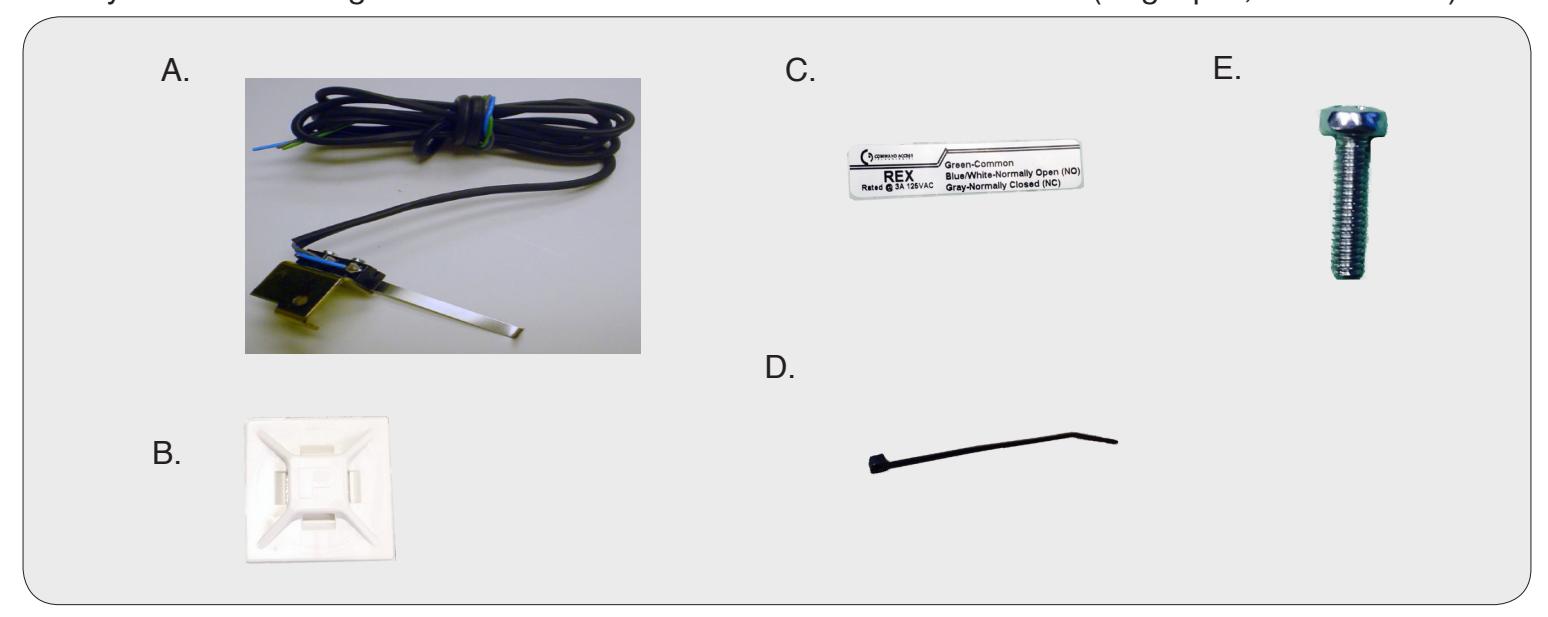
REXKIT INCLUDES | TOOLS REQUIRED
- A. 1 REX Bracket
- B. 1- Cable Tie Mount
- C. 1- REX Sticker
- D. 1- Cable tie
- E. 1- 40041 Self-tapping Screw
- Cordless Drill
- #37 drill bit
SPECIFICATIONS
- Single Pole Double Throw (SPDT)
- Rating: .5A @24VAC
- Configuration: Green Common (C)
Blue - Normally Open (NO)
Gray - Normally Closed (NC)

A. Remove end cap & cover plate
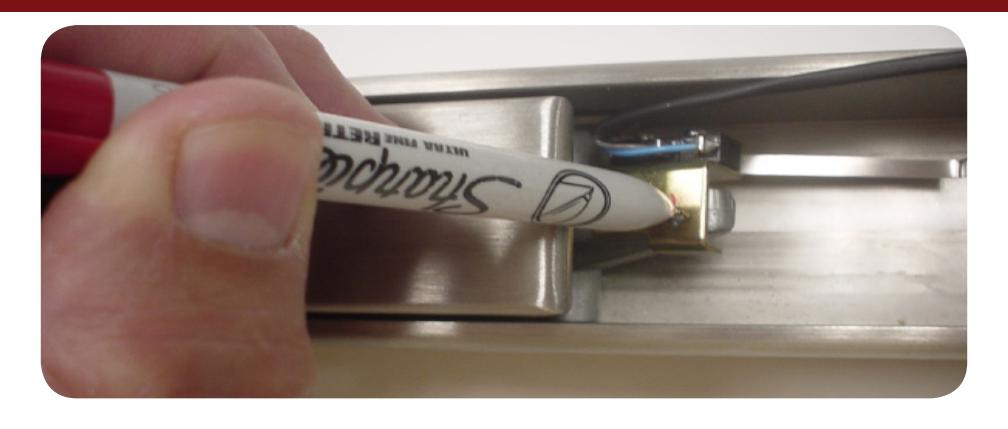
B. Place Rex bracket on tail of the back activating bracket. Mark your drill hole.
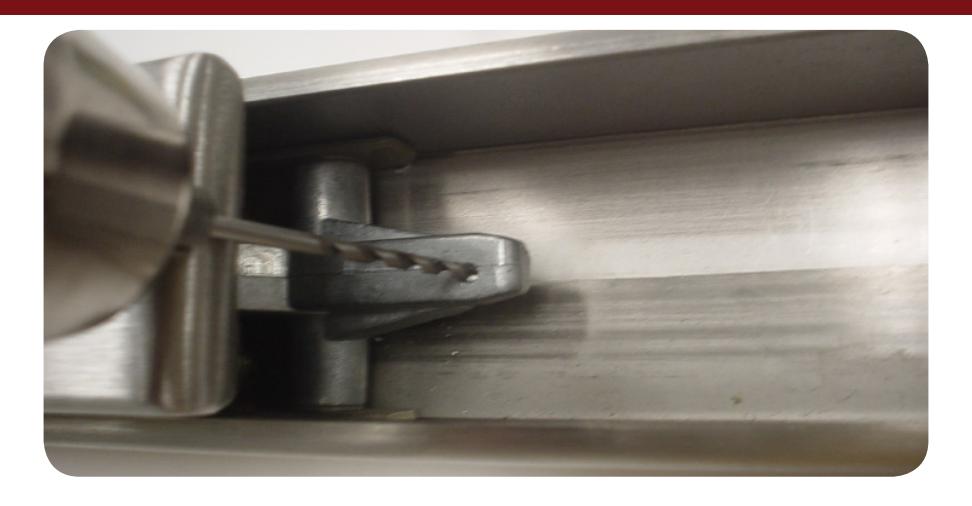
C. Drill hole using a #37 drill bit.
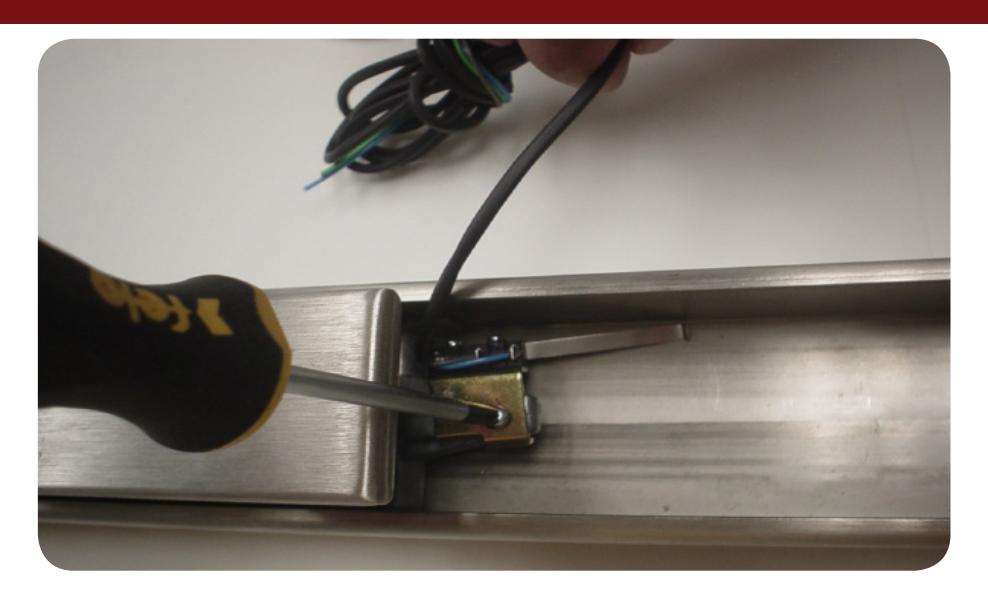
D. Attach Rex bracket with supplied self-tapping phillips screw.
E. Test Rex switch for proper operation and adjust if neccessary
F. Replace cover plate & end cap.