Olympus Lock 100 200 Series Key-Retaining Non key-Retaining Conversion Instructions
Open the original PDF document
View PDF100 / 500 200 / 600
KEY-RETAINING / NON-KEY-RETAINING CONVERSION INSTRUCTIONS
- 1. Remove both screws from front of lock face
- 2. Lift off front of lock face
- 3. Remove key-retaining cam disk (or regular cam disk)
- 4. Replace with standard cam disk (or key-retaining cam disk)
- 5. Replace front of lock face
- 6. Secure with both screws
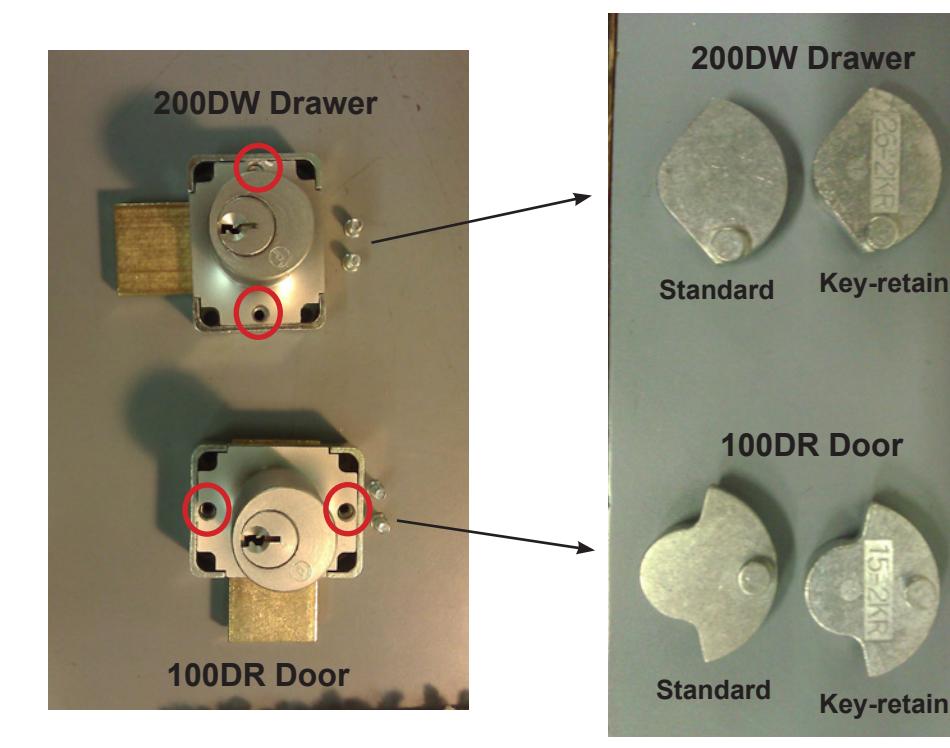
Remove key-retaining cam disks Replace with standard cam disks
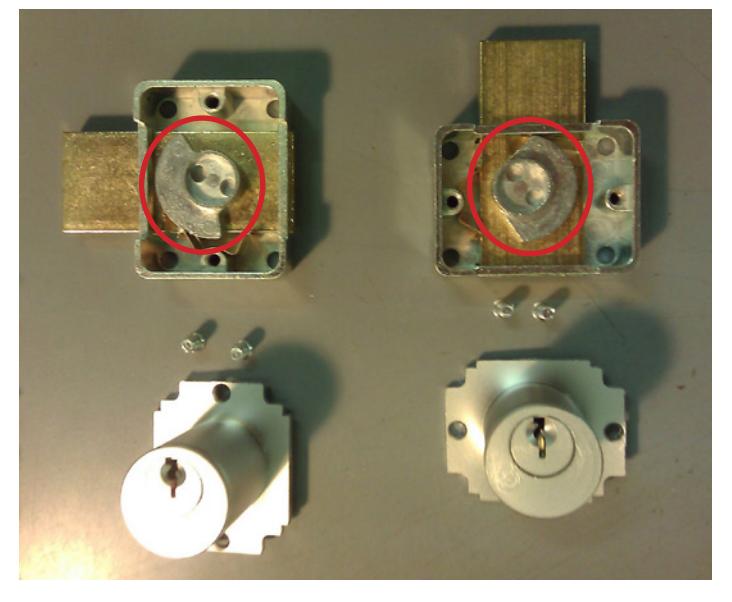
Key-retaining cam disks have two holes
100DR Door
200DW Drawer
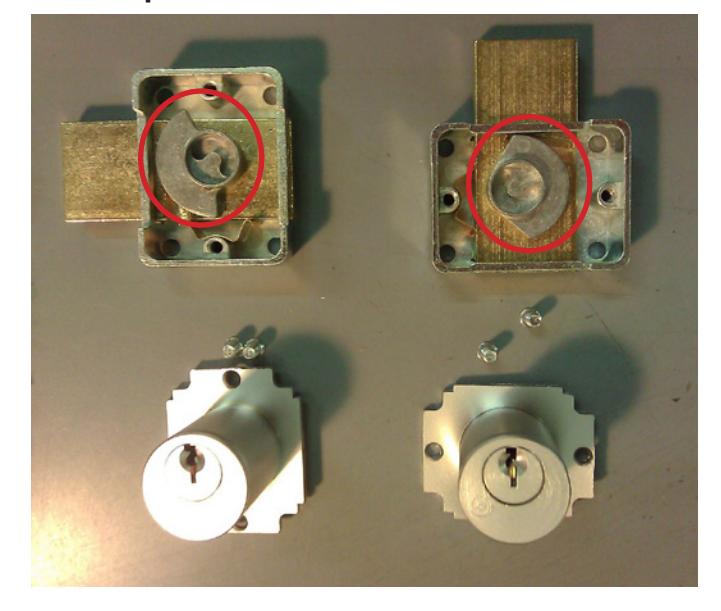
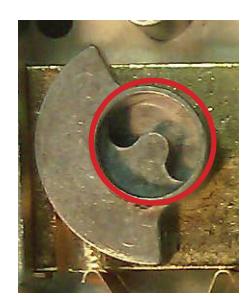
Standard cam disks have a curved slot