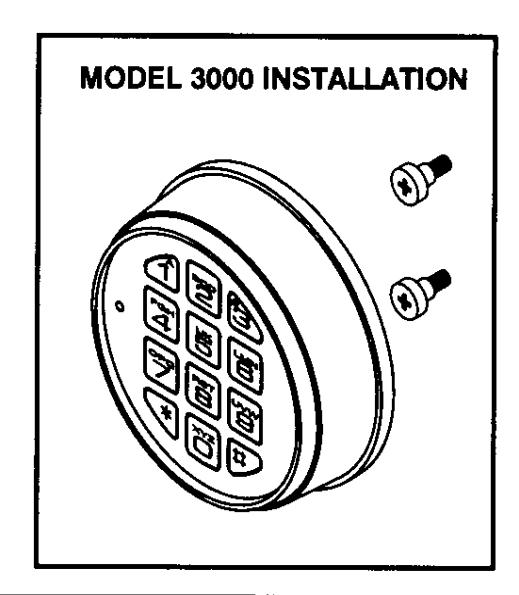
LaGard Electronic Safe Lock SafeGard Operating Instruction
Open the original PDF document
View PDF

SAFEGARD OPERATING INSTRUCTIONS
| FEATURES AC | TIVE |
|---|---|
|
|
|
|
| DUAL COMBINATION Two combinations required to open. | |
|
umber |
|
|
| TIME DELAY "Delay" period 1-99 minutes, "Open" period 1-19 minutes. |
CHANGING COMBINATIONS (Lock signals twice after each valid entry.)
- Enter six zeros.
- Enter old combination.
-
Enter new combination TWICE.
- Invalid Combination Entry Lock signals three times old combination still valid.
ADD SECOND USER (If manager, time delay override, remote override, or dual combination features activated.)
- Enter primary user combination. HOLD DOWN LAST DIGIT OF COMBINATION until lock signals with two double beeps.
- PRESS 1. Lock signals twice.
- Enter second user combination TWICE. Lock signals twice after each valid entry.
DISABLE SECOND USER (Manager feature only.)
- Enter primary user combination. HOLD DOWN LAST DIGIT OF COMBINATION until lock signals with two double beeps.
- PRESS 2. Lock signals once.
- · Second user is temporarily disabled.
REINSTATE DISABLED USER (Manager feature only.)
- Enter primary user combination. HOLD DOWN LAST DIGIT OF COMBINATION until lock signals with two double beeps.
- PRESS 1. Lock signals once.
- Second user is reinstated.
REMOVE SECOND USER (Manager feature only.)
- Enter primary user combination. HOLD DOWN LAST DIGIT OF COMBINATION until lock signals with two double beeps.
- PRESS 3. Lock signals once.
- Second user is permanently removed.
DUAL COMBINATION OPERATION (If feature is active.)
-
Must add second user to open lock. (See ADD SECOND USER)
- Second user can not be disabled or removed.
-
If Time Delay is active, one valid combination will start Delay period.
- Both combinations required to open lock in Open period.
TIME DELAY (If feature is active. Delay/Open times may be changed by authorized service only.)
-
Enter valid combination.
- Delay period starts.
- LED flashes red at one second intervals.
If valid combination entered during delay, Delay period restarts. If invalid combination entered during delay, Delay period aborts.
-
At end of delay period, Open period starts.
- LED flashes red at 1/2 second intervals.
- Lock beeps at 10 second intervals.
-
During Open period, enter valid combination(s).
- If invalid combination entered during open, Open Period continues.
- If four consecutive invalid combinations entered Wrong Try Penalty starts.
TIME DELAY OVERRIDE (If feature is active.)
-
Must add second combination. (See ADD SECOND USER)
- Second combination can not be disabled/removed.
- Entry of override combination during Delay period will open the lock.
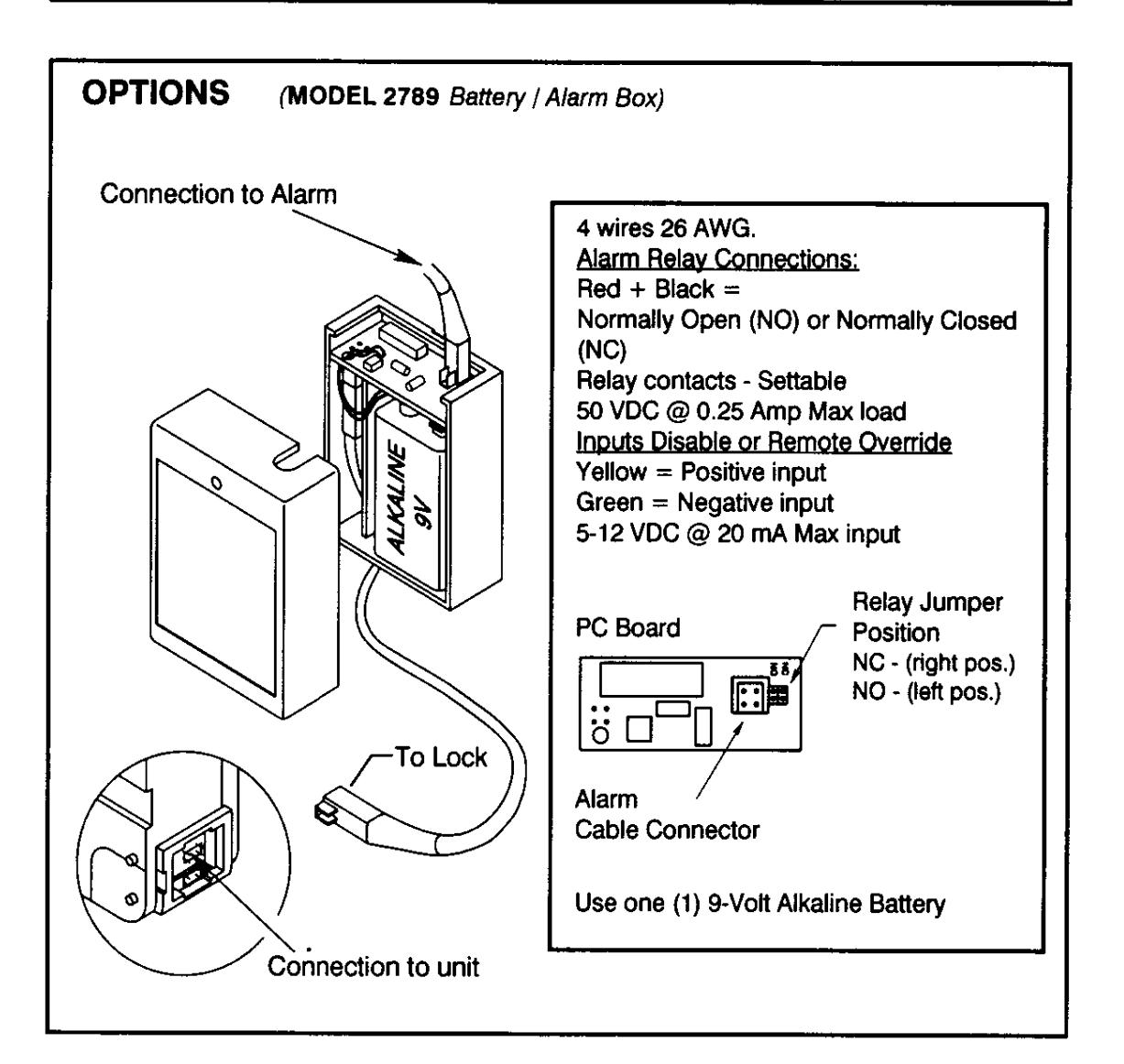
SILENT SIGNAL ALARM (If feature is active AND optional Alarm Box connected.)
• Enter last digit of combination(s) one number higher or one number lower.
Example:
Combination
1-2-3-4-5-6
Duress
1-2-3-4-5-7 or 1-2-3-4-5-5
REMOTE OVERRIDE SIGNAL (If feature is active AND optional Alarm Box connected.)
- Remote signal plus primary user combination will open lock.
-
If remote signal not active, needs a second user to open. (See ADD SECOND USER)
- Second user can not be disabled/removed.
WRONG TRY PENALTY (Standard feature.)
-
Entry of four consecutive invalid combinations, 5-minute delay period.
- LED flashes red at 10 second intervals.
- At end of penalty period, two more consecutive invalid combinations, 5-minute delay period will restart.
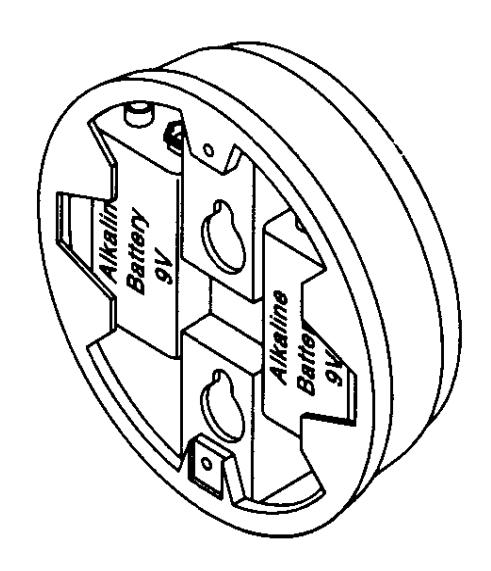
CHANGING BATTERIES
- Repeated Beeping during an opening indicates that <u>battery is low</u> and needs replacement.
- Use two (2) 9-Volt Alkaline Batteries.