LaGard Electronic Safe Lock Handheld Programmer Opreating Instructions
Open the original PDF document
View PDF

MODEL 3045
HAND-HELD PROGRAMMER OPERATING INSTRUCTIONS
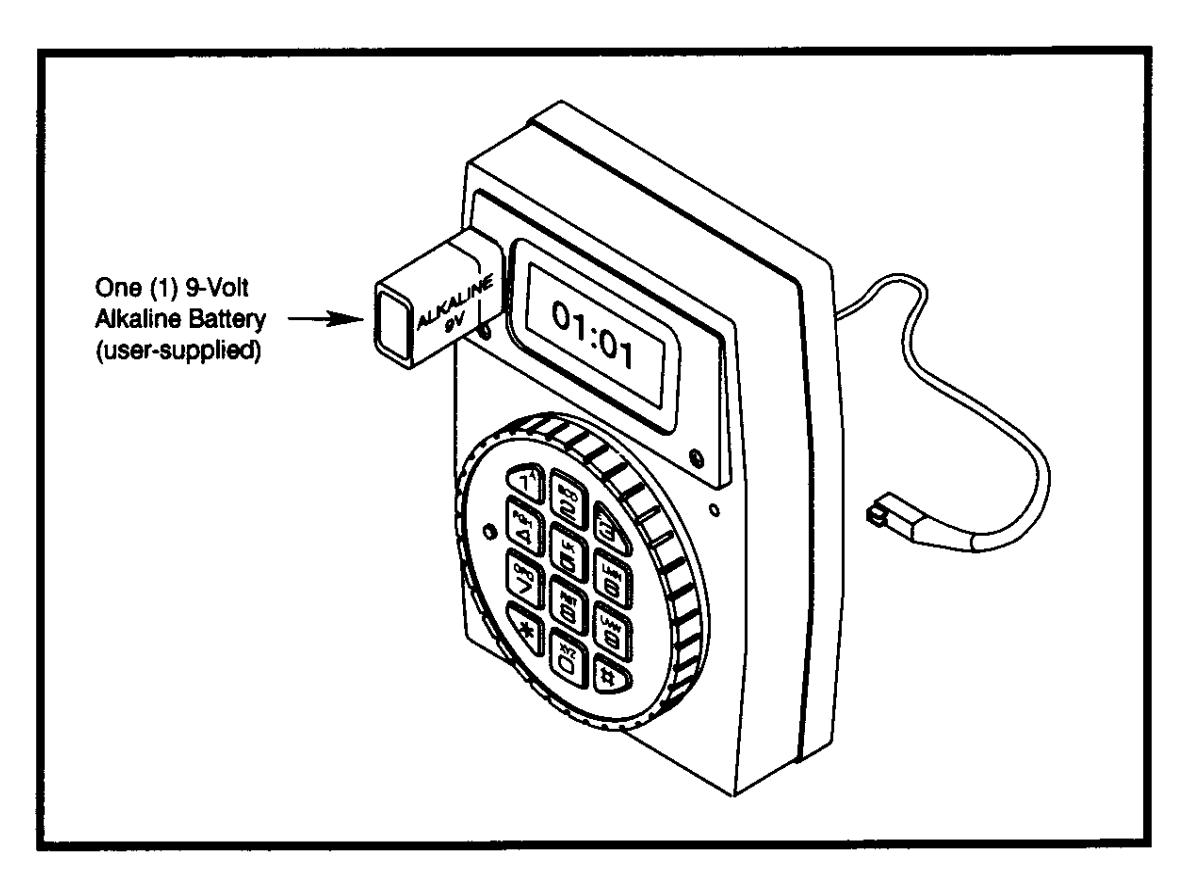
FEATURES FEATURES CODES
| • | MANAGER MODE Add/Temporarily Disable/Remove second user. | 0 |
|---|---|---|
| • | TIME DELAY OVERRIDE Ability to add second combination to override Delay period. | 1 |
| • | DUAL COMBINATION Two combinations required to open. | 2 |
| • | SILENT SIGNAL ALARM (Optional Alarm Box Required) Duress Signal if last number of combination(s)\nentered one number higher or one number lower. | 3 |
| • | REMOTE OVERRIDE SIGNAL (Optional Alarm Box Required) Two combinations OR remote signal plus primary user combination required to open | 7 |
• TIME DELAY (LCD displays Delay/Open time.) "Delay" 1-99 minutes, "Open" 1-19 minutes.
01:01
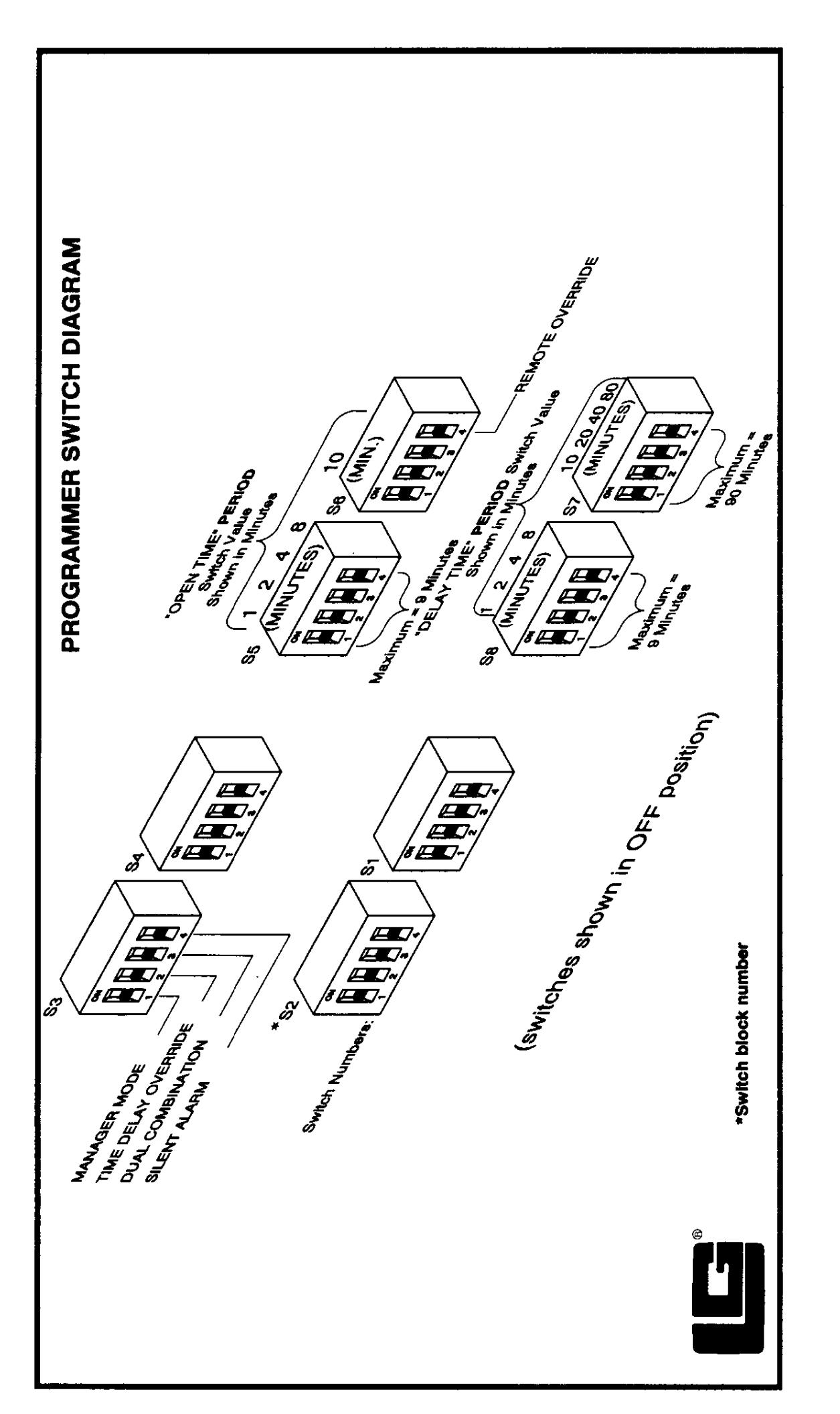
SET PROGRAMMER SWITCHES AND FEATURE TRANSMISSION
(See Switch Diagram on back page.)
-
Turn ON switch(es) to select features and/or Delay and Open time periods.
- Only Silent Alarm and Time Delay may be used with other features.
- Connect Programmer to Combination Lock.
-
INITIAL SET-UP: Enter factory-set Programmer combination, 1-2-3-4-5-6. FIELD SET-UP: Enter lock's Primary combination.
- During combination entry LCD will display:
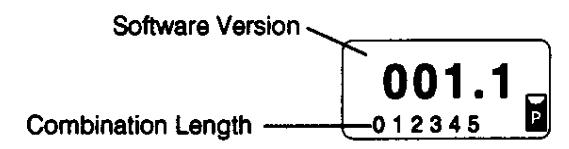
- If combination is invalid, LCD will display "Err" then go blank. If 4 consecutive invalid combinations entered, LCD displays "Pen". 5-minute Time Penalty starts.
- If combination is valid, LCD displays Programmer switch settings as follows: (See Page 1 for feature codes.)
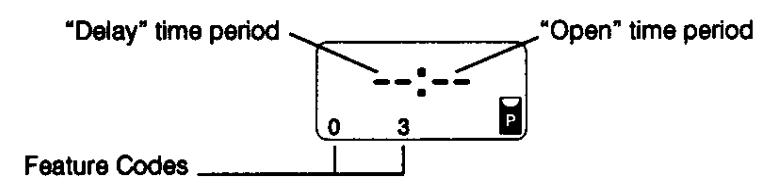
- Incorrect feature selection: Applicable Feature Codes will flash. PRESS 9 to escape. Reset switches and restart procedure.
- To transmit to lock, Press 0 and HOLD until LCD displays:
donE
• Faulty transmission to lock, LCD displays:
FAIL
- Check lock connection, switch settings, batteries, and restart procedure.
TO VERIFY SWITCH SETTINGS AT ANY TIME:
Connect Programmer to lock. Enter lock's primary combination. LCD displays Programmer Setting. Example:
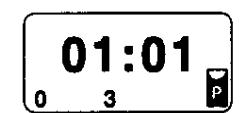
• PRESS 1. LCD displays lock setting. Example:
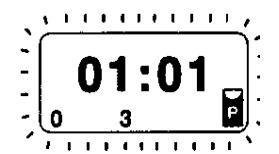
If Programmer is not connected to lock, PRESS 33. LCD will display Programmer switch settings.
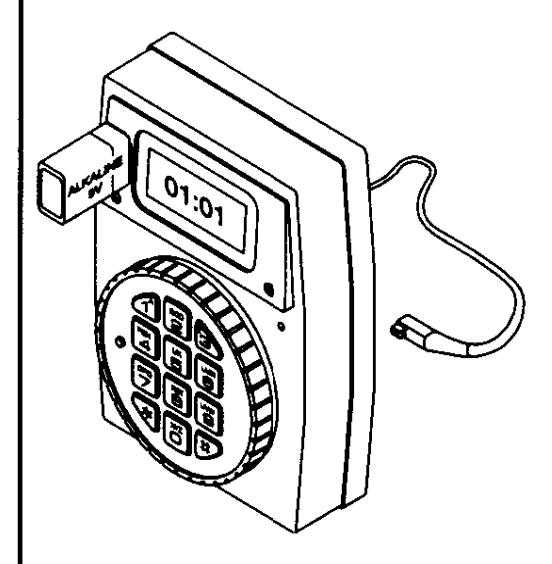
HAND-HELD PROGRAMMER/LOCK CONNECTIONS
COMBOGARD
MODEL 33E-1 Deadbolt MODEL 33E-2 Springbolt
MODEL 3045 Hand-Held Programmer
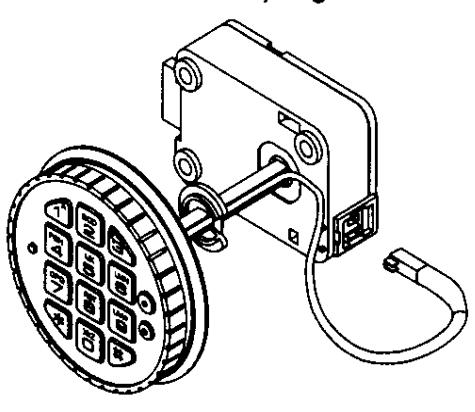
SAFEGARD
5010 Swingbolt Lock (RH)
5015 Swingbolt Lock (LH)
2870 Motor Lock (Deadbolt)
2888 Motor Lock (Springbolt)
2441 Redundant Mechanical Lock
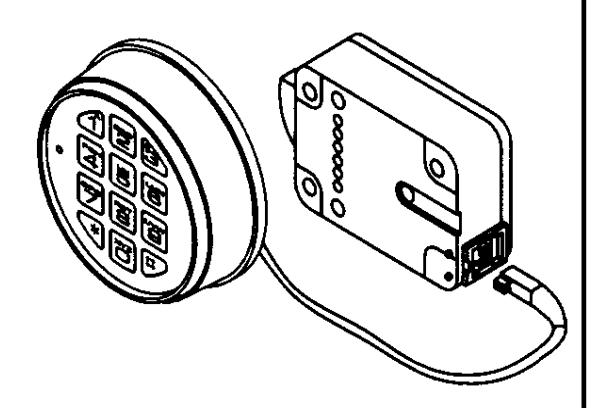
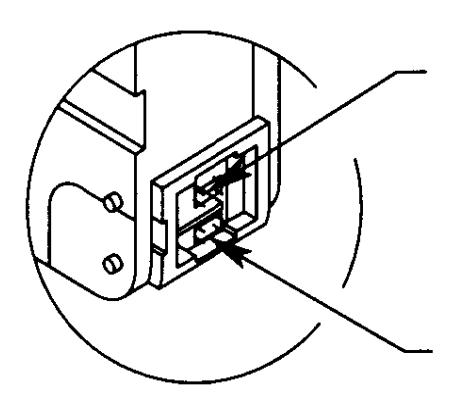
Connection to Battery Box or
Alarm/Battery Box (Optional) (See Lock Operating Instructions)
Connection to Programmer