LaGard Electronic Safe Lock DigiGard Programming
Open the original PDF document
View PDF

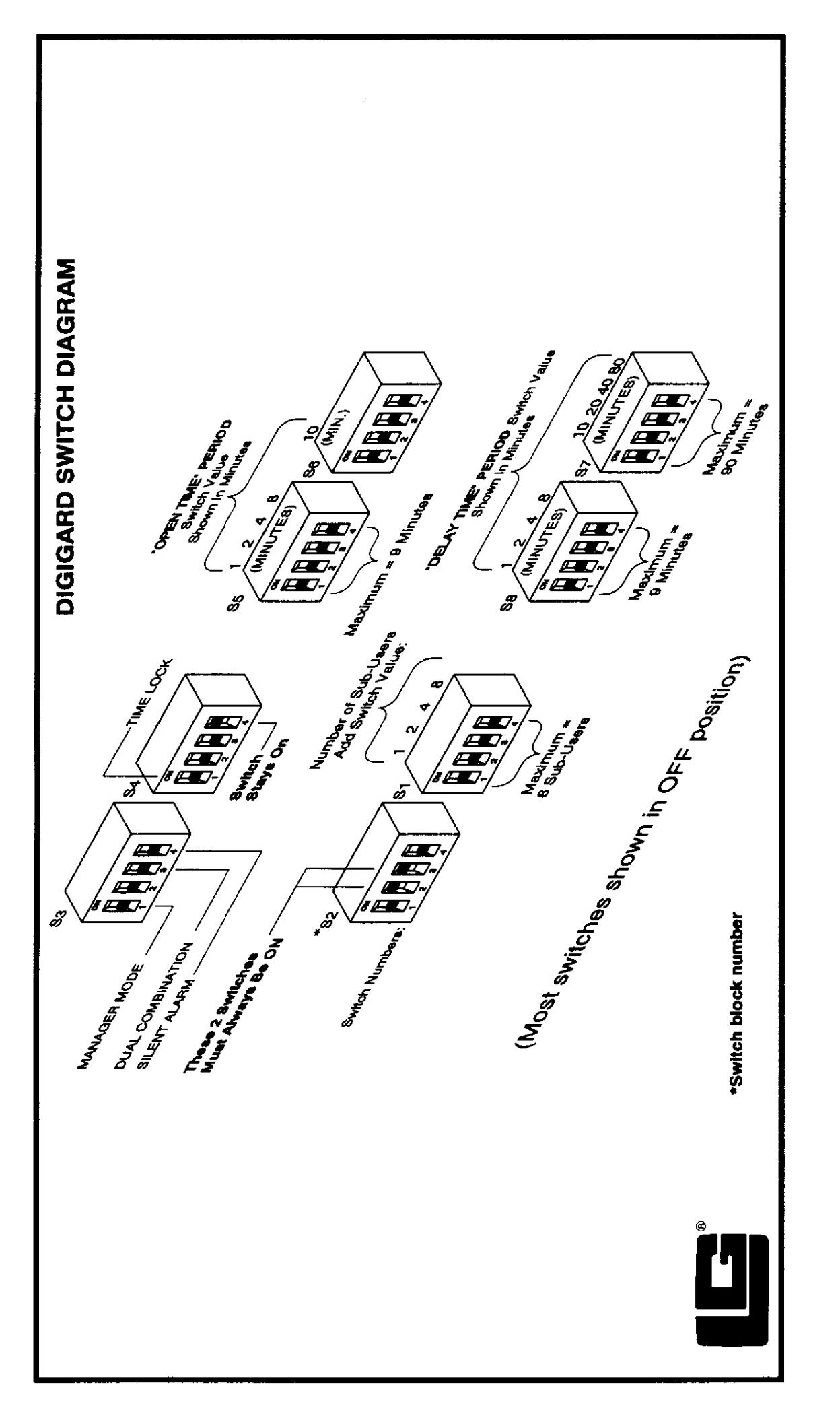
DIGIGARI SETTING SWITCHES & ACTIVATING FEATURES
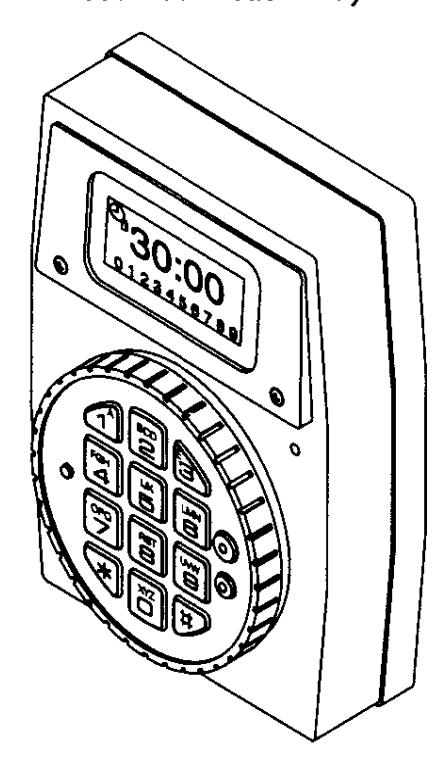
4000 Push Button Entry
5010 Swingbolt Lock (RH)
5015 Swingbolt Lock (LH)
2870 Motor Lock (Deadbolt)
2888 Motor Lock (Springbolt)
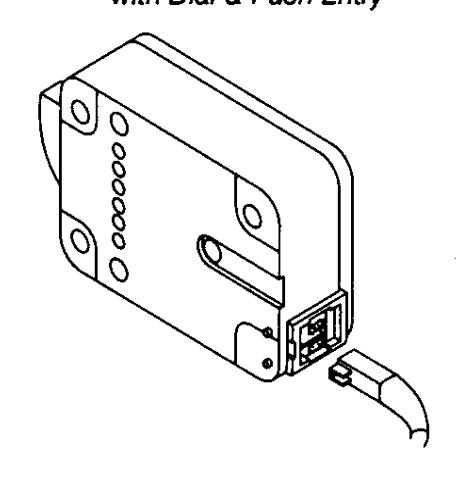
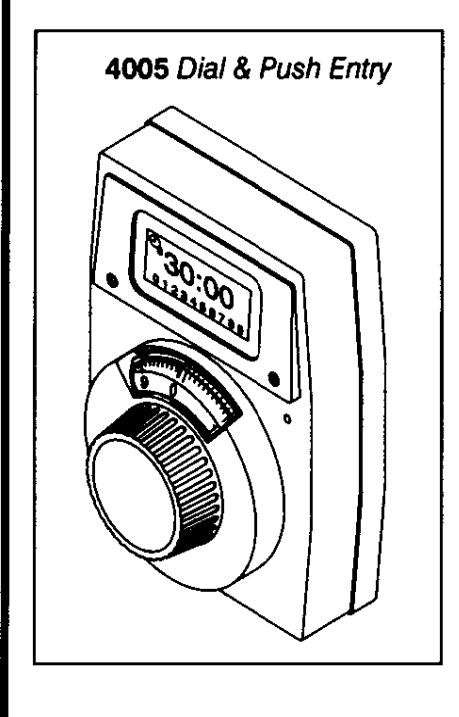
4030 Redundant Mechanical Lock with Dial & Push Entry
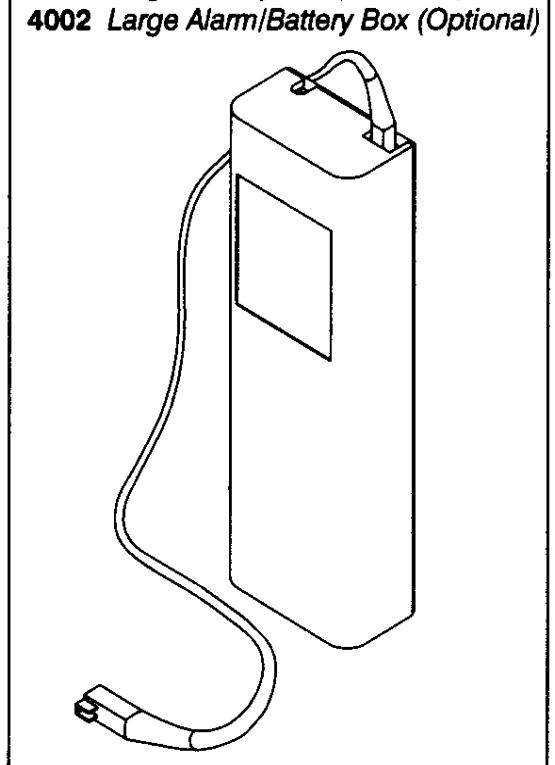
4001 Large Battery Box (Standard)
FEATURES Switch Programmable - See Switch Diagram on back page (May be added/changed at any time, with restrictions as noted. Also see DigiGard Operating Instructions for more information.)
NUMBER OF SUB-USERS
Primary User (User#A) plus Sub-User numbers range from 1 to 8.
If number of users switches are <u>decreased after</u> sub-user combinations assigned, higher user number combination(s) must be deleted before feature activated. (See Activating Features procedure.)
Example: Sub-User numbers 1 and 7 previously assigned. Number of users then decreased to six. User #7 is higher and <u>must be deleted before</u> activating feature.
MANAGER MODE
User #0 will appear on LCD if feature is active. Manager may perform the following:
- Add, Temporarily Disable, or Remove sub-users
- Set Time Lock
- Run Audit Trail
DUAL COMBINATION
Switches must be programmed for minimum of two sub-users.
Any two combinations required to open.
SILENT SIGNAL ALARM
Optional Alarm/Battery Box Required
Duress signal if last number of combination(s) entered one number higher or one number lower.
TIME LOCK
Lock from 1 minute to 99 hours, 59 minutes (00:01 to 99:59).
If Time Lock activated, cannot turn OFF during Lock period.
TIME DELAY
"Delay" time period: 1-99 minutes "Open" time period: 1-19 minutes
- Delay Time period may be increased at any time.
- Open Time period may be changed at any time.
ADDITIONAL FEATURES Not Switch Programmable
WRONG TRY PENALTY
- Entry of four consecutive invalid combinations, 5-minutes delay period will start. Lock signals at 10 second intervals.
- At end of penalty period, entry of two more consecutive invalid combinations, 5-minute delay period will restart.
AUDIT TRAIL
Only Primary and Manager User have access.
Stores all user operations up to latest 99 events.
SETTING SWITCHES AND ACTIVATING FEATURES
(See Switch Diagram on back page)
-
Turn ON switch(es) to select feature(s) or desired Delay/Open time periods.
- Number of Sub-Users and Time Delay time features: Add switch values together for desired total. DO NOT EXCEED MAXIMUM.
- INITIAL SET-UP: Enter factory-set primary combination: 1-2-3-4-5-6
-
FIELD SET-UP: Enter Digi-Gard primary combination.
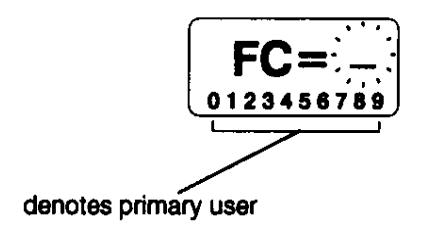
- Hold down last digit of combination until LCD displays:
-
PRESS 0. If switch settings are correct, LCD displays:
- Lock is reconfigured.
donE
During SET-UP, if switches are set incorrectly, after pressing 0, LCD displays:
Err 0
- Check switch settings, cable connections, and restart ACTIVATING FEATURES procedure.
- If Time Delay is active, cannot turn OFF nor decrease Delay Time period until Open Time period.