LaGard Electronic Safe Lock DigiGard Operation Instructions
Open the original PDF document
View PDF


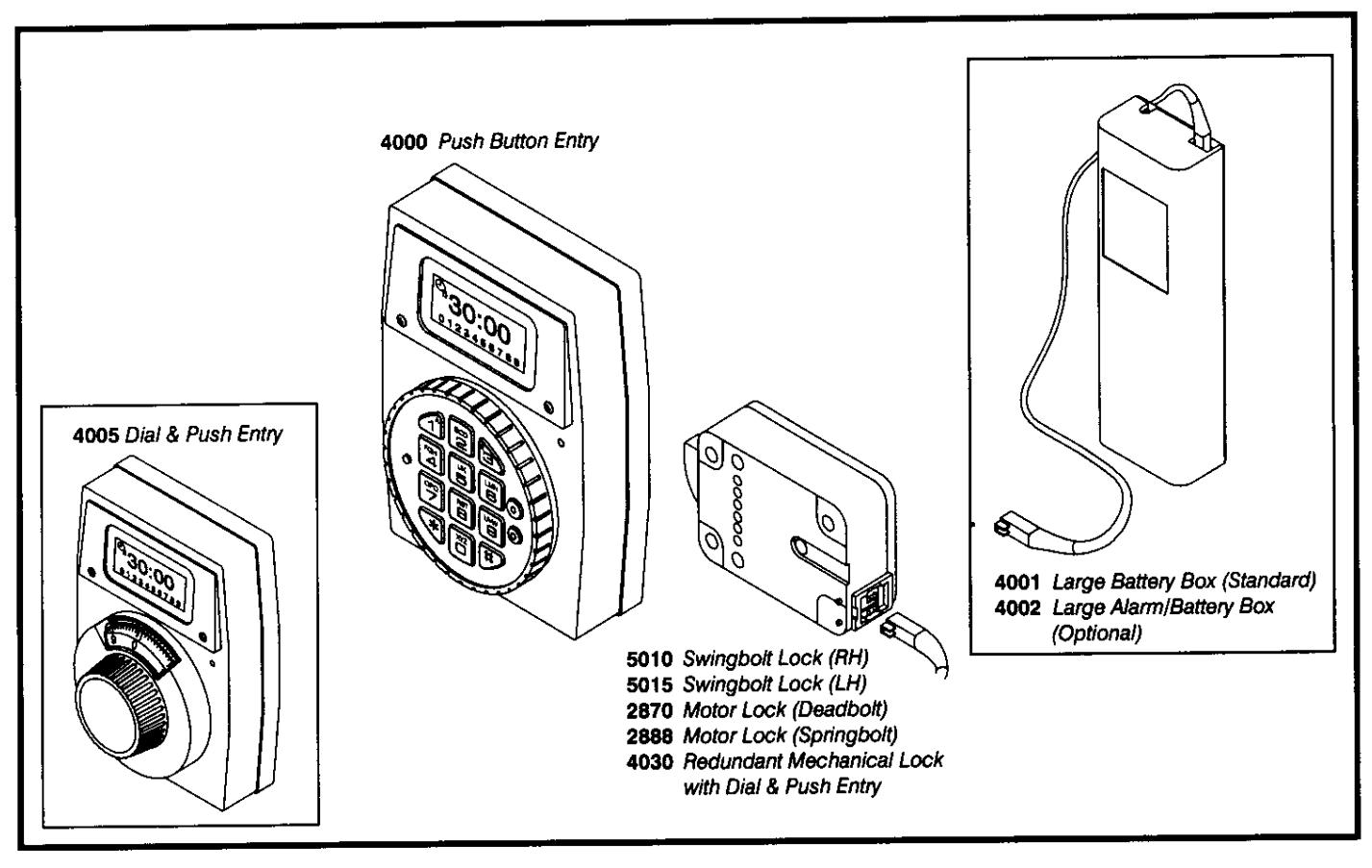
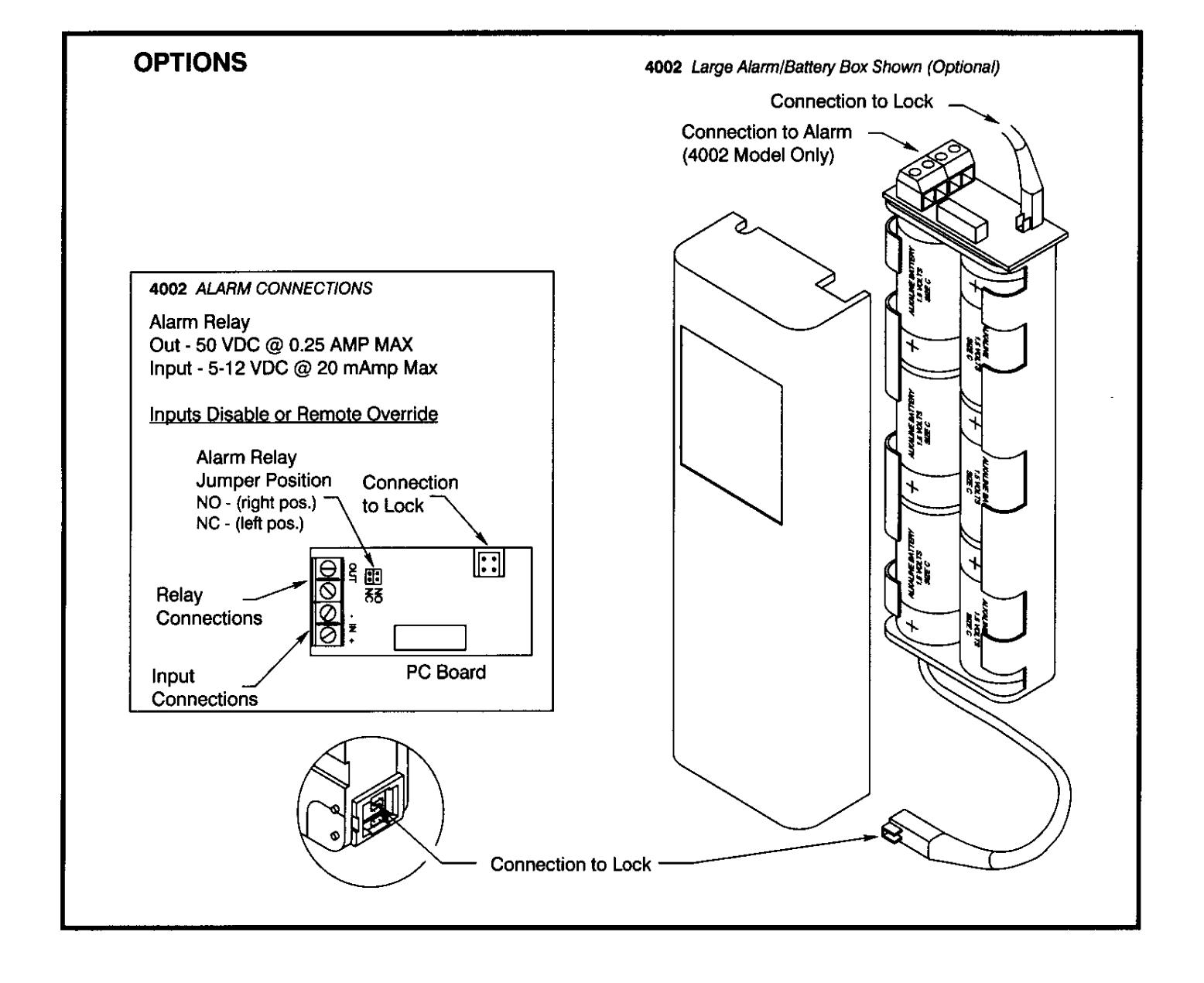
FEATURES (May be activated, or changed, at any time by Authorized Service). NUMBER OF SUB-USERS (Sub-User numbers range from 1 to 8.) additional sub-users. (Pre-set) Primary user plus MANAGER MODE (If feature is activated, User #0 displayed on LCD - see Add Sub-Users.) Manager may perform the following: Add, Temporarily Disable, or Remove sub-users, Set Time Lock, Run Audit Trail. DUAL COMBINATION Two combinations required to open. SILENT SIGNAL ALARM (Optional Alarm/Battery Box Required.) Duress Signal if last number of combination(s) entered one number higher or one number lower. TIME LOCK Lock period from 1 minute to 99 hours, 59 minutes (00:01 to 99:59). TIME DELAY (Preset "Delay" and "Open" Time periods.) Open Time period minutes Delay Time period minutes STANDARD FEATURES (Always Available.) AUDIT TRAIL Primary user or Manager may track all user operations up to latest 99 events.
Entry of four consecutive invalid combinations, 5-minute delay period will start. Lock signals at 10 second intervals. At end
of penalty period, entry of two more consecutive invalid combinations, 5-minute delay period will restart.
WRONG TRY PENALTY
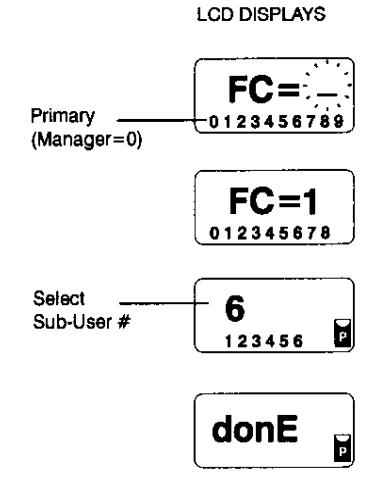
ADD SUB-USERS - Function Code 1 (Primary User or if Manager feature activated.)
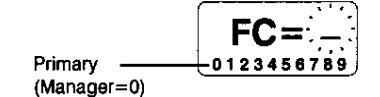
Enter Primary or Manager combination. HOLD DOWN LAST DIGIT OF COMBINATION until LCD displays:
PRESS 1 for function. LCD displays sub-user numbers. Example: Unassigned numbers do not flash. Assigned numbers do not appear. Disabled user numbers flash.
- Enter any Sub-User number, example: Sub-User #6. PRESS 6.
- Enter sub-user combination TWICE.
-
If combination is valid, LCD displays:
- If combination invalid, Lock signals three times and LCD goes blank.
TEMPORARILY DISABLE USERS - Function Code 2 (Primary User or if Manager feature activated.)
Enter Primary or Manager combination. HOLD DOWN LAST DIGIT OF COMBINATION until LCD displays:
- PRESS 2 for function. Only active numbers will appear. Example:
-
Enter Sub-User number to be disabled, example: Sub-User #6. PRESS 6.
User is temporarily disabled. Continue disabling users OR TO EXIT;
- Wait until LCD goes blank OR
- Enter disabled user number again. LCD will display error message then go blank.
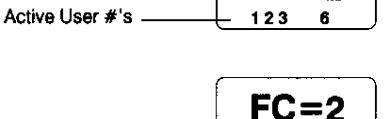
FC=2
123
REINSTATE DISABLED USERS - Function Code 1 (Primary User or if Manager feature activated.)
- Enter Primary or Manager combination. HOLD DOWN LAST DIGIT OF COMBINATION until LCD displays:
- PRESS 1 for function. LCD displays sub-user numbers. Example: Unassigned numbers do not flash. Active numbers do not appear. Disabled user numbers flash.
-
Enter Sub-User number to be reinstated, example: Sub-User #6. PRESS 6.
User is reinstated and has access. Continue reinstating users OR TO EXIT;
- Wait until LCD goes blank OR
- Enter reinstated user number again. LCD will display error message then go blank.
FC = 1 123 45 6789 FC = 1
123
REMOVE USERS - Function Code 3 (Primary User or if Manager feature activated.)
- Enter Primary or Manager combination. HOLD DOWN LAST DIGIT OF COMBINATION until LCD displays:
- PRESS 3 for function, LCD displays sub-user numbers. Example: Only assigned user numbers will appear.
-
Enter Sub-User number to be deleted, example: Sub-User #6. PRESS 6.
User is permanently removed. Continue removing users OR TO EXIT;
- Wait until LCD goes blank OR
- Enter deleted user number again. LCD will display error message then go blank.
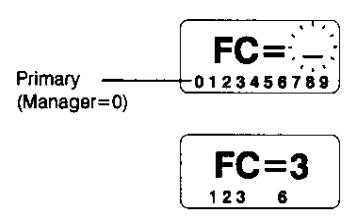
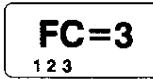
AUDIT TRAIL - Function Code 7 (Primary User of if Manager feature activated.)
Stores up to 99 events. Last event is first shown on LCD.
- Enter Primary or Manager combination. HOLD DOWN LAST DIGIT OF COMBINATION:
- PRESS 7 for function. Information is presented in the following format: Event Numbers = 01 to 99.
Event Codes:
- 0 Open
- 1 Add/Reinstate User or Change combination
- 2 Temporarily Disable or Remove User
- 3 Lock Failure
- 4 Wrong Try Penalty activated
- 5 Features added/changed (by Authorized Service only)
- 6 Set Time Lock
- 7 Access Denied, Time Lock activated
LG icon With Any event Code - Silent Signal Alarm activated.
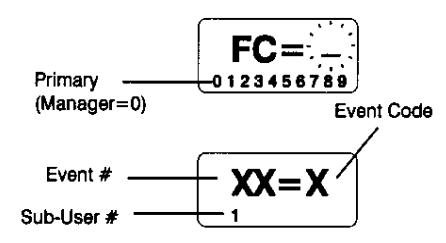
To scroll forward, PRESS 7. When all events have been shown, no more screens will appear.
To scroll backward, PRESS 8.
To exit audit trail, Press any other number.
CHANGING BATTERIES
- Repeated beeping during an opening indicates <u>Batteries are Low.</u>
- Replace immediately. Use six (6) 1.5 volt Alkaline Size C batteries.
- · To change batteries, pull Battery Cover off.