Input Output Interface with Ethernet Port
Open the original PDF document
View PDF

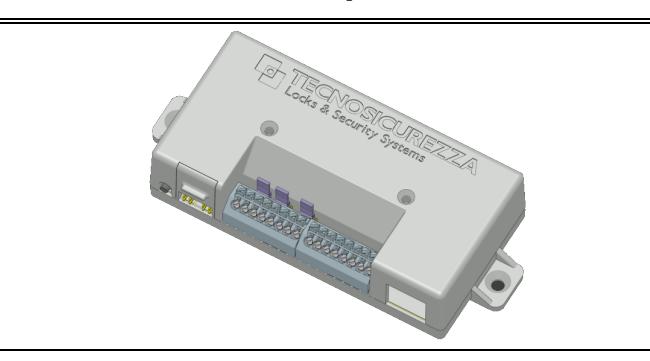
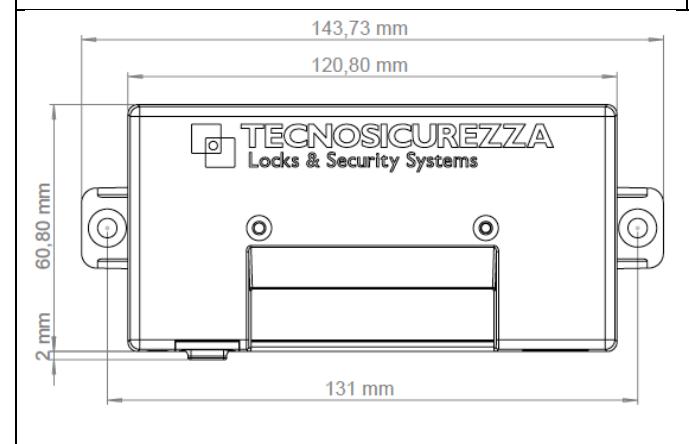
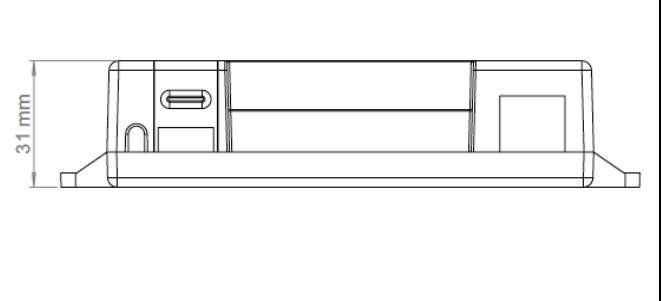
T9355/IP: Input/output interface with ethernet port
T9355/IP includes:
- Plastic box
- Reset button
- Alarm signals terminals
- Keypad/lock connectors
- Ethernet port
- Jumpers NC/NO
| RS485 PROTOCOL | 1. | GND | RESET | |||
|---|---|---|---|---|---|---|
| 2. | RS485 + | BUTTON | ||||
| 3. | RS485 - | KEYPAD | ||||
| 4. | RS485 BUSY | & LOCK | ||||
| OUTPUTS * | 5. | OUTPUT 1 (Silent alarm) | ||||
| Dry contacts | 6. | OUTPUT 1 (Silent alarm) | ||||
| Normally open/closed | 7. | OUTPUT 2 (Penalty) | ||||
|
Max 30Vdc
, 1A |
8. | OUTPUT 2 (Penalty) | ||||
|
Max 60Vdc
, 300mA |
||||||
|
≂
Max 125Vac , 500mA |
||||||
|
Max 50Vdc
, 200mA |
||||||
| INPUT * | 9. | GND (Remote block) | ||||
| Not isolated | 10. INPUT 1 (Remote block) | |||||
| Active low | 11. GND (Remotely managed) | |||||
| Short circuit between INPUT and GND to activate the signal. | 12. INPUT 2 (Rem. managed) | |||||
| (do not power the Input) | ||||||
|
Max 50Vdc
, 20mA |
||||||
|
Vil Max= 0,5Vdc
Vih Min= 3,0Vdc |
||||||
| VDC OUTPUT | 13. GND | |||||
| 9Vdc OUT, max 100mA | 14. 9V OUT+ | |||||
| POWER SUPPLY | 15. GND | |||||
| 12Vdc-24Vdc (1A) | 16. PWR IN + | |||||
values shown inside the brackets must be considered just as factory values.
RESISTOR 485 TERMINATION NO/NC NO/NC
For indoor use only.
ETHERNET

The connection and installation of the interface has to be done by qualified personnel properly trained.
RESET PROCEDURE .
- 1) Connect the reset-box to any of the keypad/lock connector on the interface.
- 2) Push and release the reset button. The LED will begin to blink slowly.
- 3) Disconnect the reset-box from the interface.
- 4) Push and release again the reset button. The LED will turn on for a few seconds then it will turn off.
- 5) The interface is now reset and it is ready to be installed on the system.
INSTALLATION PROCEDURE .
- 1) Make sure that the interface is reset.
- 2) Connect the interface to the keypad.
- 3) Open the lock 1 and keep the bolt open.
- 4) Enter in the configuration menu.
- 5) Select 'Install I/O interface' submenu.
- 6) Enter Master code to complete the installation procedure.
- 7) The interface is now installed and resdy to work.
- 8) When using the interface in 'RS485 mode', make sure the ID is set correctly.