HID-Reader-Manager-Mobile-Application-Brochure
Open the original PDF document
View PDF

Manage Readers Securely and Easily with a Mobile Device
Today's business environment demands security professionals do more with less — while still doing the right things, like focusing on mitigating security risks. And that's where process and administration simplification is key.
The Power to Service Readers in the Palm of Your Hand
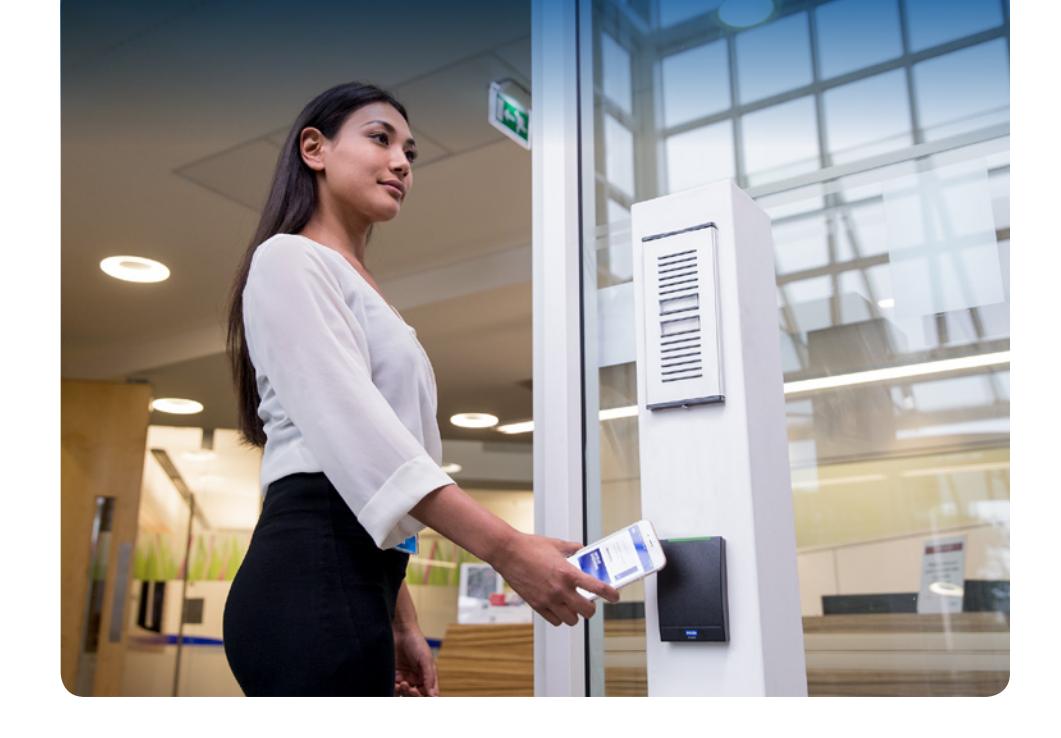
HID® Reader Manager™ puts the control of reader administration a tap or swipe away via iOS or Android compatible devices. Govern authorization keys, change reader
configurations, update firmware, or inspect status of enabled readers within Bluetooth proximity through the Reader Manager mobile application.
- ¡ Streamline administration Instant access allows for field maintenance and updates
- ¡ Leverage secure communication Supported by the latest industry standard protocol
- ¡ Promote a better experience Always available so you can mitigate disruptions
HID® Reader Manager™ puts the control of reader administration a tap or swipe away via iOS or Android compatible devices.
What can you do with the Reader Manager App and Portal?


Delivering Security Through Reliability, Efficiency & Convenience
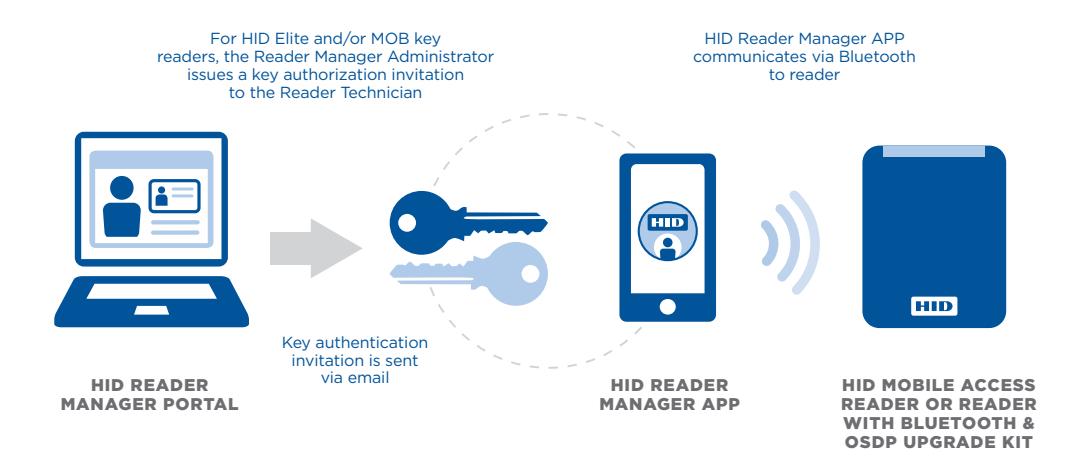
Reader Manager supports the latest industry standard, Open Supervised Device Protocol (ODSP) and simplifies the process of configuring readers for higher security. Use the HID Reader Manager mobile app to connect to the reader via Bluetooth and empower reader administrators to manage configuration, diagnostics and firmware with an iOS or Android mobile device.
Need Bluetooth Supported Readers? Upgrade Easily
The iCLASS SE® and multiCLASS SE® Bluetooth and OSDP Upgrade Kit allows for readers that don't currently support Bluetooth or OSDP to be upgraded and support these technologies. The iCLASS SE and multiCLASS SE Bluetooth and OSDP Upgrade Kit is a simple plug-
in module and adhesive reflector back plate kit. The Upgrade Kit can permanently upgrade readers or temporarily connect to readers that don't continuously require Bluetooth support.
Features and Compatibility
- ¡ Locate scan and locate reader for communication
- ¡ Inspect examine reader hardware, firmware, and configuration details
- ¡ Configure apply reader configuration changes
- ¡ Upgrade upgrade reader firmware
A full list of compatibility and specifications are available at: https://www.hidglobal.com/reader manager-system-requirements
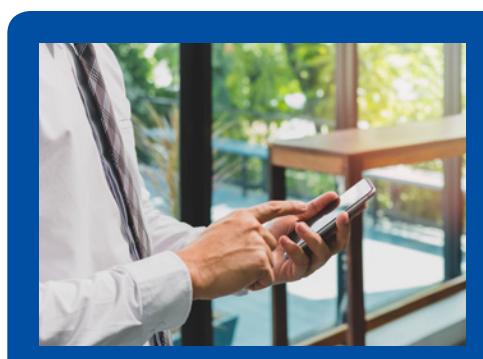
Use the HID Reader Manager mobile app to connect to the reader via Bluetooth and empower reader administrators to manage configuration, diagnostics and firmware with an iOS or Android mobile device.
| HID® Reader Manager™ Mobile Application Specifications | |
|---|---|
| Supported Reader Models | R10/RP10, R15/RP15, RK40/RPK40 |
|
Reader Manager Mobile
App Requirements* |
Compatible iOS® or Android™ smartphone with HID
Reader Manager mobile app and internet connection |
| Reader Hardware Compatibility* |
iCLASS SE® and multiCLASS SE® with Revision E part
numbers starting with 900, 910, 920, 921 (excluding pivCLASS® and multiCLASS SE® with Indala® Prox) |
| Reader Firmware Compatibility* | R7SP3, R7SP8, R8.4.x, R8.5.x, R8.6.x |
North America: +1 512 776 9000 • Toll Free: 1 800 237 7769 Europe, Middle East, Africa: +44 1440 714 850
Asia Pacific: +852 3160 9800 • Latin America: +52 55 5081 1650
© 2019 HID Global Corporation/ASSA ABLOY AB. All rights reserved. HID, HID Global, the HID Blue Brick logo, the Chain Design, and iCLASS are trademarks or registered trademarks of HID Global or its licensor(s)/supplier(s) in the US and other countries and may not be used without permission. All other trademarks, service marks, and product or service names are trademarks or registered trademarks of their respective owners.
2019-03-04-pacs-reader-mgr-app-br-en PLT-04308
An ASSA ABLOY Group brand