Command Access PD27 Rex Kit Instructions
Open the original PDF document
View PDF


PD27REXKIT-M-ED
INSERT Instructions
The PD27REXKIT-M-ED is a field-installable Request to Exit switch for:
- MLRK1-PD27
- MLRK1-PDQ63 (PDQ 6300/6400 series)
- PD27/PD27F Series Exit Devices
- PD29/PD29F Series Exit Devices
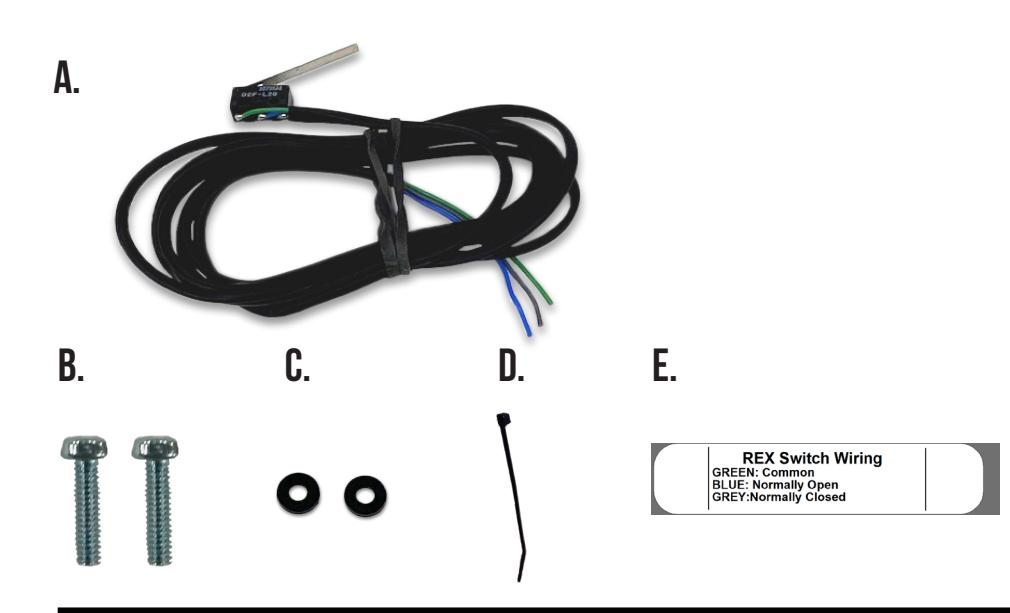
Kit Includes
- A. 60811-R-S-A - (x1) REX Switch
- B. 40047 - (x2) Philips Head Screws
- C. 40054 - (x2) Plastic Washers
- D. 40060 - (x1) Zip Tie
- E. 20015 - (x1) REX Label
Tools Required
Phillips Screwdriver
SPECIFICATIONS
- Single Pole Double Throw (SPDT)
- Rating: 2.0A @ 24VAC
- Configuration: Green Common (C)
Blue - Normally Open (NO) Gray - Normally Closed (NC)
REX Installation Instructions

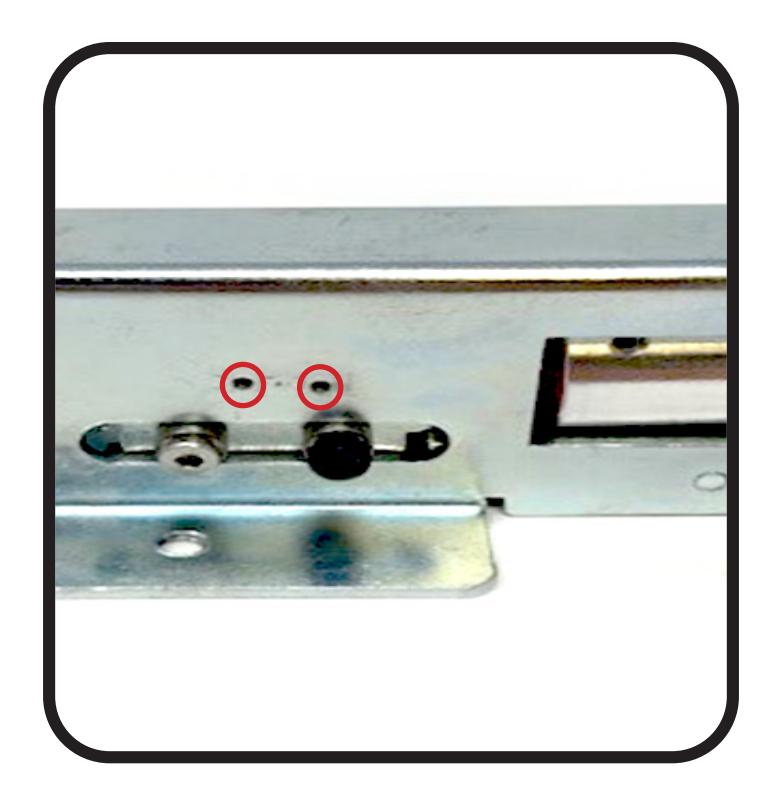
Locate (2) Pre Tapped Screw Holes on Motor Kit Assembly . 1.
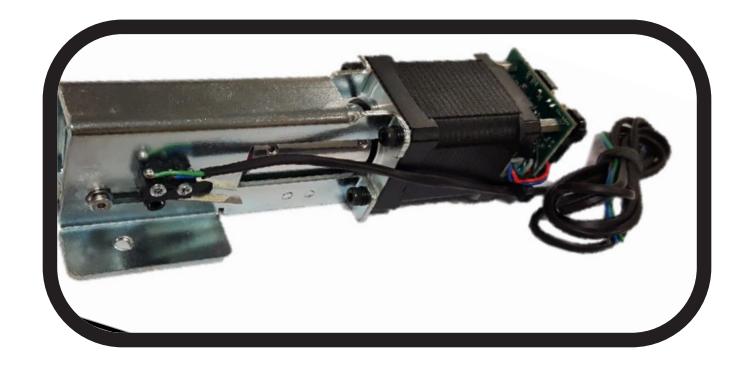
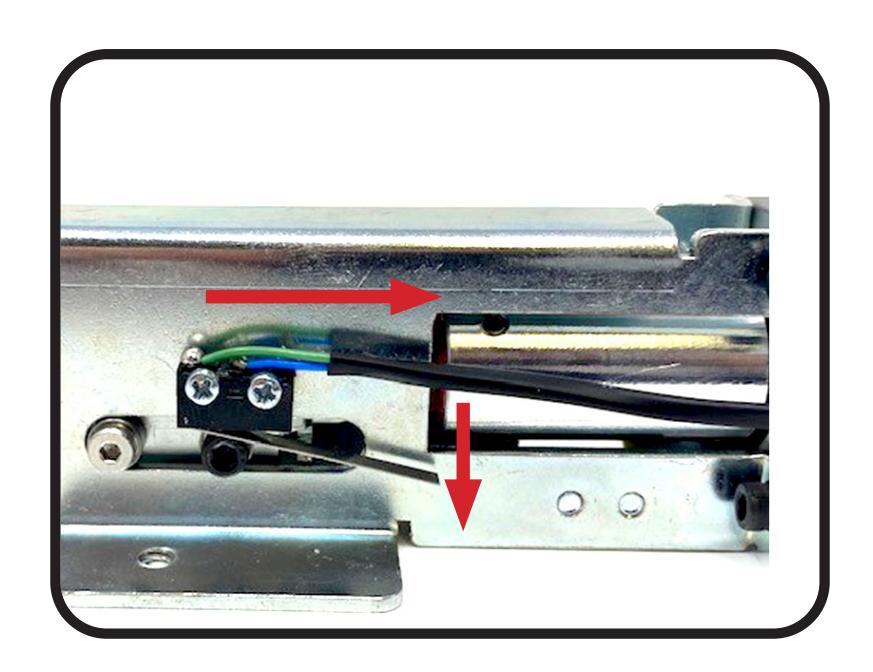
Using (2) Philips Screws and (2) Plastic Washers provided, mount Switch to Motor Assembly , Switch Arm should be facing down and rest on the Black Allen Screw, wires will run to rear of Motor . 2.
REX Installation Instructions

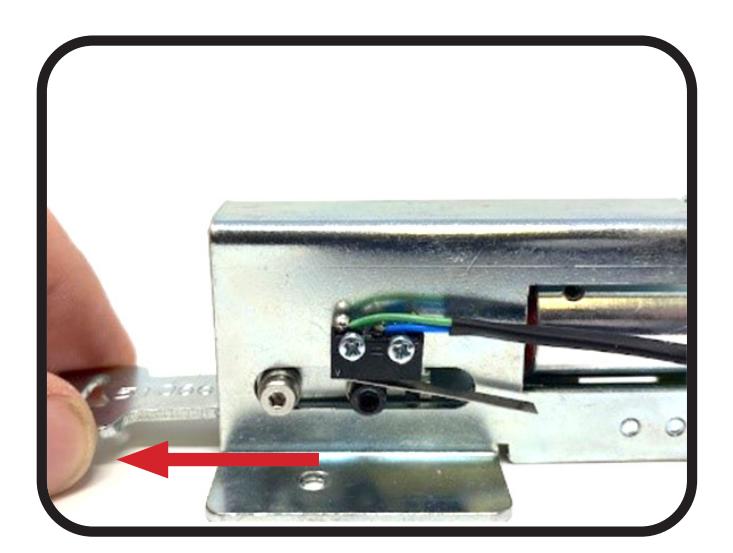
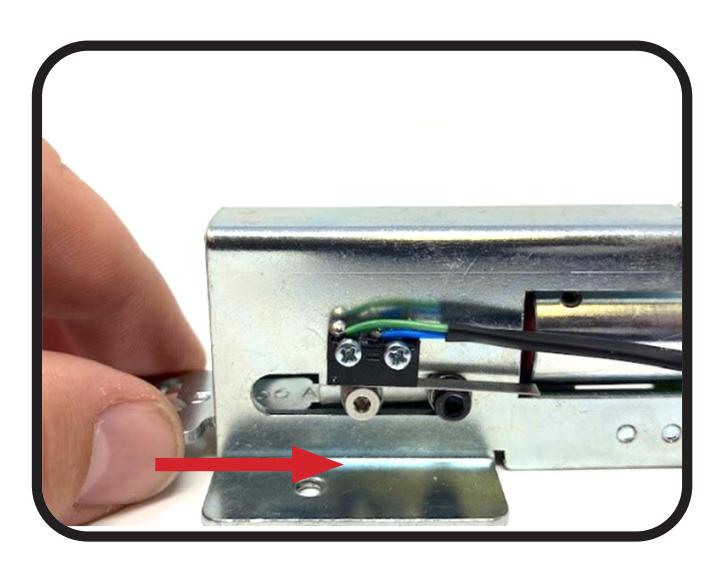
Ensure that Switch is triggering correctly by pulling and pushing on Retraction Arm . 3.
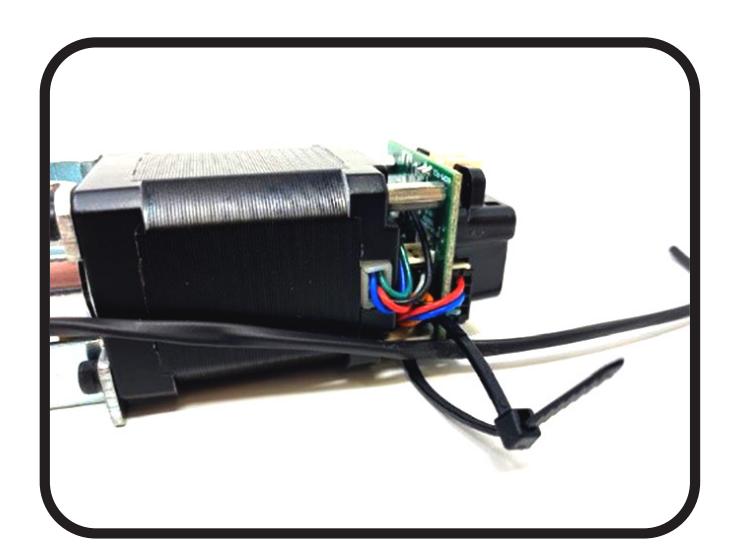
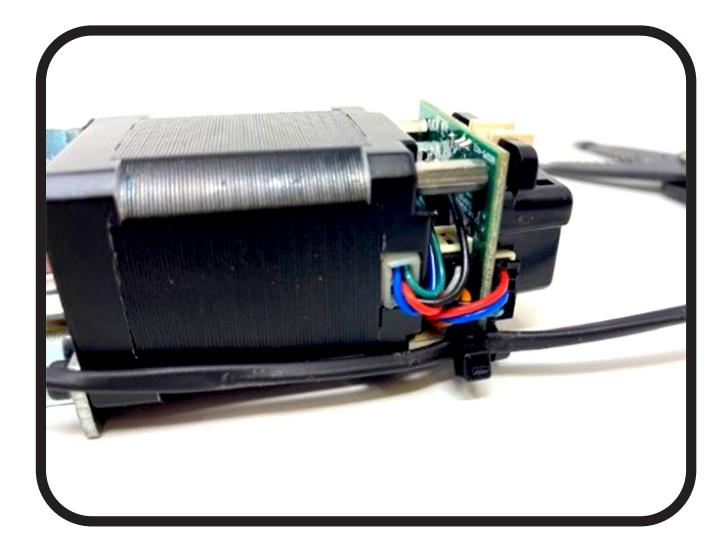
Run remaining wire towards rear of Motor using the Zip Tie provided, and connect wires to Motor Post . 4.