CV-7600 Reference Guide
Open the original PDF document
View PDF
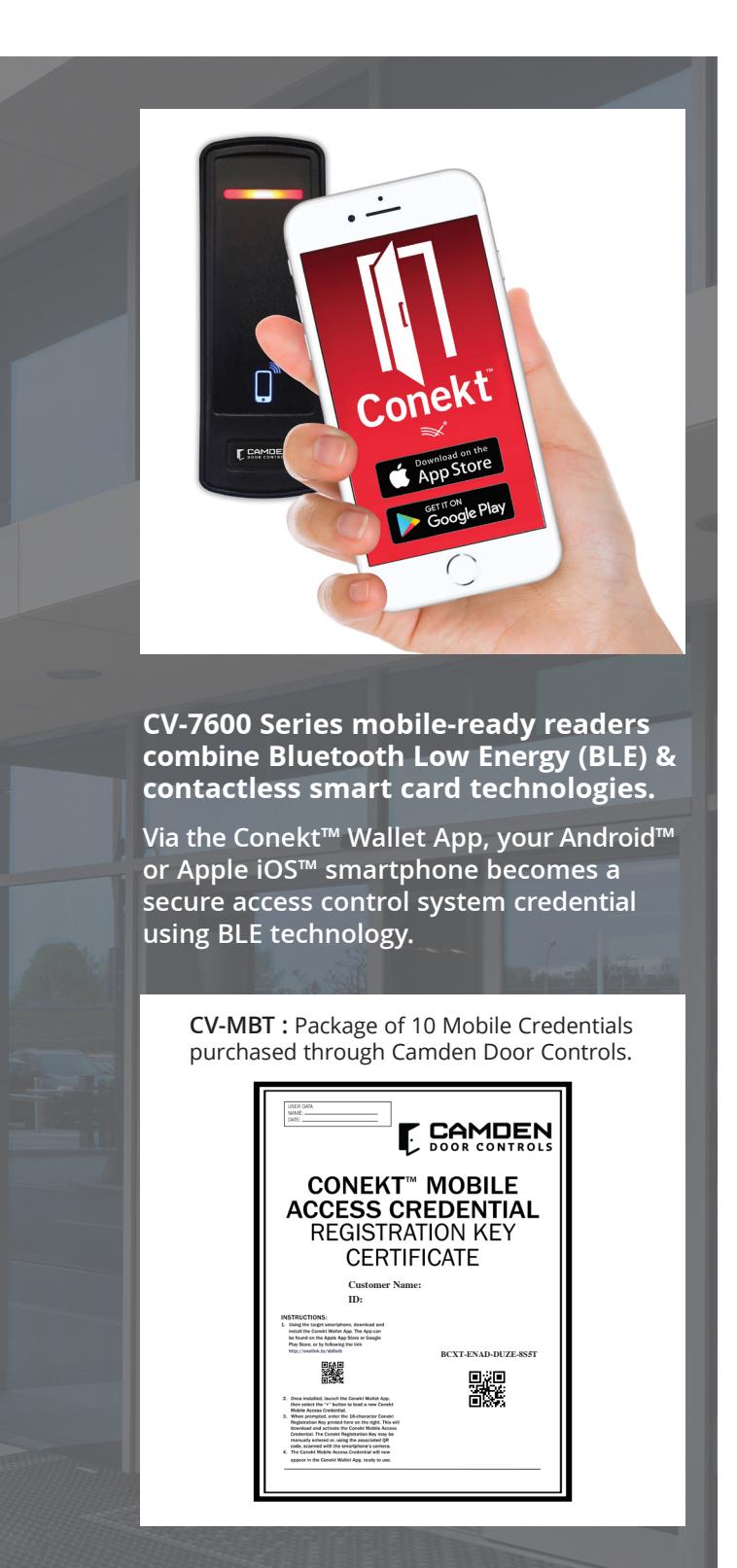
CV-7600 Series - BLE App & Credential Set-up
Installation
Prior to set-up, download the Conekt™ Wallet App via the Apple Store or Google Play.
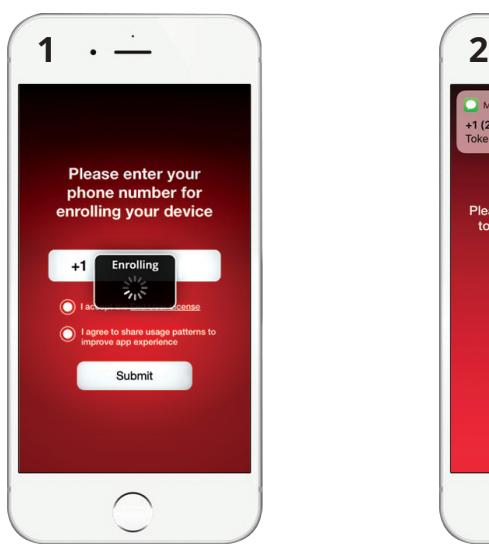
1. Open App and enter your mobile number.
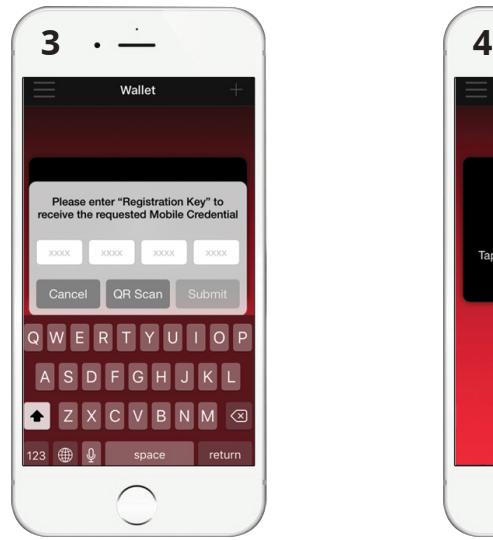
3. Enter your purchased Mobile Credential (CV-MBT)
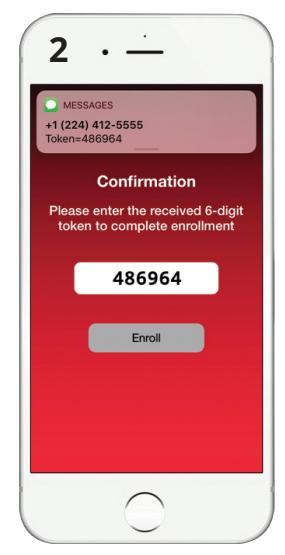
2. Enter token code sent via text message.
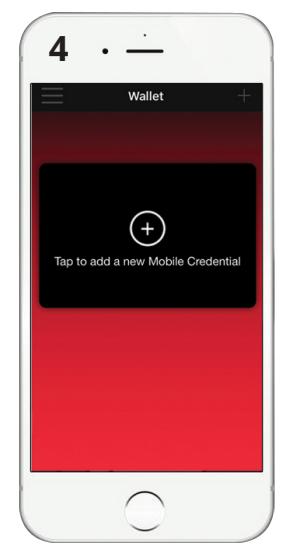
4. Optional: Add multiple credentials on the same device
After Installation
To enter an area, open app, select credential and place phone within read range of the card reader - varies by model. Once scanned, the door opens.