Arrow Lock & Door Hardware DB Deadbolt Revolution V2 Deadbolt Push Quick Start
Open the original PDF document
View PDFPush Button Deadbolt Quickstart Guide
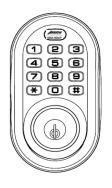
For Technical Assistance call Arrow: 1-800-839-3157
For more information go to: www.arrowlock.com
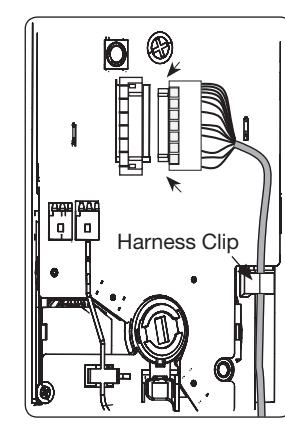
Detail B
Components Directions
Quick Start Instructions Installation Instructions
Door Marker
Outside Escutcheon
Inside Escutcheon Assembly:
- Inside Mounting Plate
- Inside Escutcheon
- Battery Cover
- 4 AA Alkaline Batteries
Bolt
Strike Plate
Screw Pack (7 screws)
2 Keys
Tools Needed
- Phillips #2 screwdriver
- 2-1/8" (54mm) hole saw
- 1" (26mm) boring bit
- 7/64" (2.5mm) drill bit
- Chisel & hammer
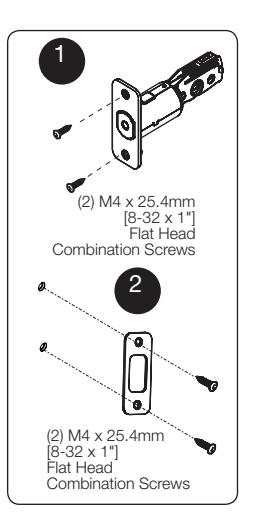
1. Install bolt in door.
NOTE: The bolt must be in a retracted position when installing the lockset.
Attach with two (2) M4 x 25.4mm screws sup plied.
- 2. Install strike on the door frame.
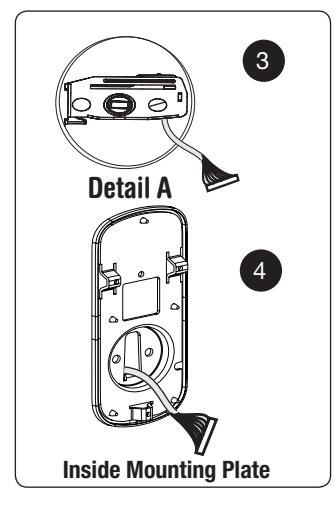
- 3. Route the cable through 2-1/8" diameter hole. NOTE: Cable must go under bolt and through. See Detail A.
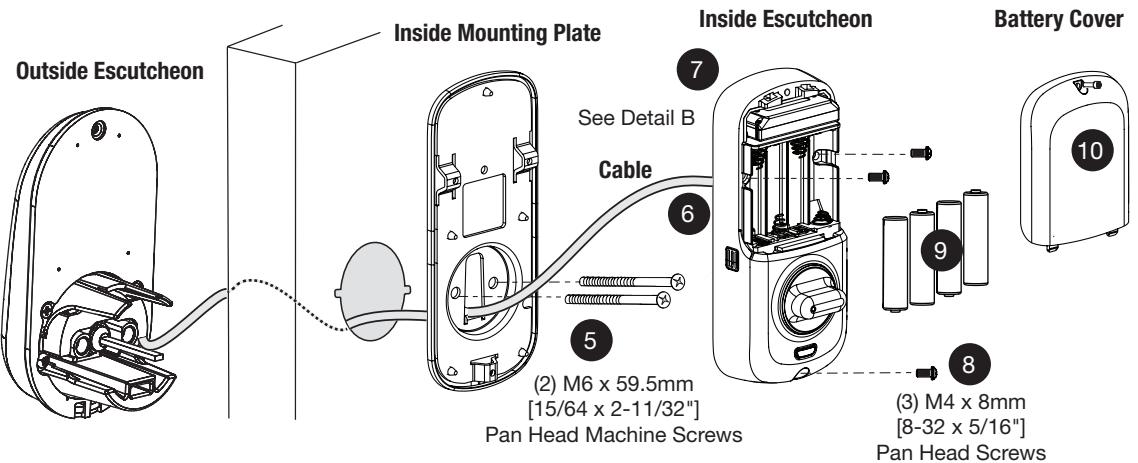
- 4. Insert outside escutcheon while routing cable through inside mounting plate's 1/2" hole; insert mounting plate "tongue" into bottom slot of out side escutcheon and tailpiece goes through bolt.
- 5. Secure inside mounting plate to outside assembly using (2) M6 x 59.5mm pan head machine screws. Do not over-tighten.
- 6. Attach cable assembly to the inside escutcheon printed circuit board (See Detail B above). Press with thumbs; seat firmly.
CAUTION :
Use care when assembling to ensure that the cable lies against the back recessed area of the inside escutcheon.
Position and bend the cable, using the harness clip as shown in Detail B to prevent binding when installing the escutcheon over the mounting plate.
- 7. Slide inside escutcheon over mounting plate.
- 8. Install and secure using (3) M6 x 9.5mm pan head machine screws through the battery housing into the mounting plate.
- 9. Insert four (4) AA alkaline batteries. The lock re sponds with a series of beeps and flashes.
Note: Refer to programming instructions prior to completion of step 10.
10. Install battery cover and tighten Phillips head screw.
P/N LT-503203 Rev A
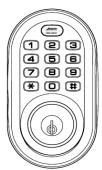
Programming
- 1. Enter the 4 8 digit Master PIN code* followed by the key.
- 2. Enter digit corresponding to the function to be performed followed by the key.
- 3. Press the key to complete the process and conclude the programming session.
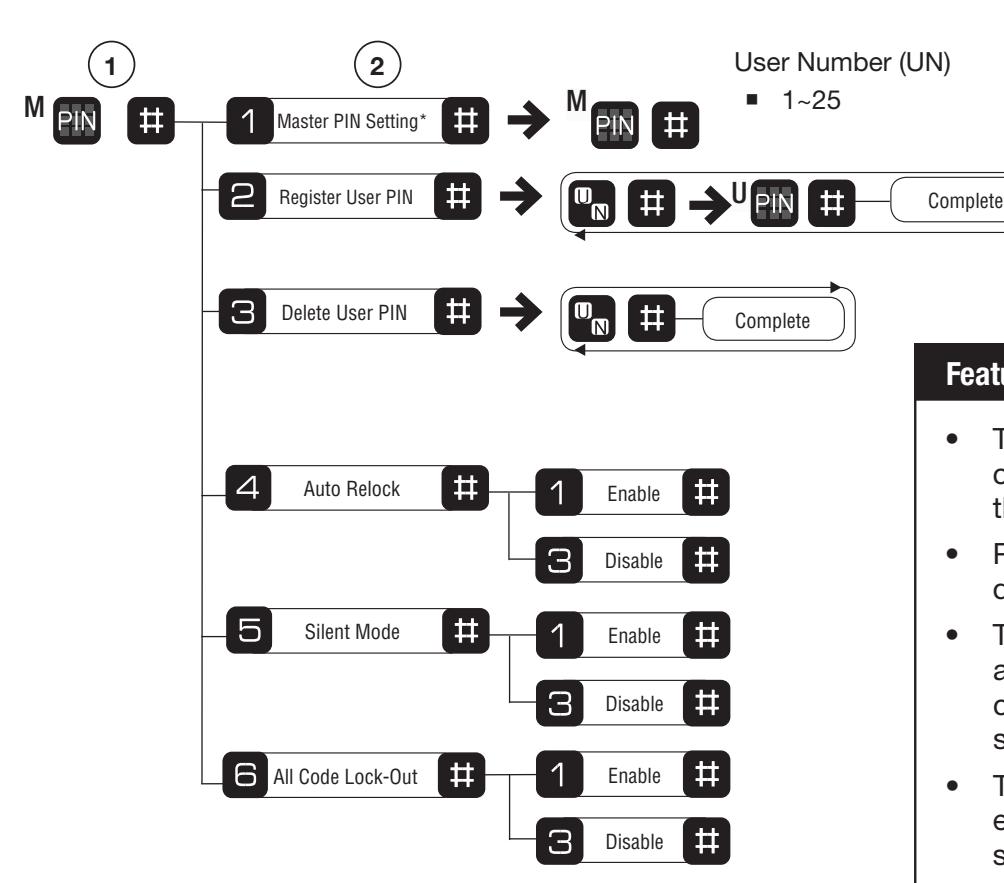
*Default Master Pin Code must be changed prior to any programming of lock.
Features
3
- The Master PIN code must be changed prior to programming the lock.
- PIN codes can be 4 to 8 digits in length.
- The key is used to enter or accept an entry, and also to conclude a programming session.
- The key is used either to enter or to continue additional steps in a programming sequence.
- The factory default Master PIN code is: 1 2 3 4 5 6 7 8.
For more information go to: www.arrowlock.com
Open Door With PIN Code
1. Enter PIN code.
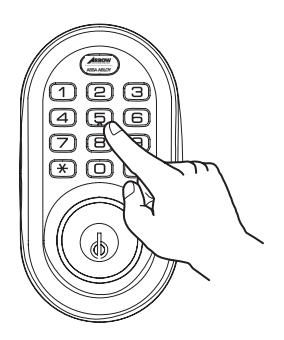
2. Touch the key to confirm the selection.
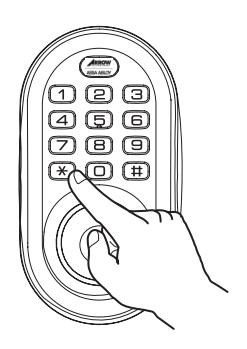
3. Unlock.
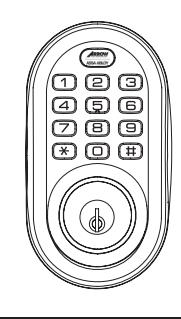
For Technical Assistance call Arrow: 1-800-839-3157