ASSA ABLOY ACCENTRA 535F Series Trim (Discontinued) Installation Instructions_80-8470-0535-000
Open the original PDF document
View PDF
Installation Instructions
OUTSIDE FACE
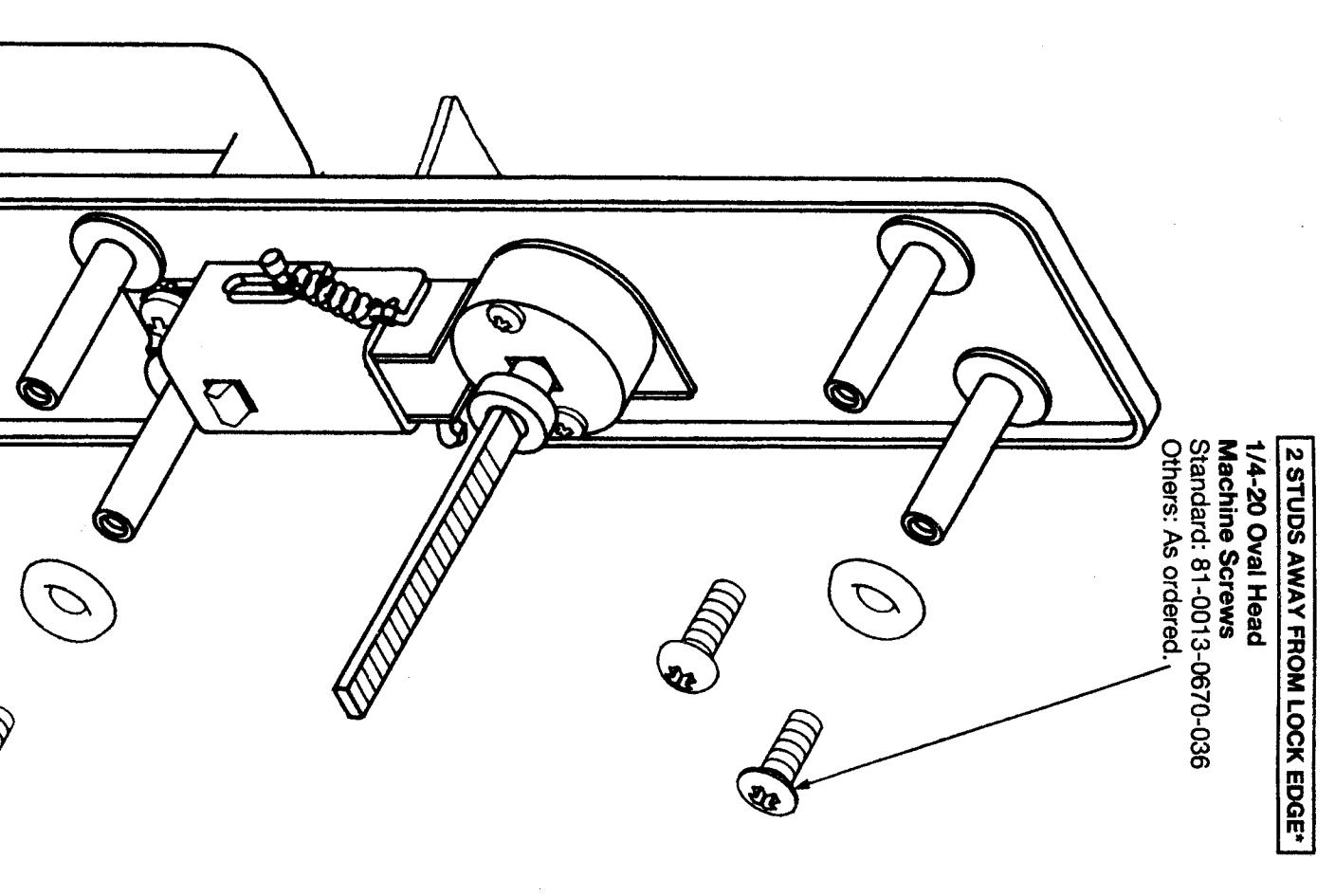
- Check box contents. See other side for components.
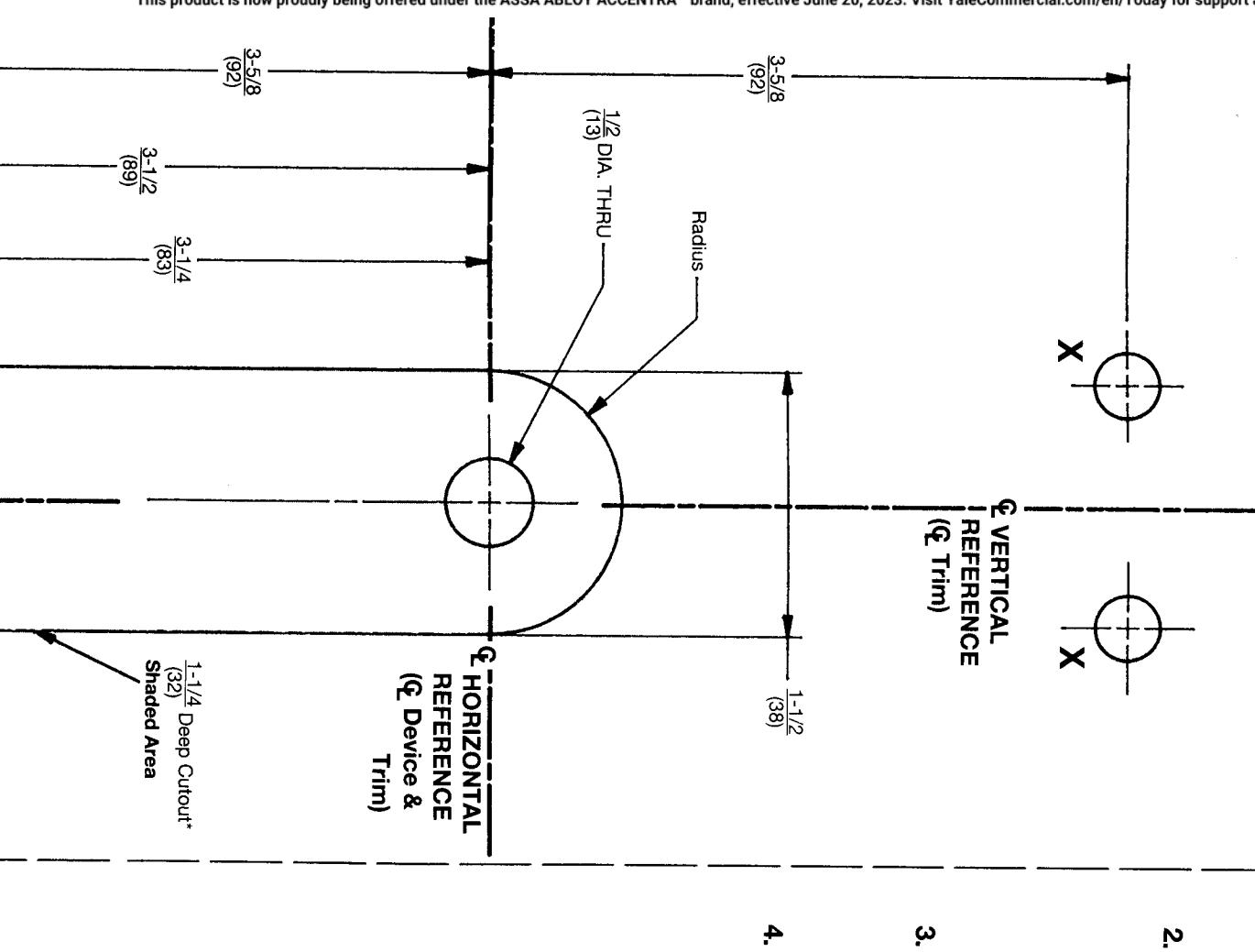
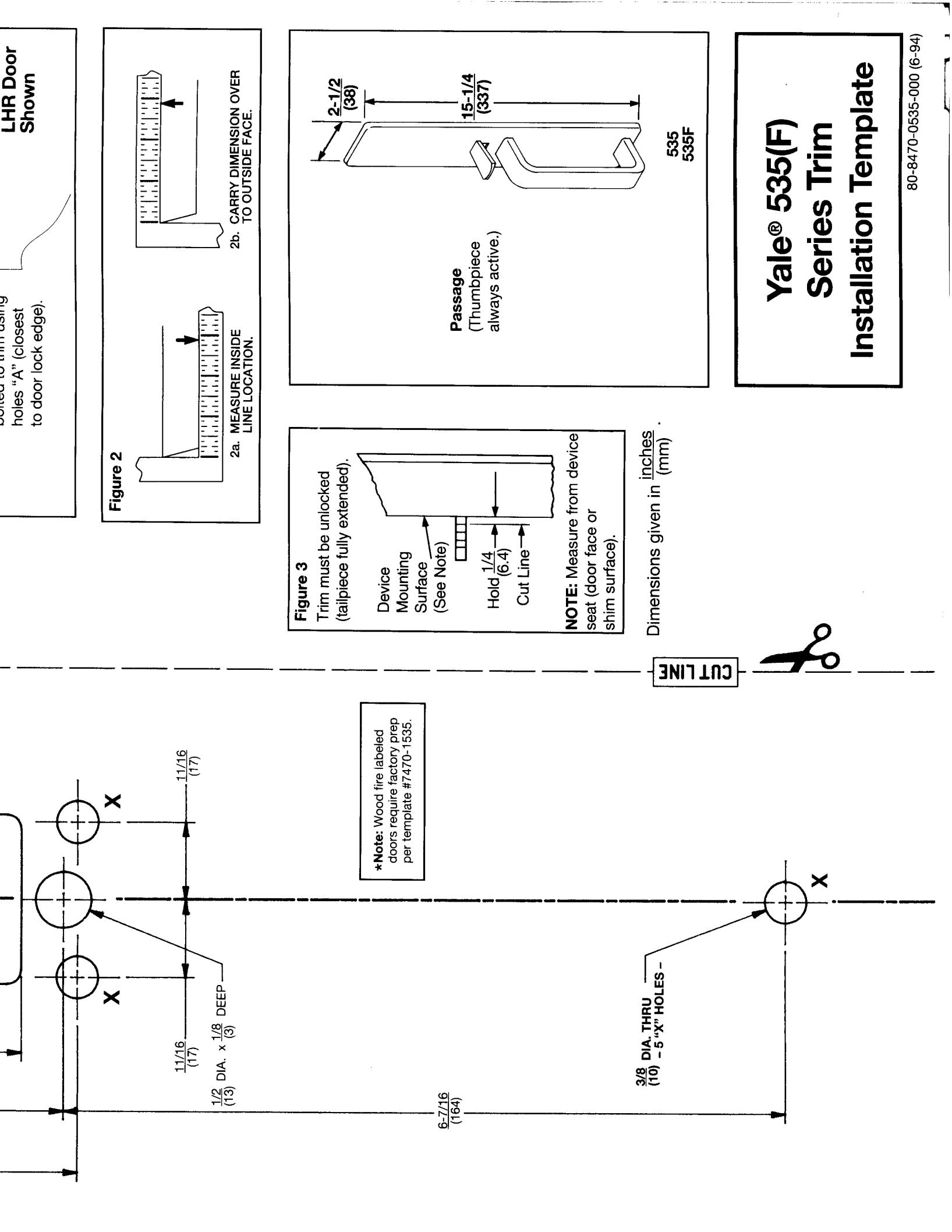
- After marking door inside face for device location (Device Instructions), carry "Vertical Reference Centerline" from inside door face. Follow steps 2a. and 2b. in Figure 2, below.
- Carry "Horizontal Reference Centerline" from inside to outside door face.
ထ
4. Align trim template and tape to door outside face. CAUTION: Office copiers and facsimile machines may change the size of a drawing and make the template inaccurate to use as a door marker. If this is not the original template packed with the trim, use only the dimensions written on the template to locate the holes on the door (do not use the template as a door marker).
- 5. Spot holes and prepare door for trim
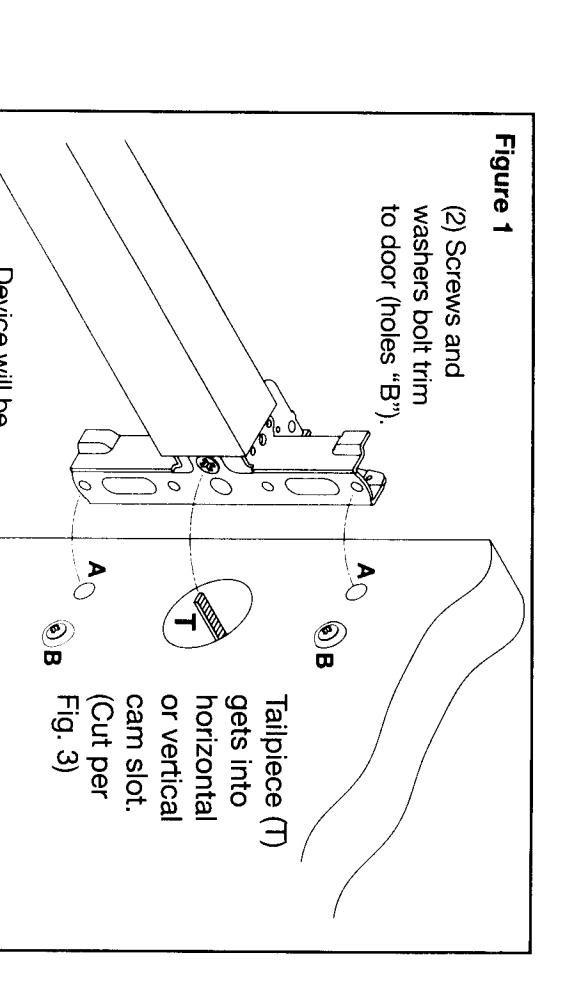
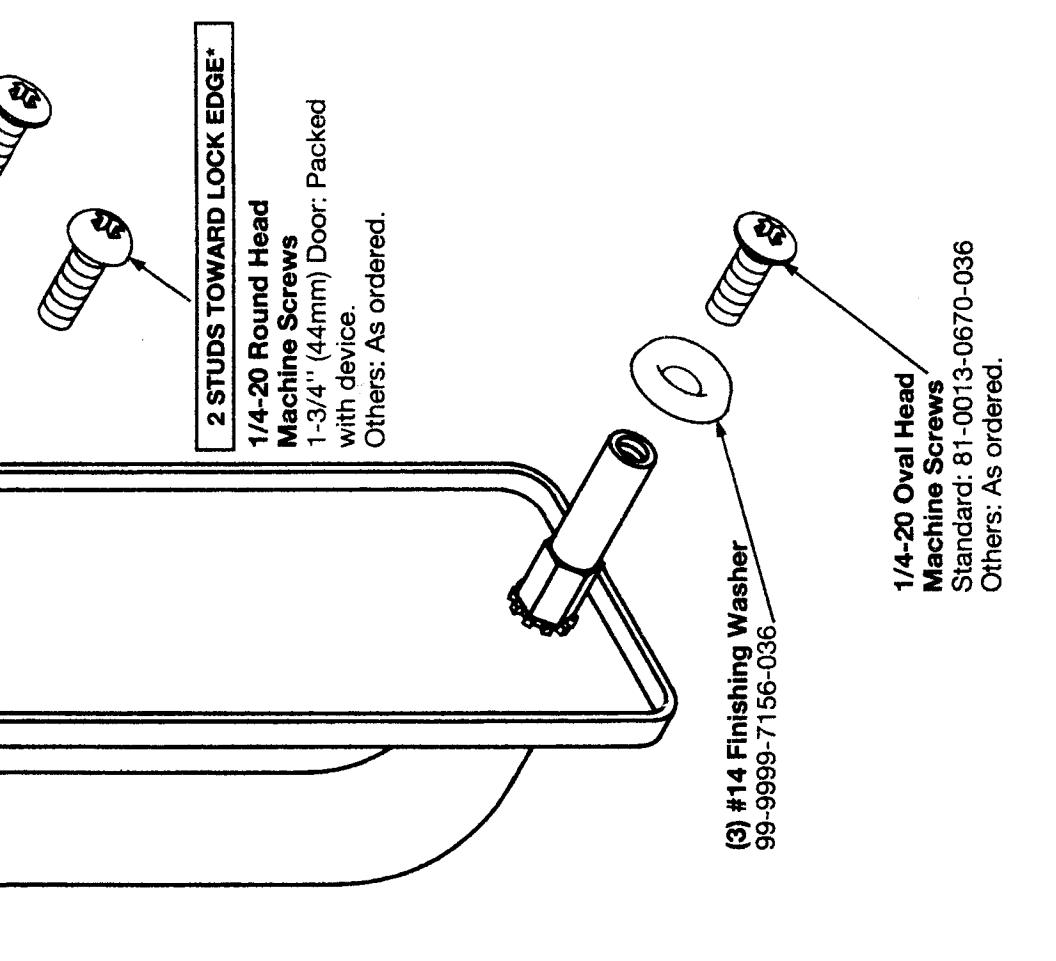
- Mount trim to door. Fasten finger tight only with 2 screws and washers seating on door, as shown in Figure 1, plus one engaged to pull bottom stud.
- 7. Cut trim tailpiece as shown in Figure 3.
- Seat device so that trim tailpiece penetrates cam slot, as shown in Figure 1. Continue as shown in device instructions.
*Shown for LHR door.